10 surprisingly practical Raspberry Pi projects anybody can do


Summary created by Smart Answers AI
In summary:
- PCWorld presents 10 hands-on Raspberry Pi projects that turn the versatile minicomputer into useful home devices like smart TVs, music players, and budget-friendly PCs.
- These beginner-friendly projects include creating network storage systems, Wi-Fi range extenders, and home theater PCs, some compatible with the affordable Raspberry Pi Zero.
- The Raspberry Pi 4 and 5 models offer significant performance improvements for tasks like web browsing and media streaming, although rising component costs are leading to higher device prices.
The Raspberry Pi single-board computer and all its variants have captured the imagination of budding DIYers and hobbyists. With the latest model, the Raspberry Pi 5, the mini-PC is more capable than ever, with an improved quad-core 2.4GHz system-on-chip (SoC) that is up to three times faster than previous models.
Much of the media coverage you’ll see around the web focuses on the most fantastical projects: magic mirrors, portable gaming handhelds, smart drones, etc. These designer masterpieces certainly show what kind of power the sub-$100 mini-PC is capable of in the hands of someone with a little imagination and a trash can full of aftermarket electronics.
But most people, especially beginners, won’t use the Raspberry Pi to make crazy creations. There are almost endless practical uses for this simple kit, from streaming media to extending the range of your Wi-Fi network, as the following 10 projects demonstrate. It’s time to put this little computer to work. Hell, many of these projects will even work with the $10 Raspberry Pi Zero – something to remember with the rising prices of modern RPis due to lack of RAM.
Further reading: I built a maxed out Raspberry 5 PC with an SSD for less than $200. You can also
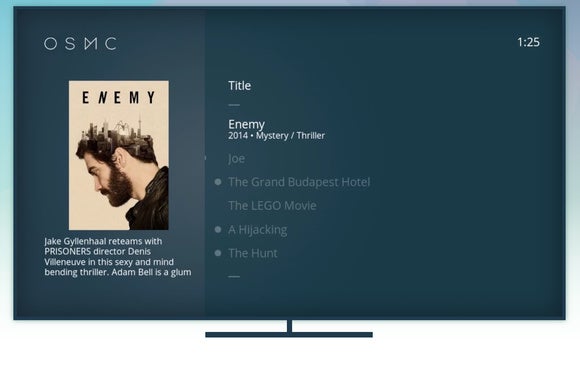
The original $35 Raspberry Pi may have been revolutionary for manufacturers, but it also took off with PC enthusiasts thanks to its ability to act as an inexpensive home theater PC. That appeal may have waned a bit in recent years as dedicated devices like the Chromecast have hit the streets at similarly low prices, but using a Raspberry Pi as a streaming media box still offers a lot more power than those streaming-centric sticks, especially if you have a sizable local media collection.
There are a multitude of HTPC-centric Raspberry Pi operating systems, each revolving around delivering your HD videos to the big screen. OSMC is built around the popular Kodi Media Center (formerly XBMC) software, while RasPlex turns your Pi into the ultimate Plex streaming box. The Raspberry Pi TV Hat accessory, at $21, can give your mini-PC the ability to play live TV signals.
Give stupid intelligence to television

Likewise, if you have a dumb TV that you want to add web browsing and other basic computing capabilities to, the Raspberry Pi does the trick without costing as much as a real home theater PC. However, you’ll want to use a Raspberry Pi 2, 3, or 4: both the original Pi and the Raspberry Pi Zero are just small enough to be frustrating for general tasks. With the right case, the Pi can also look quite stylish in your home theater.
Bonus: If you connect the Raspberry Pi to your TV, you can also use it to stream web videos!
File Storage Server
You can also have your Raspberry Pi act as a wingman for other devices in your home, serving as a centralized device that performs useful tasks.
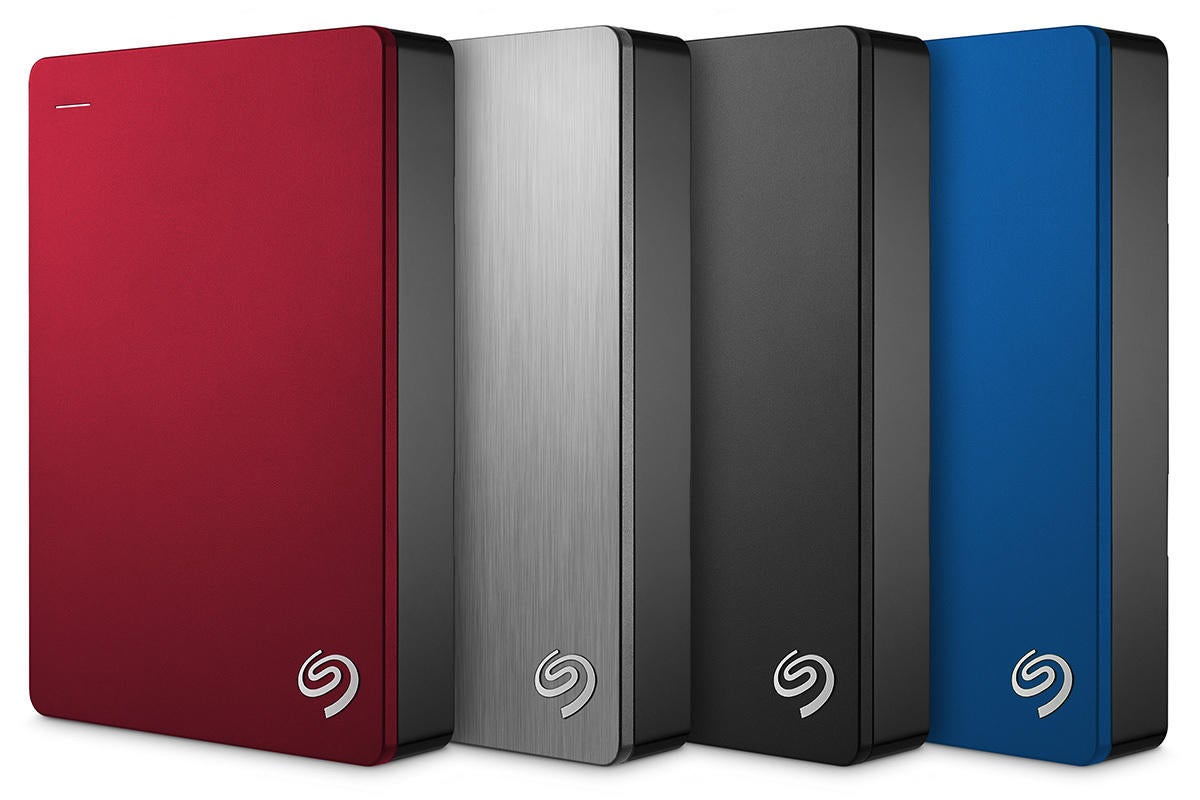
Case in point: You can use the mini-PC as a cheap NAS enclosure for general file storage if you connect an external USB hard drive to the machine. Click these links for more technical details and a tip if you’re considering converting the computer into a file server: use a wired Ethernet connection rather than Wi-Fi if you can. Also make sure you get a solid external drive!
Wireless network printer
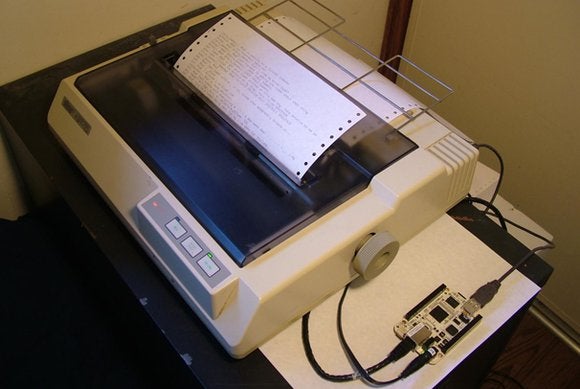
Printing isn’t as prevalent as it once was, but the Raspberry Pi can help you turn that old USB printer in your closet into a networked printer that every device in your home can use.
You’ll obviously need a power source for each gadget, as well as a USB connection between devices, but setting it up is pretty simple. This MakeUseOf tutorial walks you through the process step by step.
Extend your home’s Wi-Fi network

Raspberry Pi doesn’t create the home networks you use, but it can create the home networks you use better if you configure the mini-PC as a wireless range extender, leveraging the device’s Ethernet and USB ports. This can help your Wi-Fi signal reach the farthest corners of your home and eliminate dead zones.
Setting up the device to boost your home network will take a little time and you’ll need to purchase a USB Wi-Fi adapter to do it, but again, it’s relatively simple with a guide. Check out Adafruit’s easy-to-use tutorial.
Old school gaming emulator
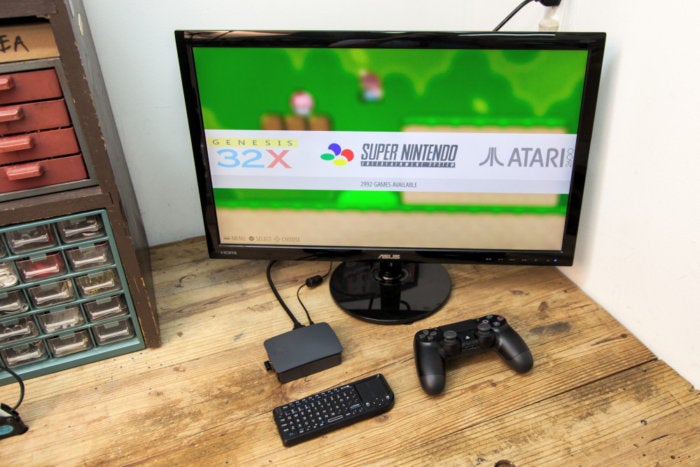
Gaming emulators are a legal gray area, but there’s no doubt that using the Raspberry Pi as a console emulator is a popular use for the machines. It can play games on a wide variety of consoles up to the PlayStation 1 era if you can obtain legal gaming ROMs, although the older the emulated system, the better the performance.
Curious? Check out PCWorld’s complete guide to turning your Raspberry Pi into a retro gaming console for a complete overview.
A music streaming machine
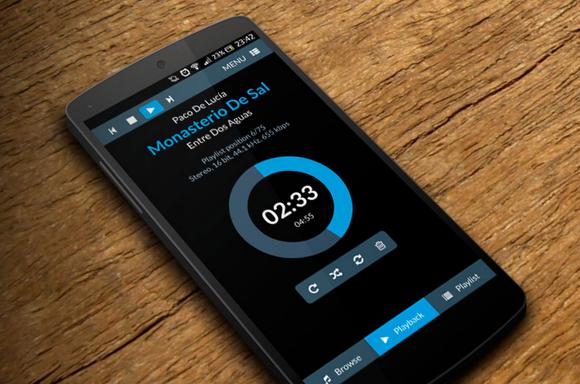
The Raspberry Pi’s multimedia capabilities aren’t limited to video streaming alone. Many operating systems have also been released that turn the device into a high-fidelity music player when connected to a speaker, much like a more powerful and flexible version of Chromecast Audio.
The different music-oriented operating systems available offer different features; Browse the FAQs and features of each to see which suits your needs. Here are tutorials on how your Raspberry Pi turns stupid speakers into smart music solutions with Volumio and Rune Audio (pictured), both of which offer mobile apps that let you control your music with your phone.
Learn programming
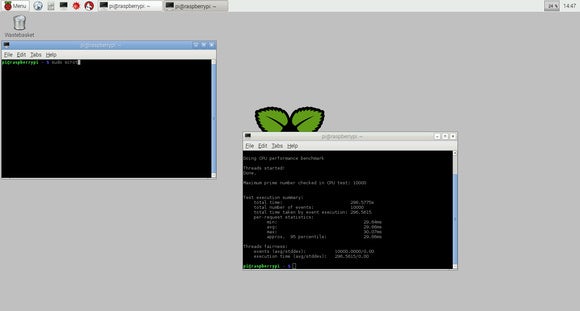
You can also still use the Raspberry Pi as it was originally intended: as a low-cost introduction to programming and computing. The mini-PC contains all sorts of software that encourages in-depth tinkering.
Beyond the command-line terminal you’ll need to access often, you’ll also find versions of Wolfram Mathematica, Python program creation tools, and Scratch, an animation coding IDE for kids, in the Raspbian operating system that the Raspberry Pi Foundation encourages new users to install. Be smart!
Play Minecraft
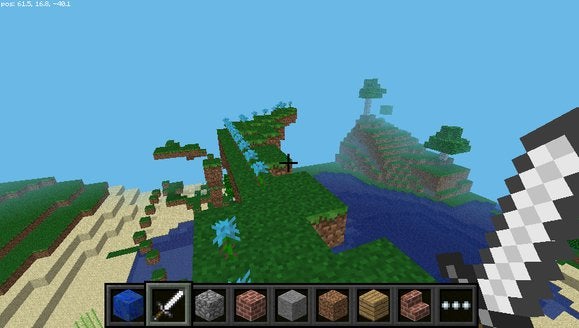
Or you could play Minecraft. There is a free Raspberry Pi version of Minecraft which anyone can download for free. Best of all, it’s designed to teach you how to use the Python programming language as you build the world. (Hey, Satya Nadella, CEO of Microsoft did say part of the reason the company bought Mojang was to attract kids to computing.)
Download Minecraft: Pi Edition and jump in.
Affordable productivity PC
With 2GB, 4GB, and now 8GB model options, the Raspberry Pi 4 and 5 are more capable than previous RPi iterations, making them suitable for basic everyday tasks like browsing the web, watching video streams, and editing documents. Setting up a computer as a PC is also quick, with most of the setup time spent waiting for the operating system installation to finish.
As a starter or secondary computer, it’s hard to beat, especially considering its $100 build cost (or even less, if you opt for the 2GB version and not the 4GB version). Check out PCWorld’s complete guide for how to build a $100 Raspberry Pi PC for everything you’ll need.
Crazy and awesome experiences
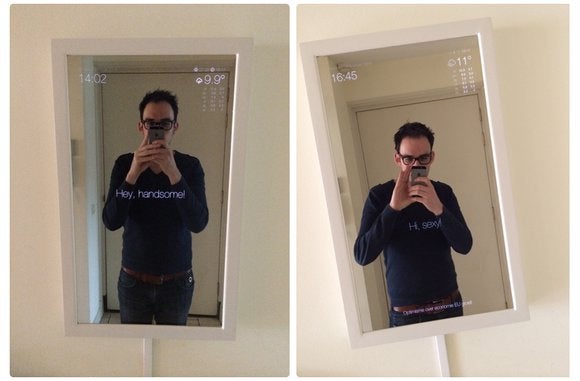
Let’s finish where we started. Once you understand the potential of the Raspberry Pi, why not try your hand at one of these impressive inventive projects? PCWorld’s look at 10 incredibly innovative and incredibly cool Raspberry Pi creations can help inspire you, while project guides on Instructables, Hackaday, and the Raspberry Pi Foundation website itself are ready to take you step-by-step through the Really awesome stuff like the magic mirror above.
Also check out our roundup of the best Raspberry Pi kits. Whether you’re a beginner just wanting to pick up all the basics in one purchase, or an experienced DIYer looking to build a specialty project, a kit could be the solution.
Editor’s Note: This article is updated periodically to include new information, most recently to resurface these projects for Pi Day (March 14, 2025) and note rising prices due to RAM shortages.