30 fake AI Chrome extensions caught stealing passwords and more


Security experts have discovered a number of dangerous extensions for the Chrome browser. In total, 30 extensions belonging to the AiFrame campaign have been identified as dangerous, appearing to offer AI services but actually designed to intercept sensitive information.
To date, the extensions have been installed by over 260,000 users through the official Chrome Web Store. Sometimes they were even among the recommended extensions because the creators were able to bypass important security measures.
Security researchers at LayerX Security explain how the extensions work in their analysis. They use server-side interfaces built into the code and function as privileged proxies. This gives them extensive permissions, such as scanning and copying content (including sensitive details like passwords and banking information) from active browser tabs and sending it to the extension’s operators.
Which browser extensions are dangerous?
The 30 browser extensions, which all work with the same code base, primarily attract users with well-known AI model names (like ChatGPT or Gemini), but do not actually work with these official platforms. Sometimes incorrect spellings are used (like “ChatGBT”). Additionally, generic names like “AI Assistant” or “AI Translator” appear in the list.
The following browser extensions were installed the most:
- AI Assistant: 50,000 installations
- Gemini AI sidebar: 80,000 installations
- AI sidebar: 50,000 installations
- ChatGPT Translate: 30,000 installations
- GPT AI: 20,000 installations
- ChatGPT sidebar: 10,000 installations
Apparently, attackers use placeholder extensions that have already been removed from the store, reinstalling them with new names and modified code to bypass Google’s security mechanisms.
According to the researchers, they investigated one of the malicious extensions last year, which was removed from the store after their investigation, only to reappear in the store about two weeks later with a new name and changed ID.
How to protect yourself
The common advice still applies here: only install extensions from official and trusted stores, but that is not enough in this case. You still remain vulnerable to sophisticated campaigns that hijack legitimate pages and bypass important security controls. After all, these extensions were in the official Chrome Web Store and have reappeared there several times.
So the next security tip is to always be vigilant and watch for signs of scams and malware. These include incorrect spelling or descriptions, as well as broad permission requests from an extension that doesn’t really need everything it’s asking for.
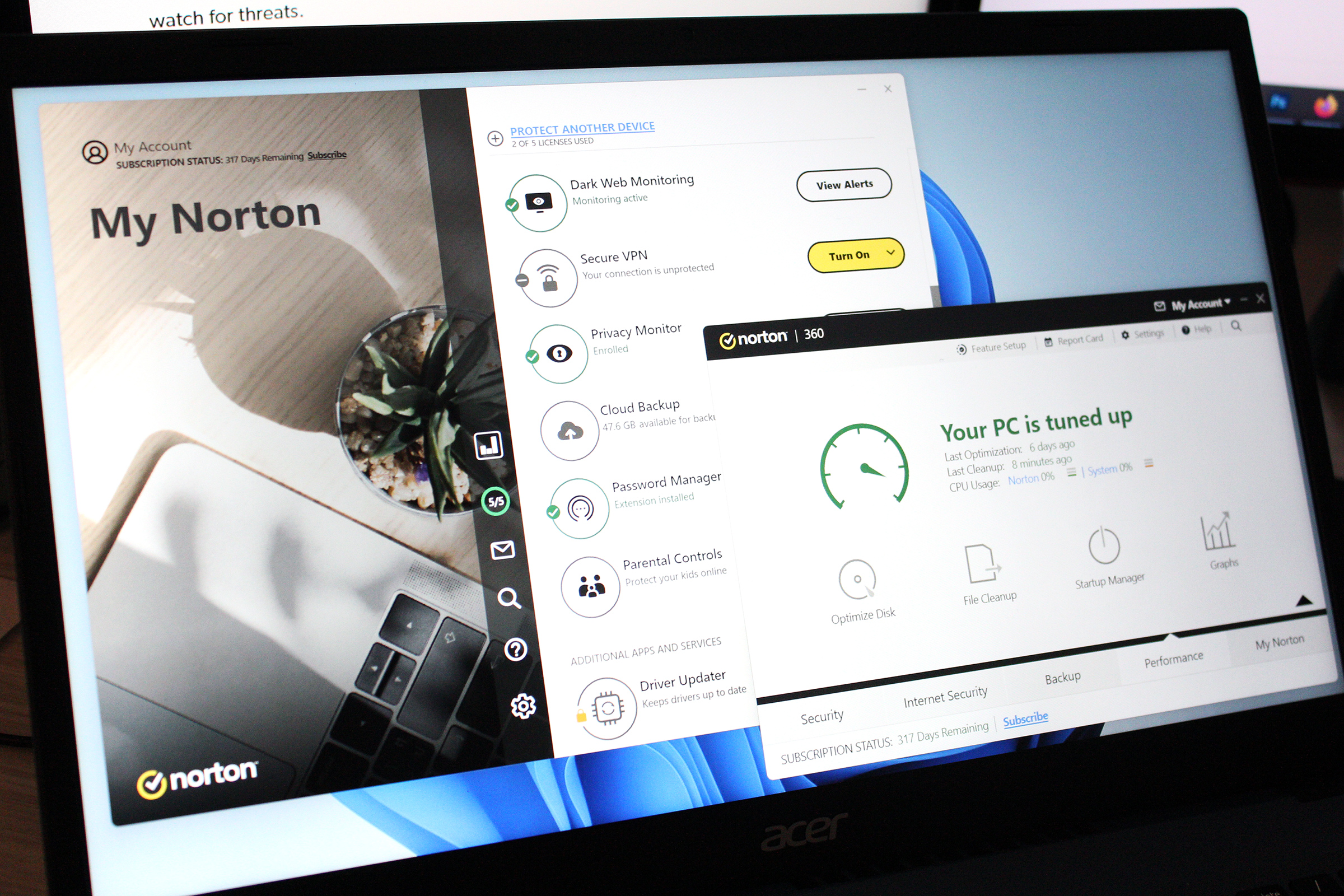
If you want to use artificial intelligence in your browser, use only official applications from OpenAI, Google and others. Also, make sure to protect your system with reputable antivirus software.


:max_bytes(150000):strip_icc()/Health-Steady-State-Cardio-vs-HIIT-fdea762cfee844a5a598953a3a26eb81.png?w=390&resize=390,220&ssl=1 "Which Is Better for Fat Loss and Boosting Fitness?")