35 gorgeous new Windows PC themes appear in the Microsoft Store


According to Microsoft, more than 35 new themes for Windows 10 and Windows 11 are available in the Microsoft Store. This means that a total of over 400 themes are now available for Windows users to personalize their computers. Microsoft now brings all these themes together in a new section of the Microsoft Store app.
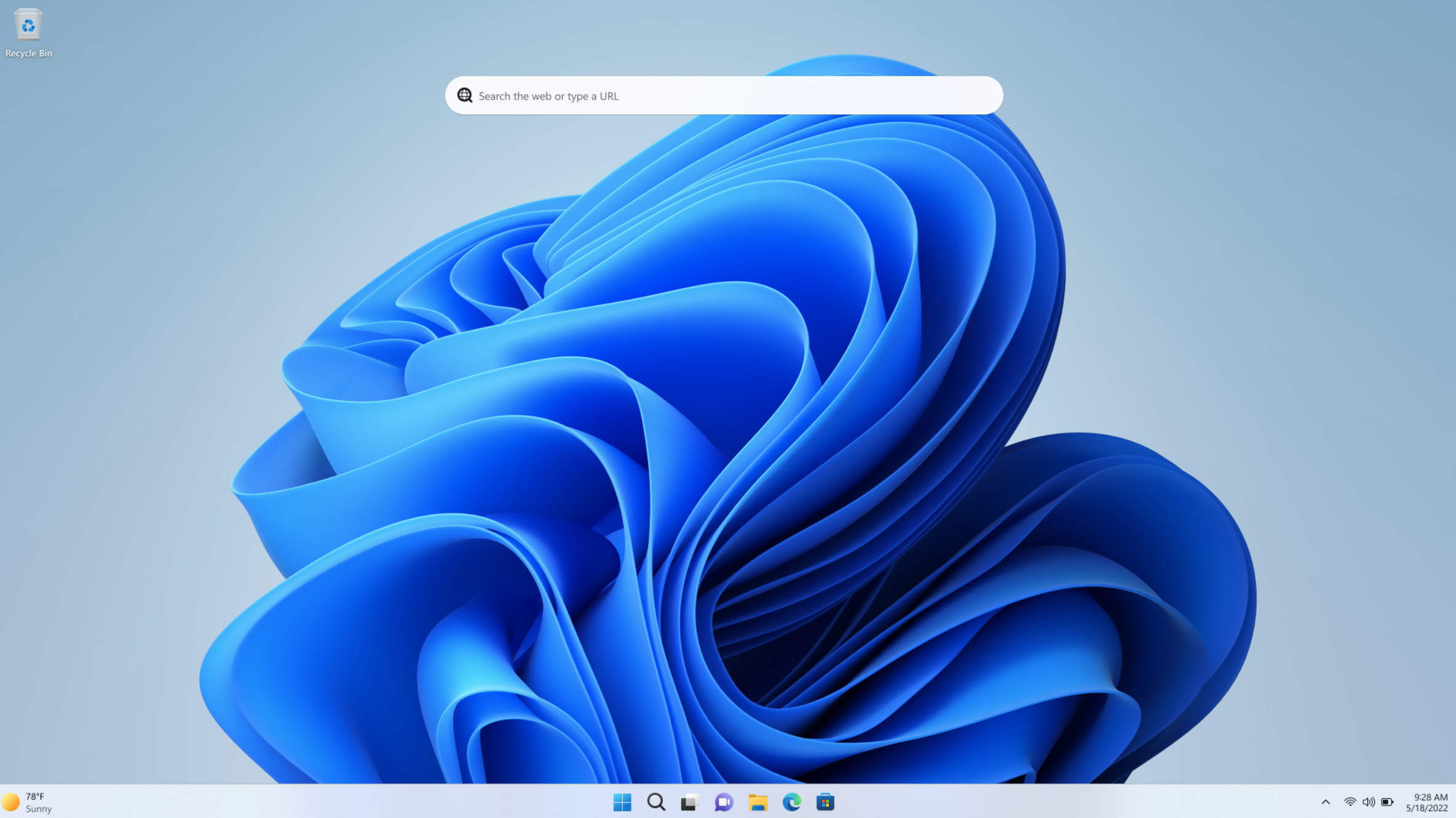
Microsoft writes: “We’re starting to roll out a new Themes section in the Microsoft Store on Windows, where visitors can quickly find curated and trending themes to personalize their Windows devices with just one click. Many of you tell us you want your PC to feel like your own.”
Each theme includes multiple wallpapers and color schemes. So you’re not just changing the wallpaper, you’re changing other aspects of the Windows experience.
Some examples of the new themes (Microsoft description):
- Official Sea of Thieves Theme: Bring the ultimate pirate adventure game to your desktop with the official theme Sea of Thieves theme. Includes 7 high-resolution wallpapers depicting the vast open world of Sea of Thieves. Become a pirate today.
- National Parks of the World: Visit spectacular national parks around the world. Travel to India, New Zealand, Canada, Chile and many other countries with this free 18-piece theme bundle for Windows 10 (the main image in our story is from this pack, editor’s note)
- Ethereal Escapes: Bring peace to your workday with Picsart’s “Ethereal Escapes” theme. This set includes five stunning nature-inspired wallpapers featuring soft landscapes and misty horizons.
- Geometric tales: Playful shapes and gentle color gradients come together in a world of vibrant geometry – where spheres, blocks and ribbons create scenes full of curiosity and charm. A free theme with four joyful, imaginative and playful images.
Microsoft introduces other new themes in this blog post. You can find even more Microsoft themes here.
You can select and configure themes in Windows Settings. Microsoft is gradually rolling out the new themes to all users, along with the new Themes section of the Microsoft Store app. This new area may not be available for your Windows PC yet.
Important: Images may only be used as desktop backgrounds.
If you would like to suggest your own artwork as a theme to Microsoft, you can do so using this form.