I hate Windows 11 a little less thanks to this tiny free app


I like Windows 11 a lot less than Windows 10 – and that was before it started endlessly advertising to me and filling every nook and cranny of the experience with “AI” that I neither wanted nor asked for. But one of the longest-running annoyances is that it still requires me to use Microsoft’s Edge browser and Bing search for everything, including searches done in the Start Menu’s otherwise handy search.
I’ve already tried various remedies to fix this thorn in the side of my PC experience, but Microsoft has patched and updated Windows often enough that they all stop working. I finally gave up and decided to let the Start menu be hampered by Microsoft’s overenthusiastic branding, even though I would much prefer to use the tools I had chosen for myself (Vivaldi as a browser and DuckDuckGo as a search engine).
Such things are sent to test us. By Microsoft, more precisely. Which shouldn’t interfere with how individual users want to use the operating systems we’ve paid for. I’m not bitter, no, why do you ask?
But a recent Windows laptop purchase – this one, actually, yes, sometimes we jump at our own deals too! – brought these inconveniences to the forefront. I watched the Windows 11 setup process for 40 minutes, prompted at every step to pay Microsoft more money for 365 or Copilot or OneDrive, so I decided it was once again time to see if I could drag the Start menu away from Redmond’s panoptic clutches.
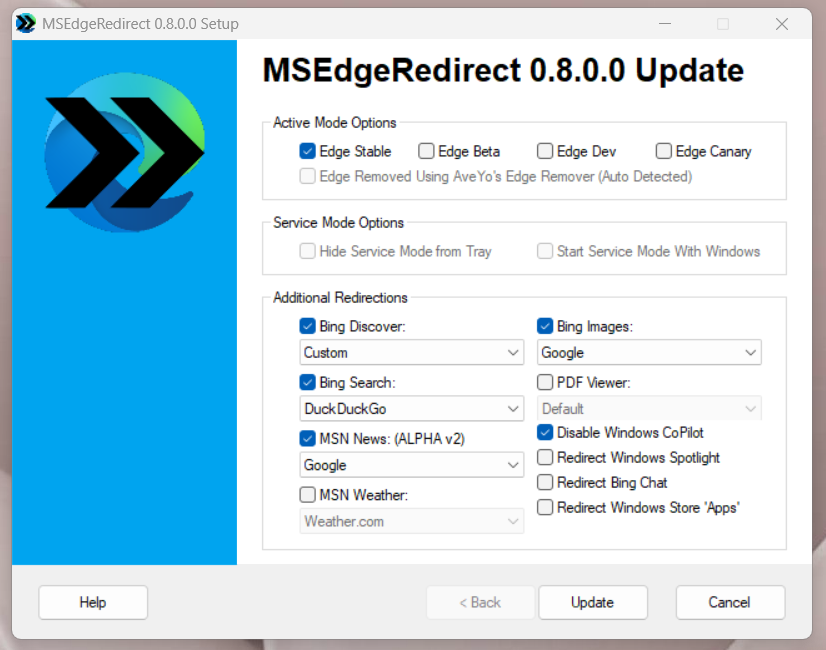
A little Googling DuckDuckGoing led me to MSEdgeRedirect, which does what it says on the tin. This little tool redirects web searches from the Windows 11 Start search bar to your browser of choice, using all major search engines. You know, the way it should have worked all along.
It’s a neat little package, requiring only a standard installation, with no programs running constantly in the background. Besides redirecting the web part of the search to your real default browser, it can also handle most of the widgets that appear in the taskbar. Weather, news, images: If you use them, you can redirect them to your preferred browser and an alternative service (such as Accuweather).
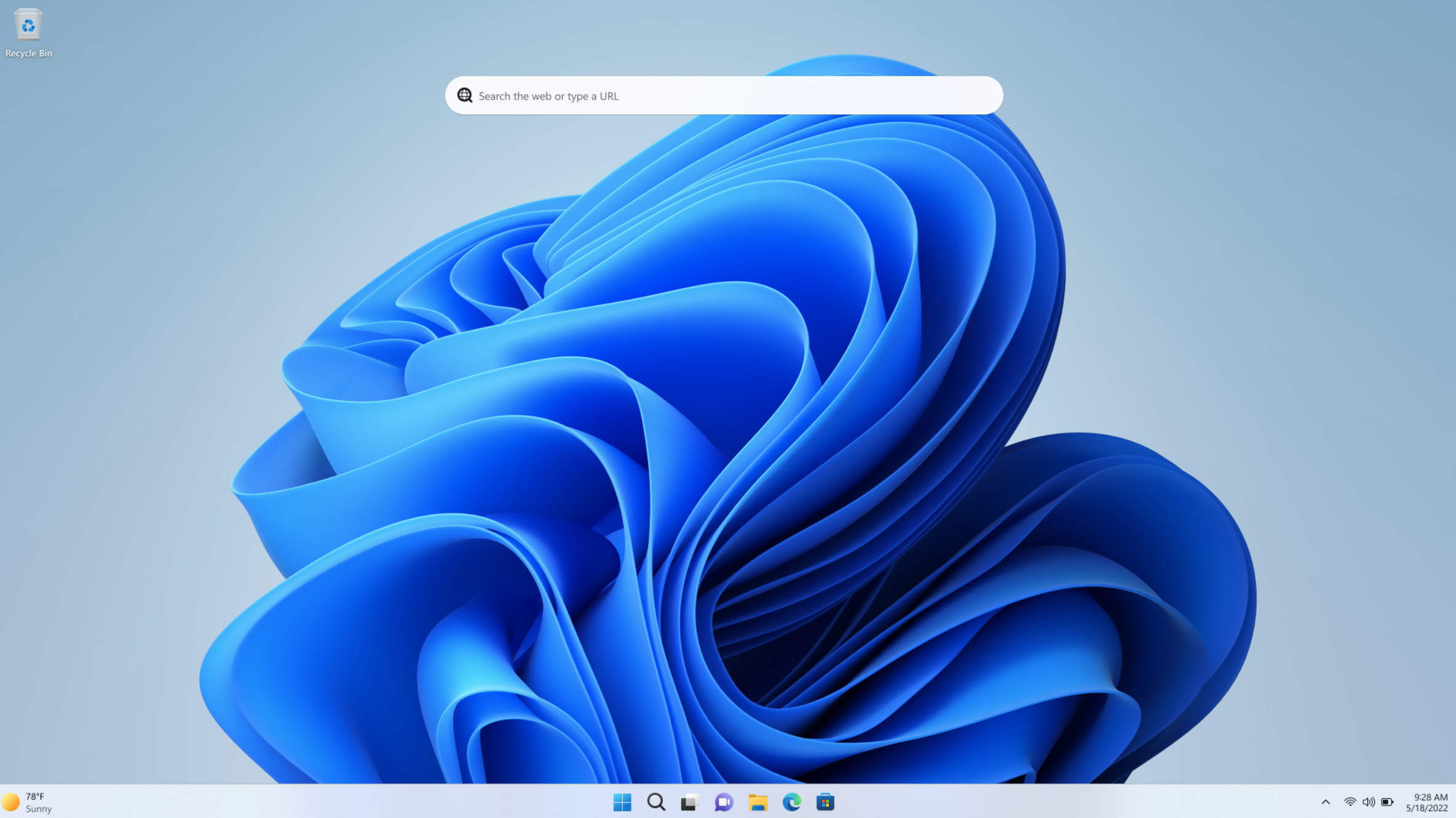
MSEdgeRedirect still works as of October 2025, on my home-built desktop and my Snapdragon laptop. I cannot guarantee that it will continue to work for a while. It’s a giveaway on GitHub, and Microsoft has already updated Windows to use these types of tools, which I consider a selfish betrayal of customers like me. Customers that Microsoft might want to be a little less cavalier about pissing off these days.
But for now, it’s working. I hope this makes Windows 11 a little less annoying for you too, especially if you’ve recently been forced to upgrade to a new machine or operating system.
Further reading: I finally decided to reset my Windows PC. Here are 6 signs you should too


