4 open-source Android keyboards that rival Gboard


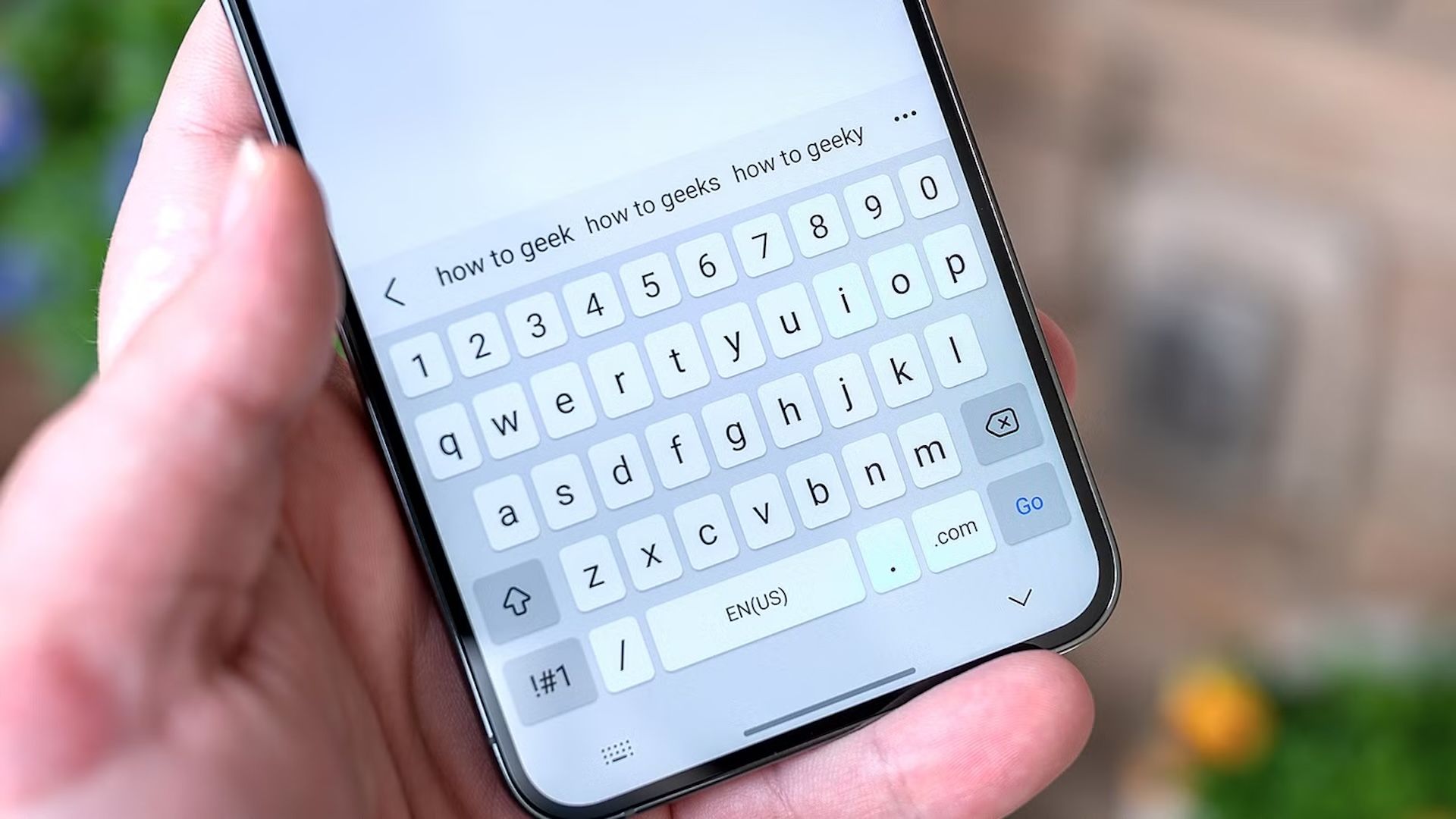
Gboard is the default keyboard on most Android devices and has several great features. However, its deep integration with Google services raises privacy concerns for many users. If you’re in the same boat, you can upgrade to one of the many open source keyboards available that offer Gboard-like functionality without compromising your privacy.
AnySoftKeyboard
AnySoftKeyboard is the closest open source alternative to Gboard. It is more privacy-friendly, customizable and functional, supporting multiple languages (via external language packs) and various keyboard layouts, such as QWERTY, Dvorak and AZERTY. Additionally, it provides special keyboards for text fields that only require email, URI, and numbers.
Similar to Gboard, AnySoftKeyboard also supports voice typing and gesture typing. If you’re not a fan of gesture typing, you can use gestures for quick operations; The keyboard supports customizable gestures to simplify different actions. Other handy features include autocorrect and word suggestions. Being privacy-focused, the keyboard also offers an incognito mode, which makes it easier to enter usernames, PINs or passwords. You can enable it by long-pressing the Enter key and selecting “Incognito Mode”. Once done, the keyboard stops storing what you type and temporarily disables features like autocorrect and word suggestions.
AnySoftKeyboard is also highly customizable. You have the choice between different themes, with the possibility of customizing them according to your preferences. What’s also cool is the per-app tint feature that automatically changes the keyboard color based on the current app.
HéliBoard
HeliBoard is another popular open source Android keyboard. It’s essentially a fork of OpenBoard, an open-source AOSP-based keyboard known for being privacy-focused and offering plenty of customization options. One of its main strengths is that it works completely offline, requiring no internet permissions. It is ideal for those who want to limit their input data to their device only.
That said, not being connected to the Internet also means that HeliBoard lacks features like suggestions and spell checking. It gets around this by letting you add dictionaries locally, which it can then use to provide suggestions and spell checking. You can get your own dictionaries from the Internet or download them from the link on the HeliBoard GitHub page. Sure, the quality of suggestions isn’t comparable to cloud-based keyboards like Gboard, but that’s a tradeoff you have to make in favor of privacy.
Likewise, HeliBoard does not have the swipe input feature enabled by default. This requires adding a closed-source gesture library and manually enabling the feature. As for the rest of the features, there are no other compromises. You get support for multiple layouts and modes, including one-handed mode and split keyboard, plus other features like customizable clipboard history and theme customization, so you can comfortably replace Gboard with HeliBoard.
Simple keyboard
If you’re not a fan of fancy keyboard apps and want a minimal, lightweight, privacy-focused keyboard, Simple Keyboard is your best choice. It is less than 1MB in size and requires minimal permissions (vibrate only) to work. This is partly because, unlike other keyboard apps on this list, Simple Keyboard doesn’t offer features like emojis, GIFs, a spell checker, and swipe typing.
Likewise, Simple Keyboard only offers a handful of keyboard themes, with limited options for customizing their appearance. All you can do is manage your keyboards, adjust their height, and enable or disable certain keyboard elements and features.
Floris Painting
FlorisBoard is a modern open source alternative to Gboard. Similar to other free and open source Android keyboards on the list, it also respects your privacy but has a cleaner, more user-friendly design, with options for customizing themes and layouts. This makes it better suited to anyone who wants a keyboard that balances privacy and usability without making things complicated.
With FlorisBoard, you get support for multiple languages and keyboard layouts, including split and one-handed modes. The keyboard also offers plenty of customization options, allowing you to configure both its appearance and behavior. Similar to HeliBoard, FlorisBoard also offers an incognito mode, which you can enable in the app’s settings, to prevent it from temporarily learning new words. Other notable features include a built-in clipboard manager, gesture support, and the ability to configure a secondary keyboard layout to quickly switch between languages.
At the time of writing, FlorisBoard is in beta. As such, you may experience rough edges and issues with certain features. Additionally, a few common keyboard features, such as word suggestions and spell check, are not yet included. So, if you rely heavily on these features, you should wait for future versions of FlorisBoard before making the change.
These are your best options when it comes to open source Android keyboards. Whether you prefer a minimal keyboard or one that offers Gboard features with better privacy, choose the one that best suits your needs and enjoy a safer typing experience.