How to store and share encrypted cloud backups for free


The Internxt online storage service secures data with AES-256 encryption, ensuring enhanced protection of sensitive files. The tool is based on open source technology and is available on GitHub. According to the provider, it is GDPR compliant. Internet storage has also been verified by Securitum and is considered 100% secure. The service includes a free plan with one gigabyte of storage capacity and the ability to share sensitive data with encryption via the cloud.

Here’s how it works: On the service’s website, go to registration via the blue Select Storage button. Scroll down the next page and you will find the Internxt Free option.
Now click on Select Plan and confirm the free offer in the next pop-up window. Enter a valid email address and password in the field. You will then be redirected to your online drive interface. Go to your email inbox and confirm your subscription there.
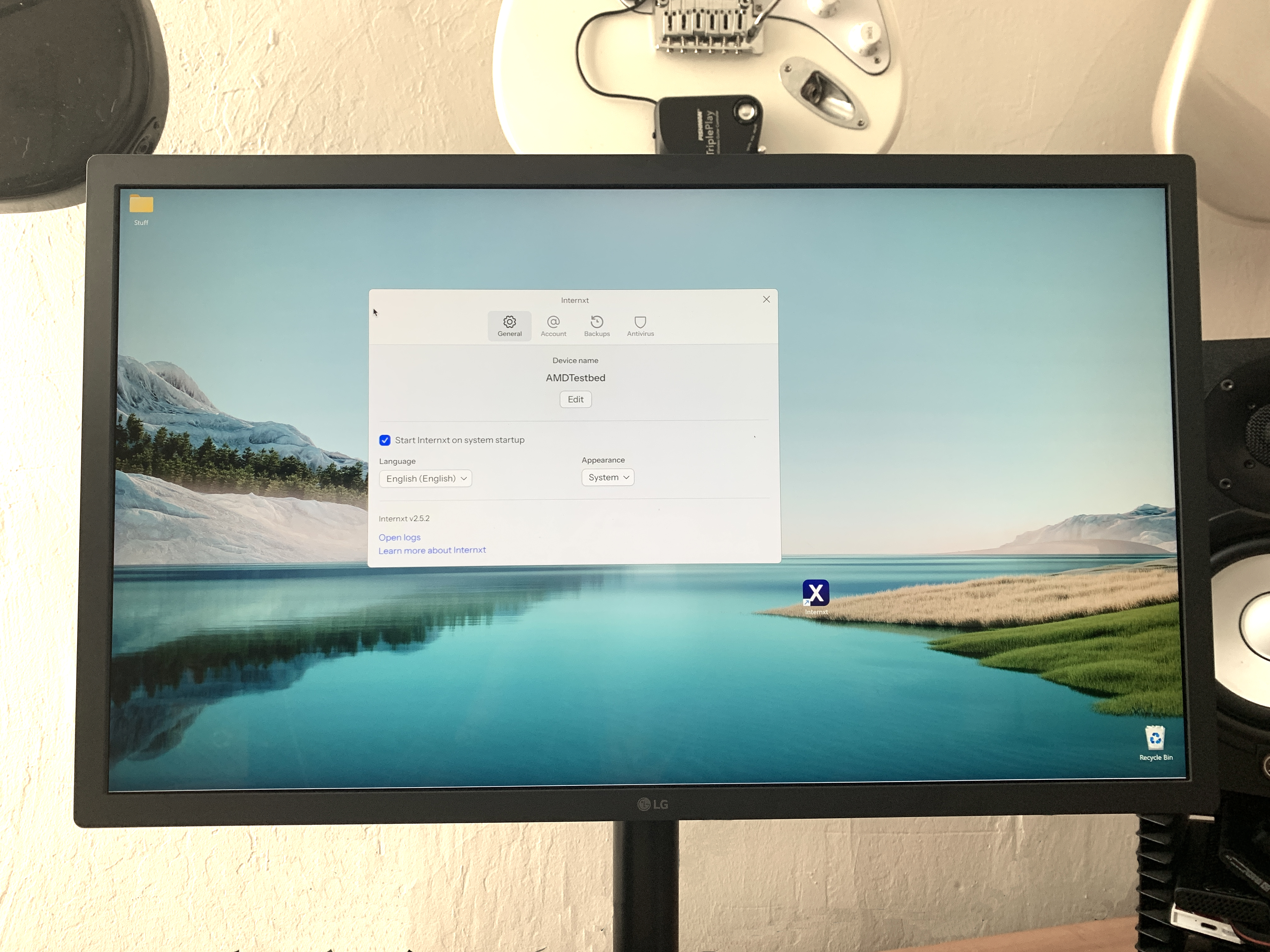
Use the gear icon in the upper right corner of the browser window to configure your workspace. Under General, you can change the interface language, if desired, and use it to determine the design. In the Account section, you can customize your avatar and username. Below you can see how much free storage space you are already using.
Next, move to the Security category on the left, enter your password and upload your key to restore your account to your computer under Backup Key. This is essential in case you forget your password. Due to data encryption, Internxt passwords cannot be reset conventionally via email or security code.
You can now upload your first file to the cloud via the user interface. In the file selection, navigate to your computer’s directory, select one or more files and confirm the transfer by clicking Open. You can also install Internxt Drive desktop software. There are also mobile apps for Android and iOS.
Files can also be moved to folders in the web version using the mouse; it works with individual inputs and multiple selections. To create a new folder, simply right-click on the interface and select New Folder. You can also use the folder icon with the plus sign in the upper right corner.
By right-clicking on a file, other functions appear. These include renaming and previewing the information or moving it to the Trash. When sharing data, enter the recipients’ email addresses in the new window. Internxt users then receive a direct message, while users without an account automatically receive an invitation email through the service.


