Android Emergency Live Video lets 911 dispatchers see your emergency


NEWYou can now listen to Fox News articles!
Holiday travel and winter storms create risky times for drivers and families. Stress increases quickly in an emergency, and describing the scene to 911 can feel overwhelming.
Now, a new Android feature fills this gap by providing live visual information that helps responders act quickly and accurately.
If you’re using an iPhone, Apple offers a similar tool through its Emergency SOS Live Video feature. You can learn how it works here.
Sign up for my FREE CyberGuy Report
Get my best tech tips, urgent security alerts and exclusive offers straight to your inbox. Plus, you’ll get instant access to my Ultimate Scam Survival Guide — free when you join my CYBERGUY.COM bulletin.
HOW ANDROID MALWARE ALLOWS THIEVES TO ACCESS MONEY IN YOUR ATM

Android Emergency Live Video gives 911 a secure live view of the scene, so responders immediately understand what’s happening. (Cyberguy.com)
What does Android Emergency Live Video do?
Google is rolling out Android Emergency Live Video to give dispatchers a secure view of the scene during an active call or text. A dispatcher can request a live video feed through your phone when it’s safe to share. With a single click, you can stream real-time video that helps responders understand what’s happening.
This can be useful in case of car accidents, medical emergencies, or fast-moving hazards such as wildfires. Live video can also help dispatchers guide you through life-saving steps, like CPR, until responders arrive.
APPLE NOW ALLOWS YOU TO ADD YOUR PASSPORT TO YOUR PHONE WALLET
How the Android Emergency Live Video feature works
Android designed this tool to work without configuration. When you call or text 911, the dispatcher will review the situation. If they decide the video would be helpful, they will send a request to your phone. A clear prompt appears allowing you to choose whether or not to start the secure flow. The feature uses encryption and gives you full control. You can stop sharing at any time.
The feature works on Android phones running Android 8 or later with Google Play Services. It is deployed in the United States and parts of Germany and Mexico. Google plans to expand its coverage with more public safety partners.
How to Use Live Emergency Video on Android
You cannot enable this feature in advance. It only appears during an active 911 call or text.
1) Call or text 911 on your Android phone. The dispatcher is reviewing your situation.
2) Monitor a request on your screen. If the dispatcher decides that live video will be helpful, it sends a prompt to your device.
3) Tap the notification that appears. You will see a clear message asking if you want to share a live video.
4) Choose Share the video to start streaming. This opens your camera and starts a secure live stream.
5) Tap Stop Sharing at any time. You remain in control all the time and can end the video at any time.
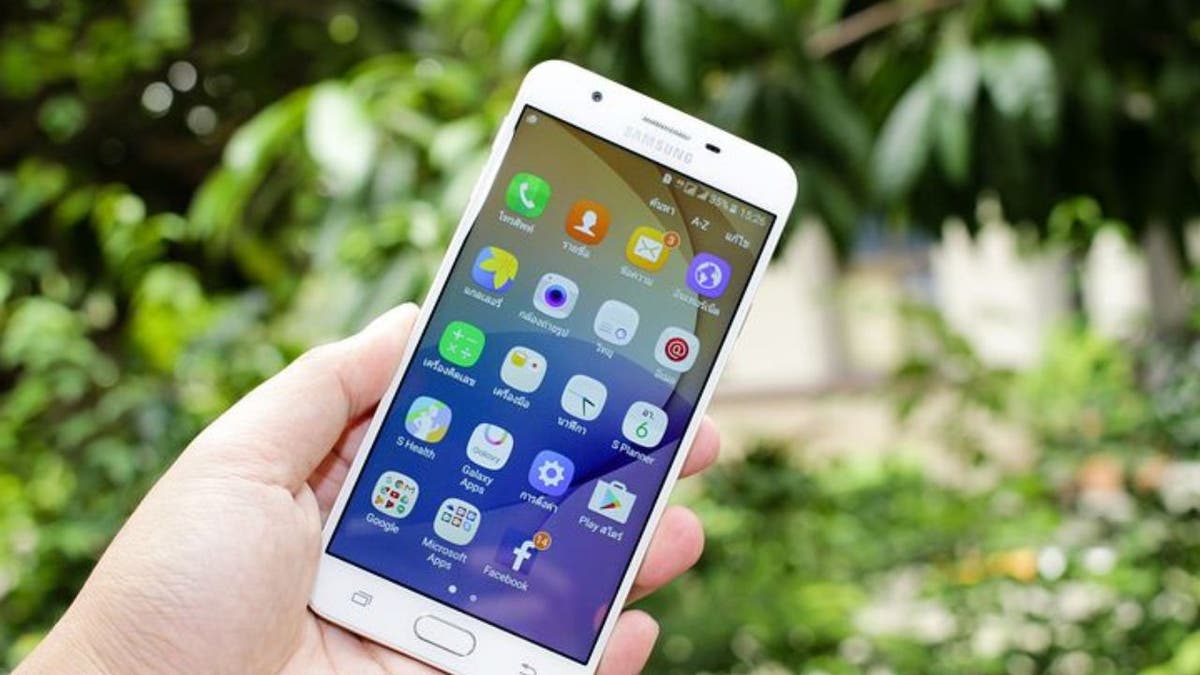
With just one click, you can choose to share real-time video during a 911 call or text message, giving dispatchers the clarity they need to guide you. (CyberGuy.com)
Why Live Emergency Video on Android Matters Now
Emergencies create confusion. Sharing details verbally takes time and can lead to communication problems. Video takes the guesswork out of it. Responders gain clarity in seconds, which can speed up help and improve outcomes. This tool leverages Android security features including Satellite SOS, Fall Detection, and Car Crash Detection.
NEW ANDROID ATTACK MAKES YOU GIVE DANGEROUS PERMISSIONS
Android software engineer Alastair Breeze tells CyberGuy that the team created the feature with one goal in mind. “Providing people’s peace of mind is at the heart of Android’s security mission. Android Emergency Live Video gives you the ability to securely share real-time video to provide dispatchers with the critical on-scene context they need to respond to an emergency.”
What does this mean for you
If you own an Android phone, this feature adds another layer of protection during moments that require quick action. You remain in control of when the video is shared. You also get an easy way to show the situation when describing it seems impossible. Quicker clarity can lead to faster help, which can determine how an emergency ends.
Take my quiz: to what extent do you online security?
Do you think your devices and data are truly protected? Take this quick quiz to see where your digital habits stand. From passwords to Wi-Fi settings, you’ll get personalized analysis of what you’re doing right and what needs improvement. Take my quiz here: Cyberguy.com.

The feature works on Android phones running Android 8 or later and helps responders act faster in an emergency when seconds count. (Tony Giberson/tgiberson@pnj.com / USA TODAY)
Kurt’s Key Takeaways
Android Emergency Live Video brings real-time awareness to times when every second counts. It gives stakeholders a clear vision, so they can guide you through urgent steps if necessary. Above all, it adds peace of mind in situations that no one anticipates.
Would you be comfortable sharing live video during an emergency if it allowed responders to reach you more quickly? Let us know by writing to us at Cyberguy.com.
CLICK HERE TO DOWNLOAD THE FOX NEWS APP
Sign up for my FREE CyberGuy Report
Get my best tech tips, urgent security alerts and exclusive offers straight to your inbox. Plus, you’ll get instant access to my Ultimate Scam Survival Guide — free when you join my CYBERGUY.COM bulletin.
Copyright 2025 CyberGuy.com. All rights reserved.


:max_bytes(150000):strip_icc()/Health-GettyImages-HealthiestCannedFoods-6abc2267660e4ba0822a02e70356079f.jpg?w=390&resize=390,220&ssl=1 "6 Healthiest Canned Foods to Keep in Your Pantry")