The hidden cost of cashback: How shopping extensions track you—and how to limit it


I have acquaintances who speak enthusiastically about cashback sites for shopping and I understand their appeal. Why not get some money back if you’re already going to buy these things anyway? But it’s me who answers: “Have you looked at what they do with your data?”
(I’m great fun to chat with at parties.)
Here’s the thing: cashback sites can be useful, as long as you know how you’re using them. What websites know about you can make life more difficult in the wrong circumstances.
What is a cashback site?
Cashback websites work like this: you install an extension on your browser (or an app on your phone), then start shopping. When you visit online stores, notifications will appear when an offer is available, either a percentage (often capped at a certain amount) or a fixed dollar reward. Top cashback sites include Rakuten (formerly Ebates), Swagbucks and TopCashBack.
During peak periods like Black Friday and Cyber Monday, some incentives may increase significantly. For example, during Cyber Monday, cashback reached up to 15% for some stores. Spend even $50 to $100, and it starts to add up. (At the very least, that covers sales tax and a small surcharge for most people.)
The cashback offers offered by banks are similar (but still different) and are often linked to a credit card. You first activate the offer via your bank’s website or application. Then, when a charge on your credit card matches an active offer, you’ll automatically get a partial refund applied, depending on the terms (e.g. 2% back, up to $5). Sometimes these can be quite significant, like $100 off a purchase of $500 or more at Dell. Offers circulate regularly, with set expiration dates. You must also activate them before applying them: they will not count retroactively.
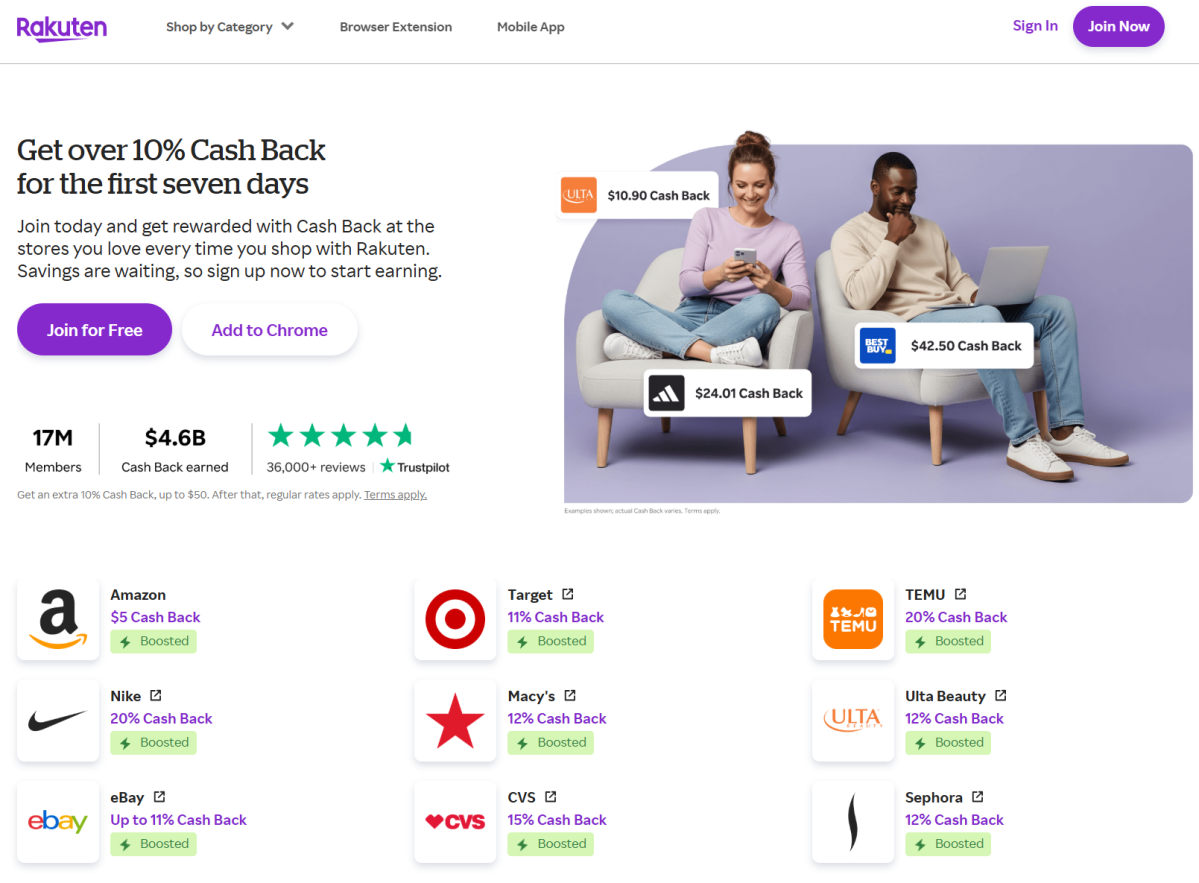
Rakuten
The main difference between a cashback site and cashback offers is that a cashback site monitors all your online shopping activities. Take a look at some of the information Rakuten collects, which is set out in its privacy policy:
“…records of products, product types, merchants, merchant types, goods or services purchased, obtained or considered by you, including products, merchants and coupons you searched for, viewed or clicked on, items added to cart and abandoned, shopping trips initiated, merchant sites visited from our Services, transaction history related to our Services, purchase confirmation data…”
The remainder of Rakuten’s policy defines several other categories of captured data, including the URLs of the pages you visit, timestamps of your browsing, and the last page you were on before arriving at Rakuten’s site. Rakuten also makes clear that it makes assumptions about your preferences, interests and likely behaviors, as permitted by law.
For what? Rakuten states that it will not sell your data to third parties, but unless you object, it can (and will) share your data with third parties. It also benefits him to understand how you react, so he can better encourage you to make purchases… even when you may not intend to.
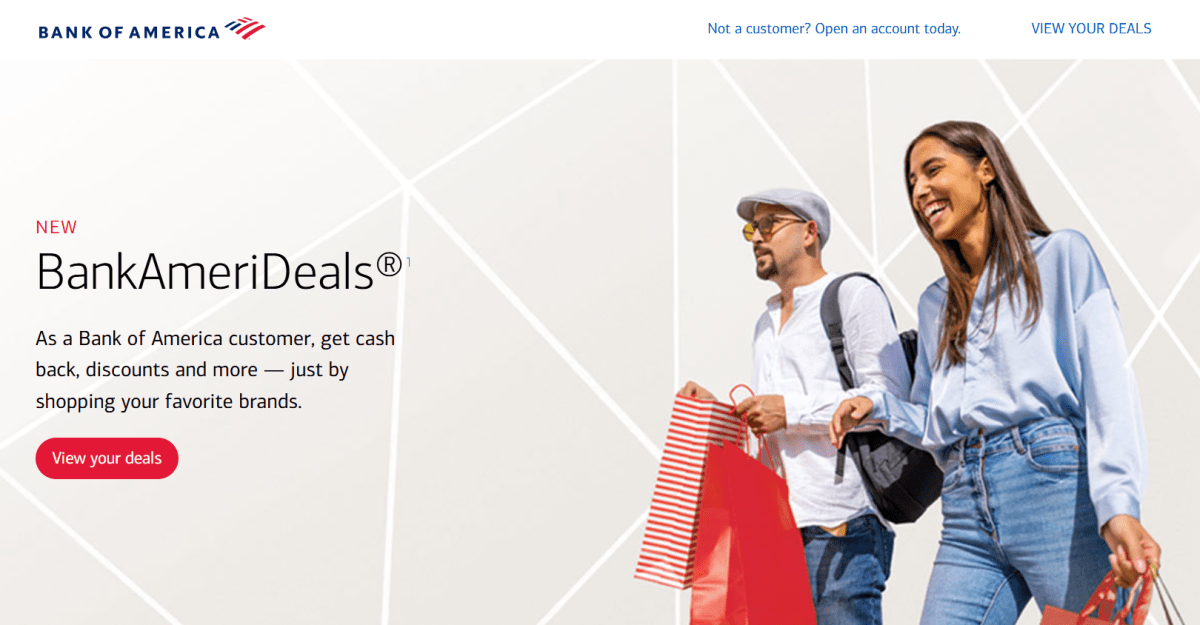
Bank of America
As for cashback offers, they are more limited in the information available to your bank. The bank sees the transaction and then automatically applies your reward. But this is not additional data that the company receives: it would already know where and when you shop based on the prices. And your bank already sets up your profile, in part to help combat fraudulent charges and activity if it happens to your account.
Your bank can (and will) share its data with third-party affiliates both to provide services and to enable these outside companies to market to you. However, you can unsubscribe from this data sharing (which I recommend).
So what’s the problem with cashback sites having my data?
As an exercise, I opened a Rakuten account, browsed a bit, and made a few small purchases. Then I made a data request to see what kind of information they captured about me.
This isn’t particularly shocking, if you’re already familiar with Rakuten’s privacy policy. I definitely saw data about the sites I visited and times, the products I purchased, information about the device and browser I used, etc.
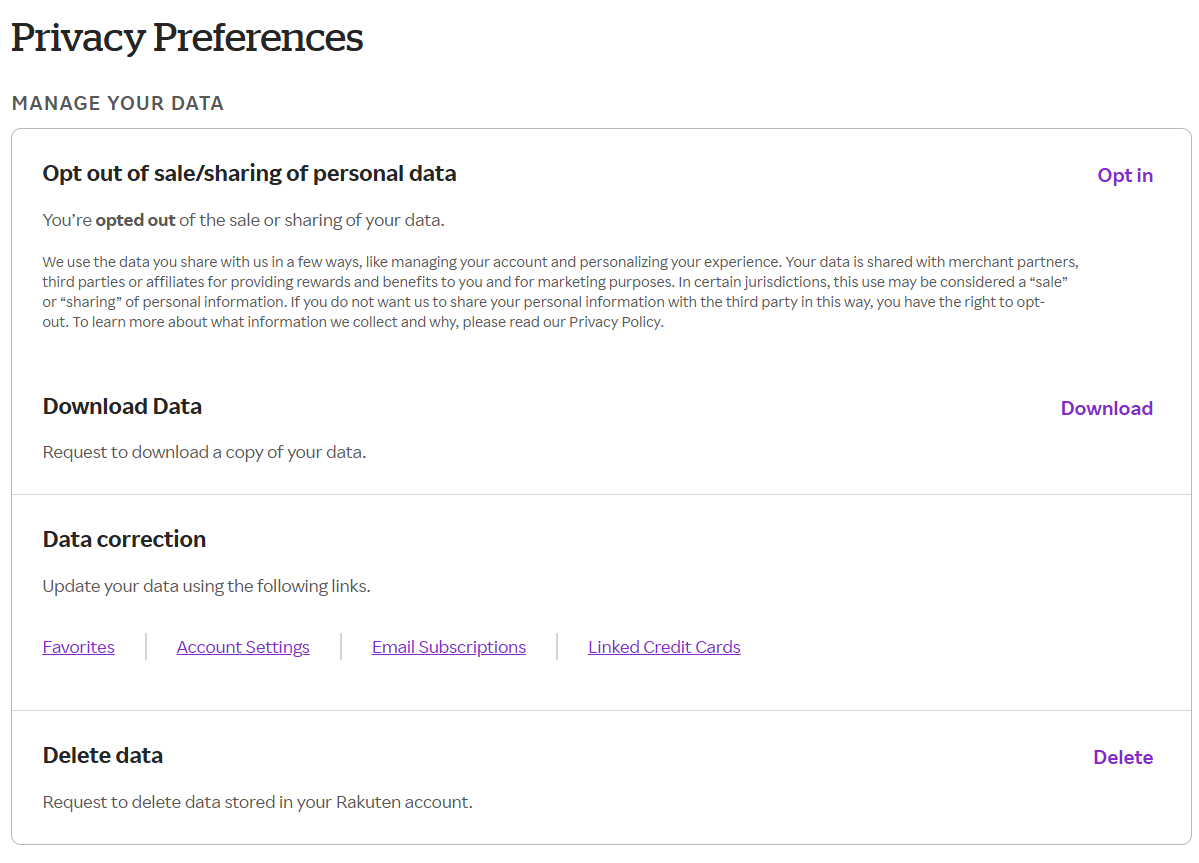
Rakuten
There is a lot of data, most of which seems harmless. But let’s not forget: we are now in the age of easily hacked websites and leaked personal data. This information stays on the Internet forever. And purchase data contains a lot of seemingly mundane but nonetheless personal information about you. Now a cashback site collects it all in one convenient place.
This information could be used to craft personalized attacks – think phishing scams or even extortion, if a bad actor thinks you might be vulnerable to certain types of scams or might be embarrassed by publicly disclosing your purchasing habits.
Should I stop using cashback sites and cashback offers?
The short answer is no, although some people may find their privacy worth giving up a little cashback. However, I recommend that you think carefully about how you use them.
My personal view is that I can’t predict the future, so the less personal data that can leak, the better. Twenty years ago, I didn’t imagine we could connect online as quickly as we do today, let alone extrapolate tiny details about strangers from a tiny bit of information. (Groups of people who can identify a location from a handful of clues in a photo are both extremely impressive and definitely baffling.)
So I would do:
- Choose sites that clearly state what information they collect and how they use it. Avoid those who sell your data to third parties.
- Create and use passwords for as many business sites as possible. (Actually, every site that offers them.) These can’t be phished, so if there’s ever a leak of your purchase data and you start getting hit with phishing emails, you’re much less likely to be caught off guard by a bad email or message.
- Limit your cash back purchase activity to a separate browser and use that browser only when you are ready to make the purchase. This minimizes the information a cashback site can collect about your browsing habits.
(Speaking of great alternative browsers: When I was poking around cashback sites, I used Vivaldi. It’s highly rated by my colleagues Mark Hachman and Michael Crider and I can now say I understand why they like it.)
Times are tough economically, and forecasts suggest it could be even tougher this year. (I hope not, but…) So cashback makes sense. Just make sure it also makes sense for your long-term online security.


