Boost GPU performance in Windows 11 with this quick setting


Windows 11 offers a feature called hardware-accelerated GPU scheduling, which distributes graphics processes more efficiently, reducing latency. As a result, the system runs smoother, especially in games and graphics-intensive applications. However, the feature is disabled by default and therefore requires manual activation.
Normally, the processor (CPU) manages the distribution of graphics tasks before their transfer to the GPU. This creates a delay, because the processor acts as an intermediary. With hardware-accelerated GPU scheduling enabled, the graphics card takes care of this management itself. This slightly reduces the load on the processor and allows more direct communication between applications and the graphics chip.
While this feature isn’t a miracle cure, it can provide improved stability, especially at lower frame rates, in VR applications, or on systems with weaker processors.
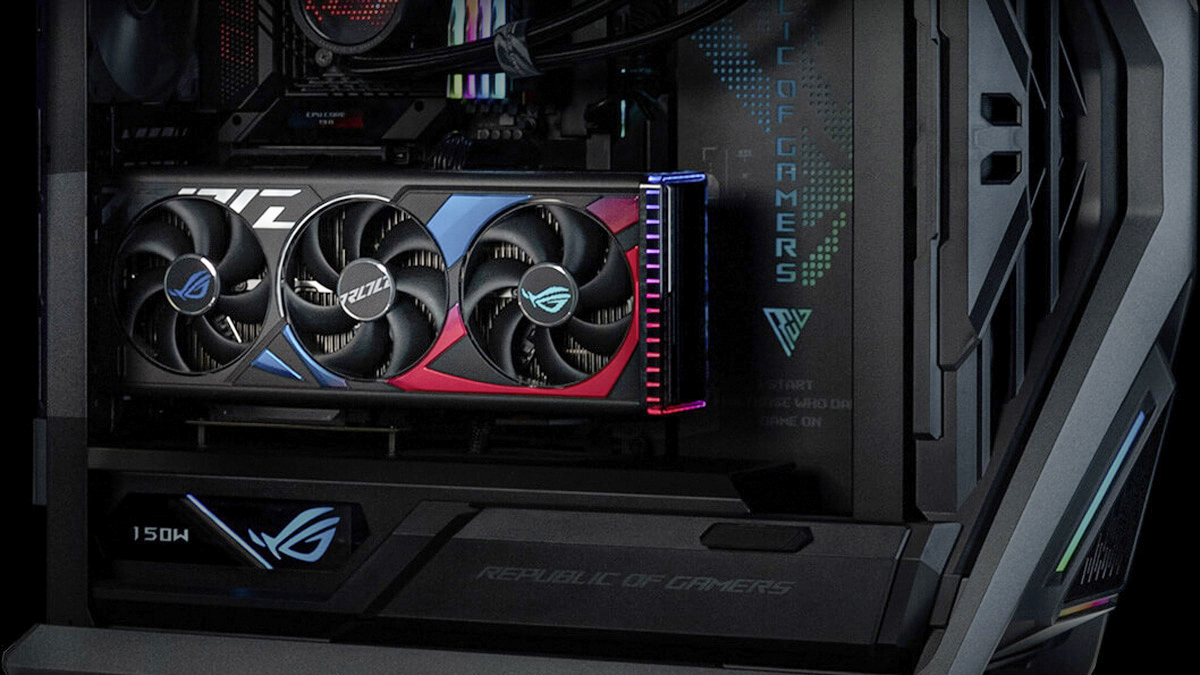
Current graphics cards – here in an Asus PC – particularly benefit from hardware-accelerated GPU scheduling. This feature allows you to reduce latency and optimize performance.
Asus
To enable this feature in Windows 11, you need a dedicated graphics card that supports GPU scheduling. For example, Nvidia GeForce GTX 1000 series graphics cards with driver version 451.48 or higher and AMD Radeon RX 5600/5700 series GPUs with “Adrenalin 2020 Edition” version 20.5.1 or higher. Additionally, Windows 11 version 22H2 or newer must be installed.
To enable GPU scheduling, open the Start menu, go to “Settings” and select System –› Display –› Graphics. In the Default Settings section, you will find the Hardware Accelerated GPU Scheduling option under Advanced Graphics Settings. Activate the slider and restart the computer for the change to take effect.
You can also access the option via Windows Search by entering graphics settings in the search box.
In most cases, activation is worth it for all users who use modern games or video editing software. Although the performance increase is generally small, frame times improve, micro-jumps are reduced, and the GPU works more efficiently with the CPU. Users with weaker processors or laptops with integrated, dedicated graphics units often benefit the most. If stability issues or graphical errors occur, the feature can be disabled at any time. Incompatibilities may occur in isolated cases, especially with older games or older driver versions.
Overall, hardware-accelerated GPU scheduling is a small but effective tweaking feature of Windows 11. It leverages the strengths of modern graphics cards and ensures a more direct and responsive overall system behavior. With updated drivers, it’s worth trying this feature.


