
Even Windows isn’t ready anymore
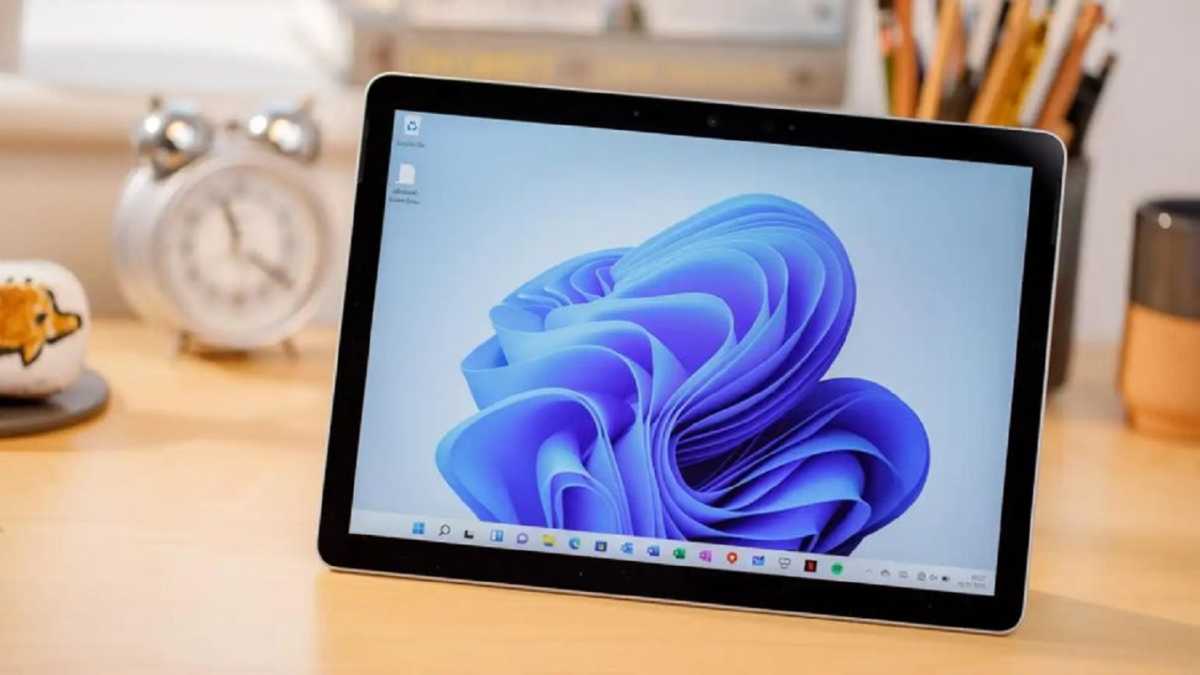
While there’s no fully touch-optimized interface anymore in Windows, Windows 11 does technically have a “tablet mode” you can enable by removing the keyboard or rotating your 2-in-1 device into tablet posture.
You can’t use this mode on many touchscreen Windows laptops, though. If you can’t physically rotate the screen and put it into tablet position, you can’t unlock the touchscreen-optimized interface. (Back on Windows 10, you could’ve at least toggled it manually.)
IDG
And even if you can get Windows 11’s tablet mode activated, it’s been watered down over the years. Like, there’s no full-screen Start menu. All you get is more space between touch targets on the taskbar… and that’s the biggest noticeable change. The gestures are different, too.
Speaking of gestures, Windows 11’s touch gestures are objectively worse than they were in the past. On Windows 10, swiping in from the left opened the Task View interface for switching apps. On Windows 11, it opens the Widgets pane full of viral news stories. Yuck.
Chris Hoffman / Foundry
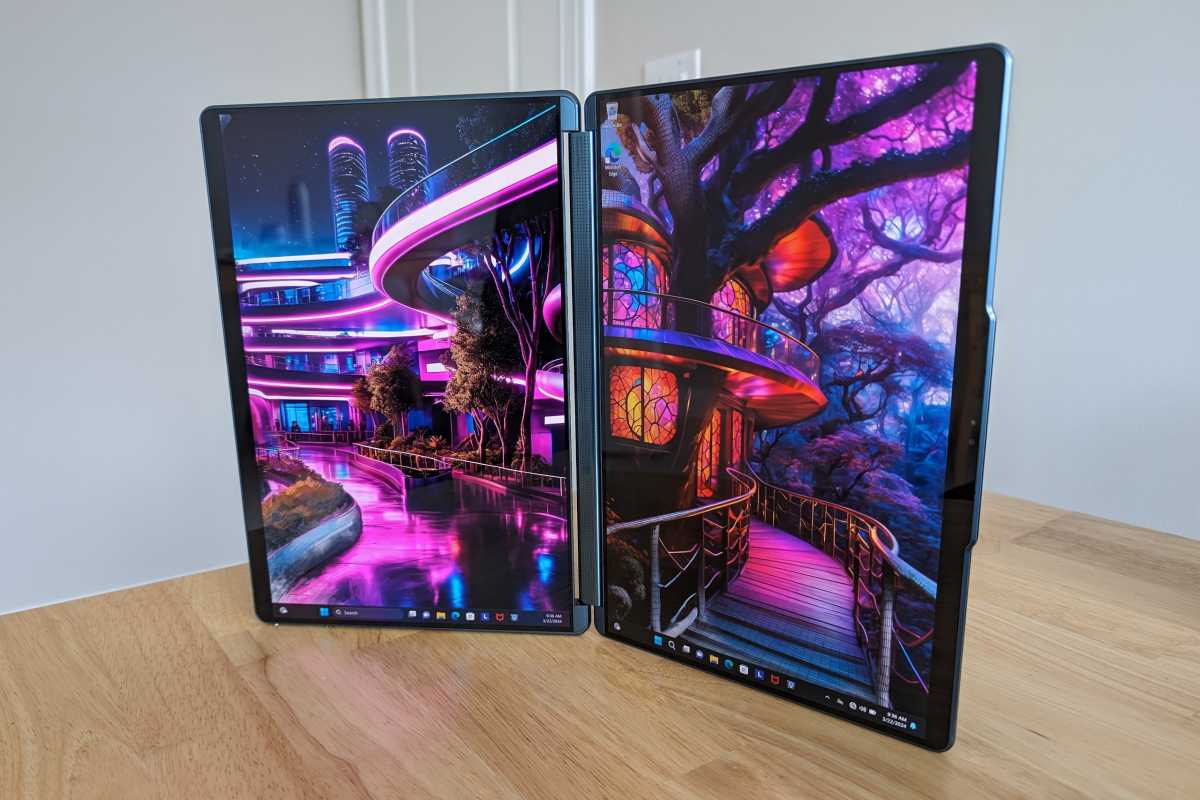
It’s a shame because we’re seeing more and more dual-display devices, from the Lenovo Yoga Book 9i to the Asus Zephyrus Duo and beyond. When I reviewed the Lenovo Yoga Book 9i, I used it primarily as a portable dual-display with a Bluetooth keyboard at a desk. The touch experience would’ve come in handy… if it were any good.
If Windows was more designed for touchscreens, these machines would be even more compelling. But without a serious touch-optimized interface and ecosystem of software, these machines don’t live up to their potential for large tablet-like experiences.


