Google Gemini can now import your ChatGPT or Claude chat history


Summary created by Smart Answers AI
In summary:
- Google Gemini introduces a new “memory import” tool that allows users to migrate their chat histories from the ChatGPT and Claude AI platforms.
- PCWorld reports that this feature is rolling out to Gemini’s settings, giving users the ability to import either summarized personal information or full chat histories via ZIP files.
- This development mirrors a similar feature previously offered by Claude AI, allowing users to more easily switch between AI chatbot platforms without losing their conversation data.
We previously reported that Claude can import your chat histories from other AI chatbots, making migration easier. (And if you do, you’ll want to know these tips from Claude for not hitting your usage caps.)
Now, Google has announced (via The Keyword blog) that its Gemini AI now has an “import memory” tool to import chat histories from other AI chatbots, in case you want to migrate to Gemini.
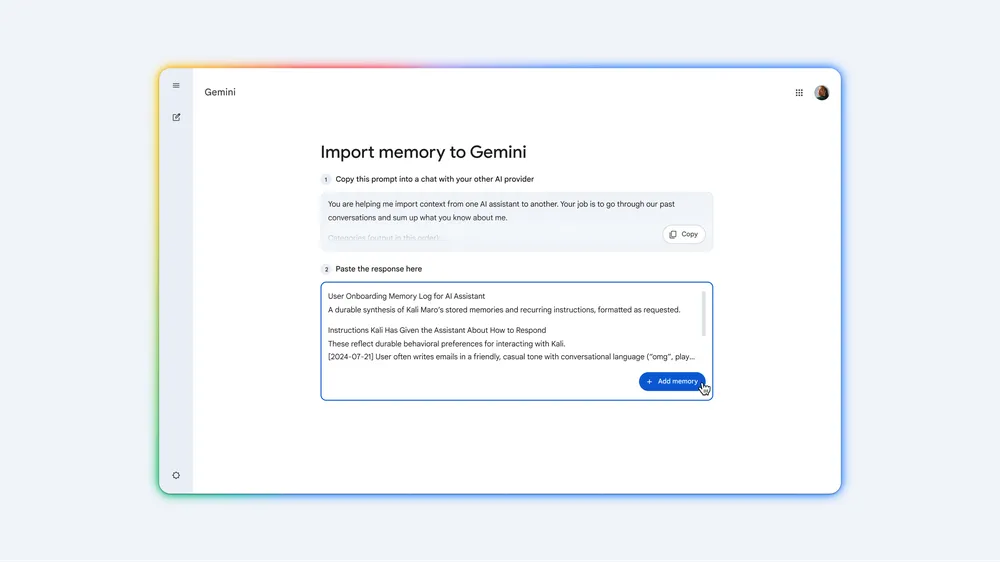
You will be able to import “memories” into Gemini in two ways.
If you just want to transfer the most important information about you from another chatbot, Gemini can suggest a prompt you can use for your old chatbot to summarize what it knows about you.
Then, simply paste this summary from the old chatbot into the box in Gemini’s import tool. Gemini will analyze information about you and save it for all your future conversations.
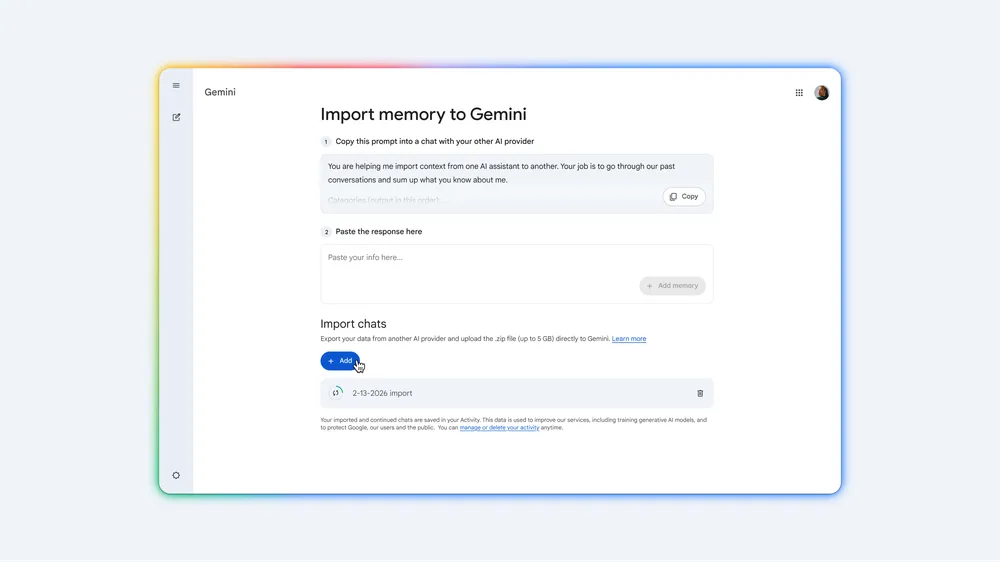
The second method is to import your entire chat history from the other chatbot. You will need to export this chat history as a ZIP file, which you can then upload to Gemini and continue your old conversations.
Google says both import options have now started rolling out. You can find them under Settings in Gemini.
This article was originally published on our sister publication PC för Alla and has been translated and localized from Swedish.


