Here’s how to fix the mistake once and for all


Today, every TV has at least one HDMI port on the side or back. It’s used to stream content from another device to your TV, whether it’s a streaming device, tablet, or computer.
However, if you have a newer TV, you will likely see “ARC” or “eARC” next to one of the HDMI ports. Although most people overlook these labels, they offer significant advantages over a standard HDMI connection. Using them correctly can improve your audio setup and help keep your space cleaner.
You are plugging into the wrong HDMI port
Although they may look similar, your HDMI ports have different capacities
On most TVs, each HDMI port looks the same, which might suggest that they all have the same capabilities. However, this is not the case, with certain ports being designated for specific functions.
One of these features is audio feedback, and using the wrong port can limit your setup. The easiest way to tell the difference is to check the labels next to each HDMI port.
If you bought a new TV in the last couple of years, there’s a good chance that next to an HDMI port it says ARC or eARC. Although both have essentially the same acronyms, they offer different features.

ARC, or Audio Return Channel, allows your TV and soundbar to communicate with each other in both directions. With it, a single HDMI cable can send audio from your TV directly to your audio device, eliminating the need for a separate audio cable.
eARC, on the other hand, stands for Enhanced Audio Return Channel and works similarly to ARC but supports higher quality audio standards. This feature is built into newer HDMI ports and allows your TV to send higher quality audio to a connected audio system.
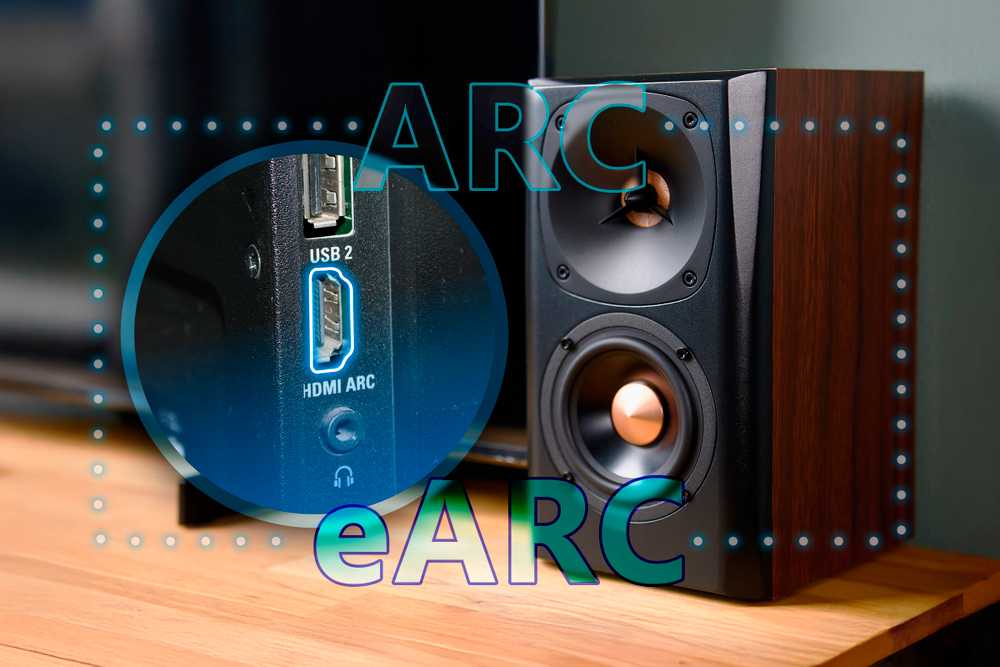
The purpose of eARC is to support more modern audio formats, such as Dolby Atmos, that the ARC standard cannot handle.
As mentioned earlier, you can find the ARC or eARC labels next to the port supporting each format. However, if you don’t see them, you can check your TV’s audio settings or the manual that came with it to confirm which ports support these features.
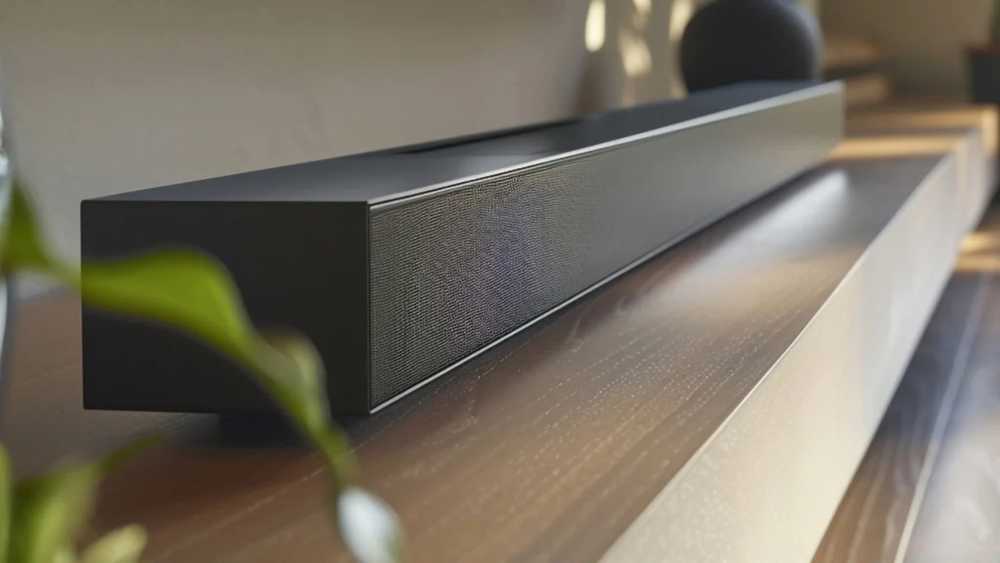
If you plug your soundbar or receiver into the wrong port that is not eARC compatible, the sound may be compressed or degraded. Everything will still work, but you’ll miss out on all the quality your setup can offer.
What eARC actually does and why it matters
It can transform your visual and hearing experience
Unlike a standard HDMI connection, which sends audio to the TV, eARC sends audio back to your audio system. Think of it as a two-way street, where each device can send signals to the other.

This is especially important for built-in apps, which rely on your TV to transmit audio outward. These may include any streaming apps that came pre-installed or downloaded after setting up your TV.
As mentioned earlier, eARC offers better sound quality and a more immersive experience, while ARC still takes care of the basics. It can handle standard surround sound, but its limited bandwidth can result in compressed audio.
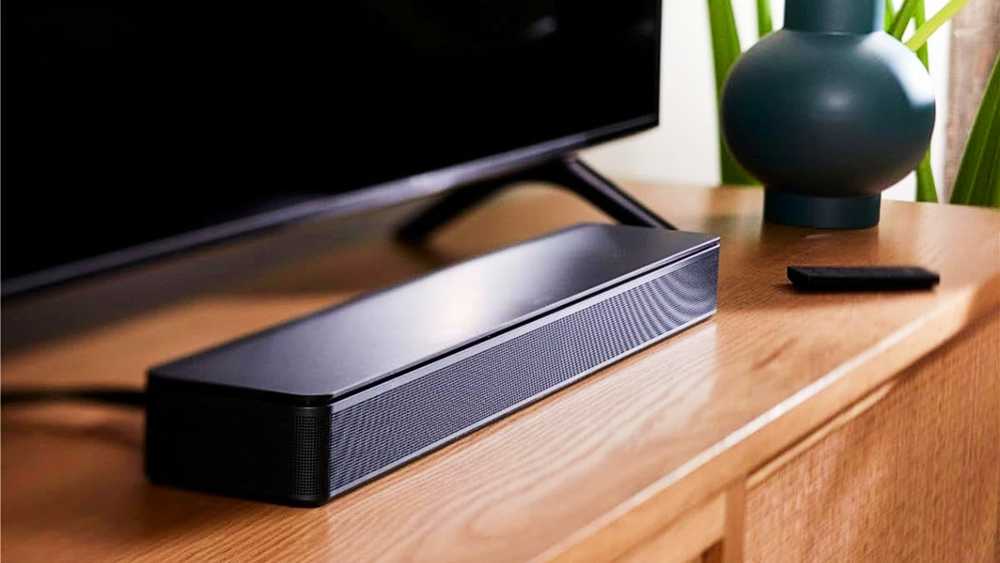
eARC, on the other hand, increases bandwidth, enabling lossless formats and high-quality surround sound like Dolby TrueHD and Atmos.
However, not only is the audio quality improved, but eARC can also simplify your setup. Since it uses a single HDMI cable that carries both audio and video, it reduces the need for a separate optical audio cable for your soundbar, helping to reduce cable clutter.

While soundbars benefit from eARC, so do other devices, such as AV receivers (AVRs), which can process full, uncompressed surround sound formats from your TV. The same goes for streaming apps on your TV, which can then be sent to your audio system in the best possible quality.
No matter what audio system you have, eARC provides the best performance for most home theater setups. As high-end audio formats become more common, eARC serves as the bridge that keeps your system up to date.

Without it, even expensive equipment designed to upgrade your home theater might not reach its full potential due to lower quality supported ports.
The right ways to configure your HDMI devices
Different devices may have different configurations to get the most out of them
Using the eARC port is ideal for getting a surround sound experience with compatible speakers, making your setup more immersive. This is especially useful for gaming.

If you have a modern gaming console or streaming device, you should connect it directly to your TV so that it can take advantage of features like 4K resolution and high refresh rates, if your TV supports them.
Additionally, plugging consoles directly into the TV rather than a soundbar helps avoid the bandwidth limitations of some audio equipment. This preserves gaming features and sound effects while delivering high-quality audio via the eARC connection.

However, for all of this to work, you need to make sure that the correct settings are enabled. Even with the right cables, without proper setup, your TV won’t send the right signals to your audio system.
Go to your TV’s sound settings and make sure eARC is enabled so everything is set up correctly. Additionally, to ensure your cable is compatible, use a high-speed HDMI cable rated at 18Gbps or, for best results, an ultra-high-speed HDMI cable. This information is usually printed directly on the cable itself.

You should also make sure that CEC (Consumer Electronics Control) is enabled. Although not required for eARC, it allows HDMI devices to communicate over a single cable, reducing the need for multiple remotes by allowing you to control everything with one.
- Integrations
-
Amazon Alexa, Google Assistant
- Ports
-
HDMI, Optical, Ethernet
Many setups don’t work as expected because users route everything through the soundbar and leave the settings at default. However, these small missteps can quietly degrade the experience without obvious signs.
Making these adjustments and understanding what to expect will give you a better home theater setup than one you may already have but haven’t taken full advantage of. The steps are simple, but the improvement is noticeable.


