Can you replace a MacBook with an iPad Pro? Yes, it worked for me


As a minimalist, I’ve long wanted to replace the 13-inch M2 MacBook Air I use for work with a thinner, more portable iPad. After the iPad Pro M5 debuted, I came across a heavily discounted M4 model. Since both generations share most of the same tech specs, I decided to go with a 13-inch iPad Pro M4, paired with a Magic Keyboard and Apple Pencil Pro.
Until this year, the rational voice in my head warned me that the tablet’s various limitations made it a bad investment, but that all changed with the launch of iPadOS 26. Its more advanced multitasking system brings the mobile operating system closer to macOS and brings me closer to the work setup of my dreams.
To test how useful iPadOS was for work, I put away my MacBook and relied solely on the M4 iPad Pro for a week. Here’s how it went.
Design & ergonomics
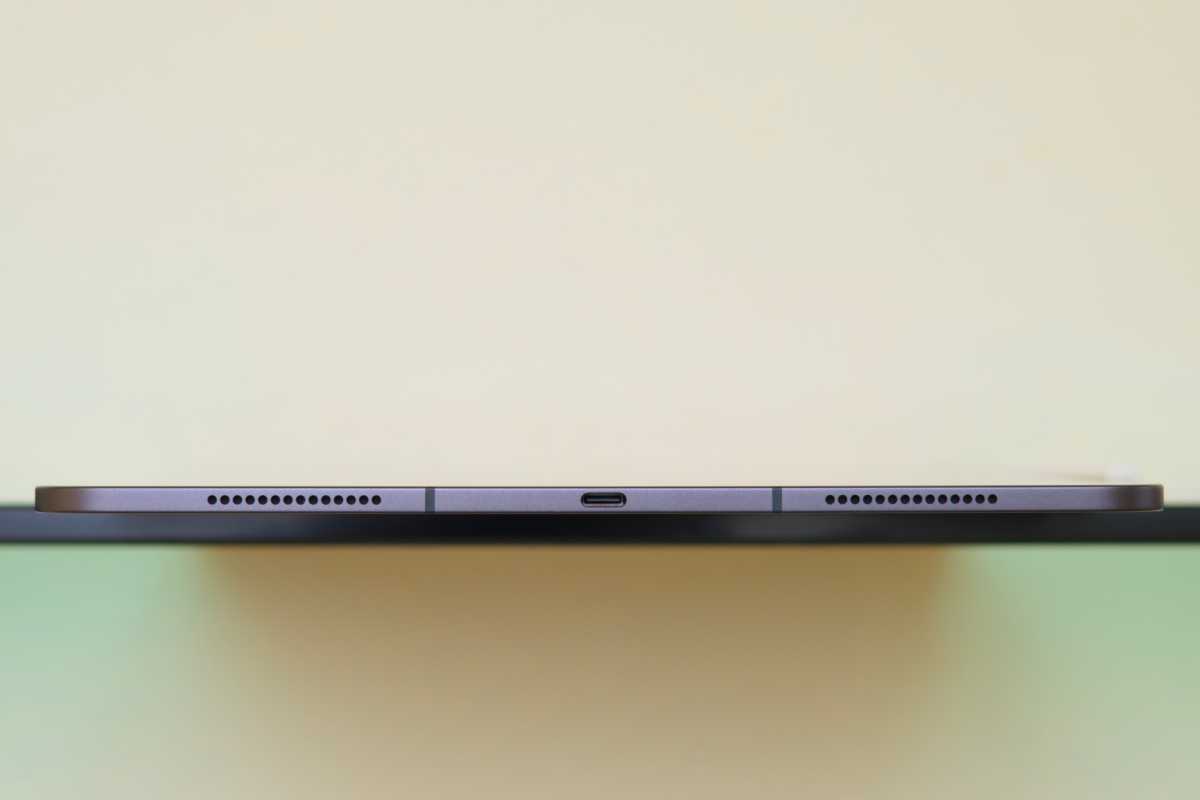
The most notable difference between the M4 iPad Pro and M2 MacBook Air is their form factors. The first device is lighter, thinner and more portable. I’m truly amazed at how thin the iPad has become, despite packing a desktop-class chip. I also like the move to Face ID, which for me is infinitely more reliable and convenient than Touch ID.
Mahmoud Itani / Foundry
Perhaps the best part of this versatile setup is the ability to easily detach the iPad from the Magic Keyboard at any time, reducing its size and weight. However, those using wired headphones won’t have the MacBook’s headphone jack.
Other compromises on the iPad include its physical stability. Balancing it on surfaces that aren’t straight or solid, like your knees or bed, can sometimes be difficult. Interacting with the Magic Keyboard’s hinge also doesn’t feel as natural as that of a MacBook.
Input Methods
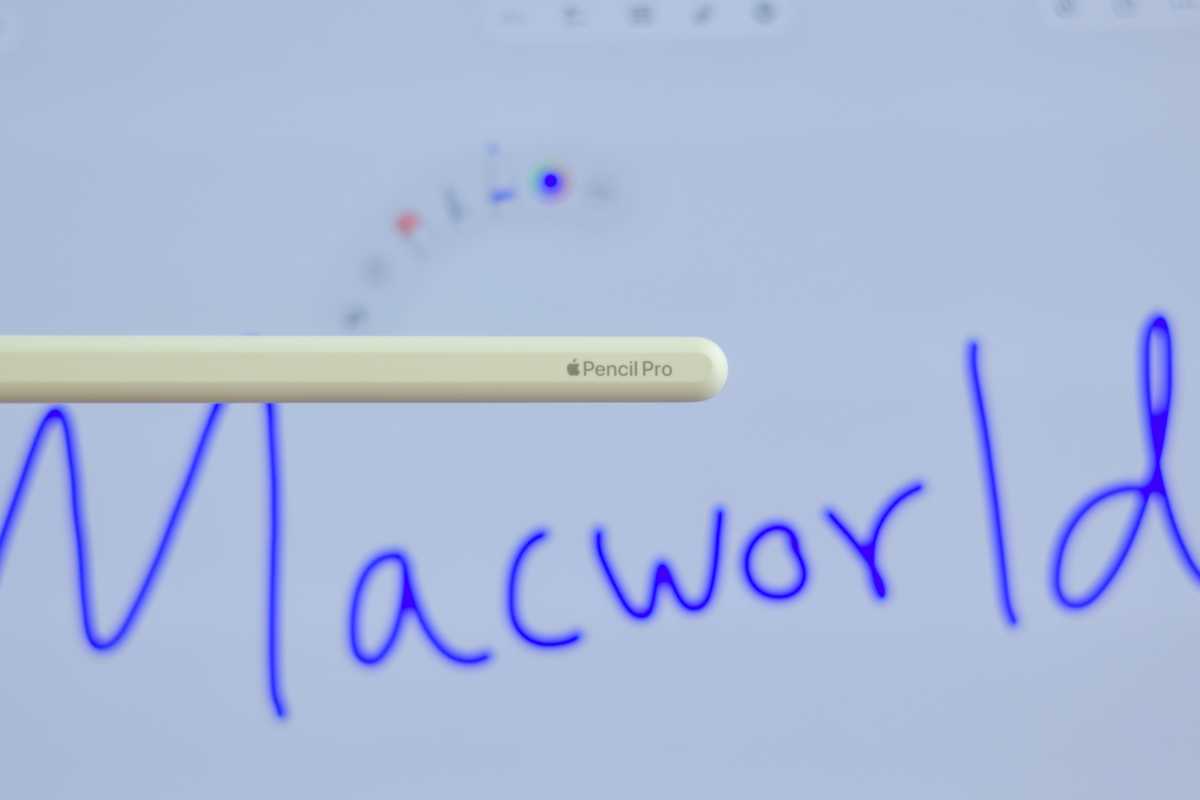
One of the main reasons for my switch is the iPad Pro’s superior OLED display. Not only is it sharper and more vibrant, but it also supports touch input and Apple Pencil.
Admittedly, I miss the larger, pressure-sensitive trackpad offered by the MacBook Air. Still, the one built into the Magic Keyboard has a comparable feel and supports haptic feedback. The keyboard is also backlit and comfortable for long typing sessions.
Mahmoud Itani / Foundry
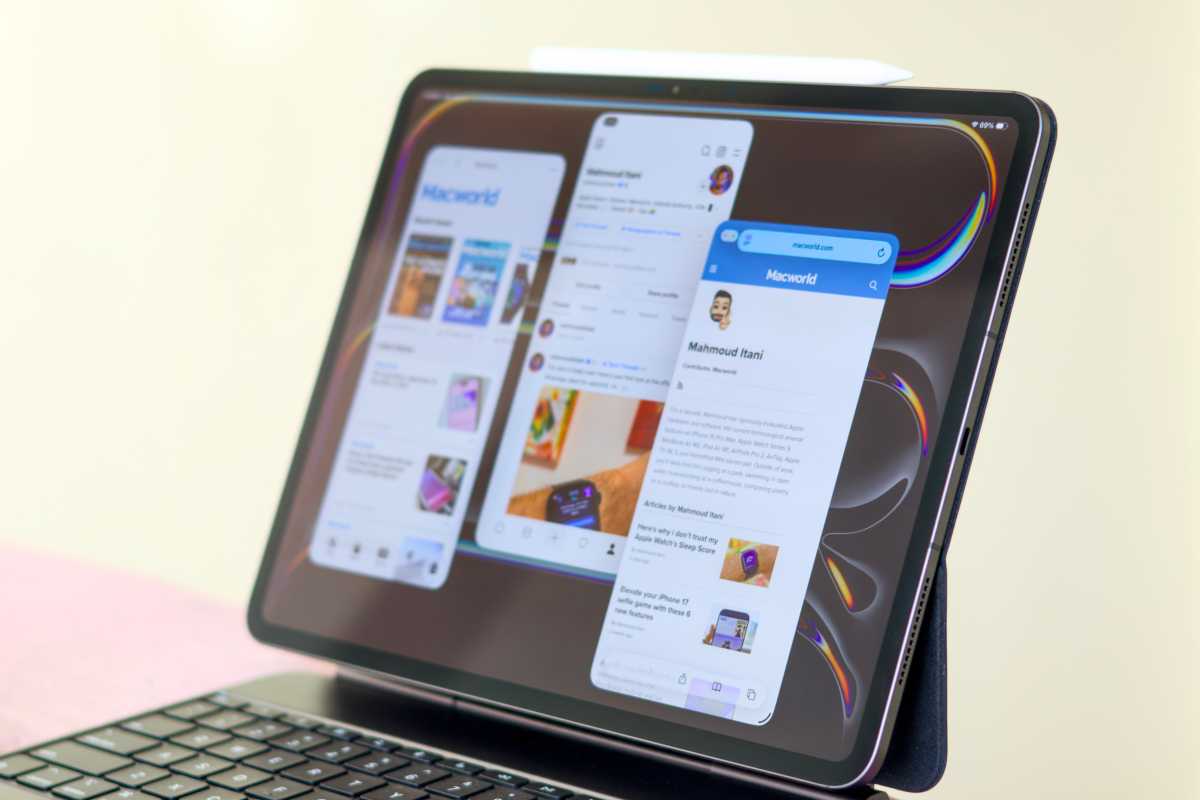
Multitasking and windowing
Although the improved windowing system introduced with iPadOS 26 makes the iPad more convenient for work, there’s more to multitasking than just opening multiple app windows. For example, some keyboard shortcuts I’m used to don’t work in third-party iPad apps. Likewise, iPadOS has yet to adopt the reinvented Spotlight search with clipboard history brought by macOS Tahoe.
Other omissions include the iPhone Mirroring app, which I previously depended on, and support for using the Apple TV 4K as a second wireless monitor (not just vanilla mirroring). I generally spend more time completing the same tasks because some workflows are different, or even non-existent, on iPadOS. My muscle memory will adapt over time, I suppose. But overall, multitasking on the iPad is significantly inferior to that offered by the MacBook.
Mahmoud Itani / Foundry
Applications
One thing I don’t like about using macOS is the more limited availability of native apps. Many developers, such as Google, avoid releasing dedicated desktop apps, forcing users to opt-in to their websites. Meanwhile, the software library on iPadOS is seemingly more comprehensive and apps tend to be more polished. This has improved my computing experience because I no longer need to use wonky web apps as often.
Battery and thermal
Arguably the biggest downside to this setup is the iPad Pro’s shorter battery life, which in some ways makes it less portable. Although my 3-year-old MacBook Air M2’s battery health has dropped to 82%, the laptop still lasts longer on a single charge than the brand new M4 iPad Pro. And the iPad’s battery life will only get worse over time, which discouraged me from connecting it to a cellular plan.
Another consequence of the slim design is more frequent overheating when performing intensive tasks. Even though, for obvious reasons, the iPad Pro M4’s performance is much higher, its body tends to heat up faster than that of the MacBook Air M2. This may be why Apple is reportedly planning to implement a vapor chamber to improve thermal management on the upcoming M6 iPad Pro.
Why I still need a Mac
My daily computing needs revolve around searching, typing, and photo editing, and the iPad Pro excels in all of these areas. As such, I will continue to use it as my primary work machine for the foreseeable future. It basically replaced my MacBook Air M2.
However, I’ll also keep my MacBook for activities that remain exclusive to macOS, like recovering the HomePod mini operating system. My world has turned upside down: my iPad Pro is now a functional laptop replacement…and I only need to keep my Mac for specific, unusual use cases.