Ellen DeGeneres shared a deeply self-indulgent video January 18, framing it as support for Minneapolis while managing to center herself at nearly every turn.
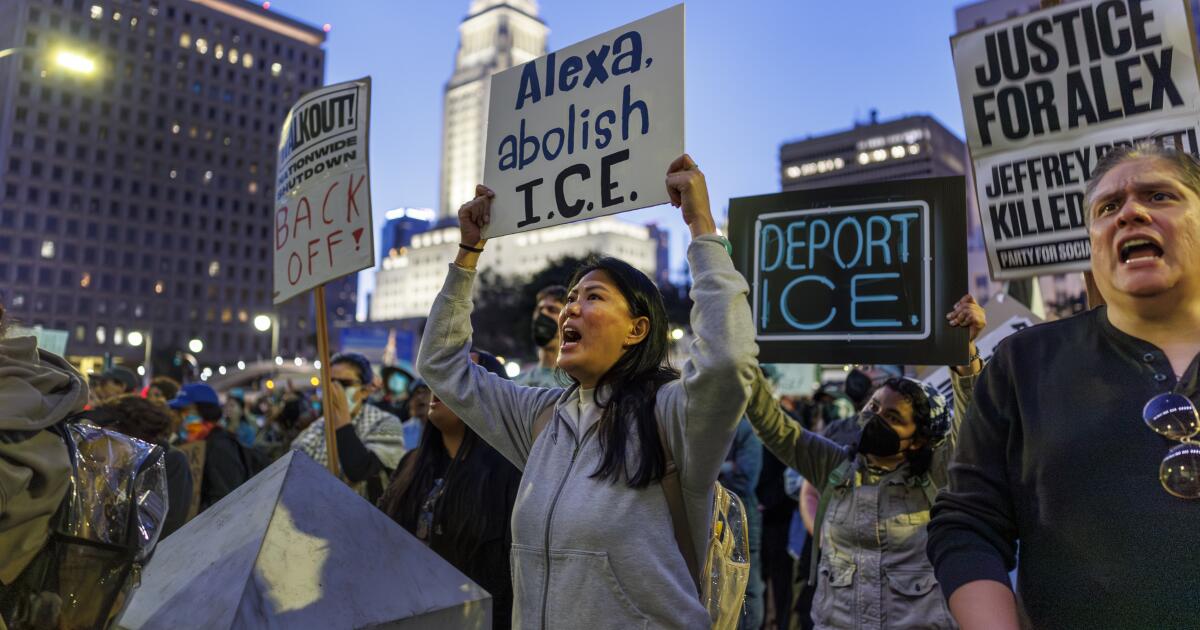
The comedian and former daytime talk show host appeared in a casual striped T-shirt and addressed the anti-ICE protests that erupted after the January 7 fatal shooting of Renee Good by an ICE agent — but not before weaving in a reference to her own stand-up comedy career. (RELATED: Hollywood Elites Slammed For Failing To Honor Slain Iranian Director Javad Ganji)
Rather than focusing squarely on the gravity of a woman’s death and the unrest that followed, DeGeneres chose to spotlight her personal connection to the city: her comedy special. “I just wanted to say I am so sorry for what is happening in Minneapolis, and our country, really – but specifically Minneapolis right now, because it’s where I shot my last stand-up special,” she told viewers, as if the tragedy required her own personal résumé footnote.
Her selfish indulgence was shocking considering the protests that roiled the city and mounting tensions over federal enforcement actions.
DeGeneres seemed oddly preoccupied with reminding her audience of her professional milestones. What should have been a message of solidarity instead came off as a tone-deaf monologue, delivered from the insulated comfort of celebrity detachment.
The mere fact that she mentioned her comedy show at all — let alone positioned it as the reason Minneapolis held special meaning in that moment — was staggering. At a time when people were demanding accountability and mourning a loss of life, DeGeneres’ comments felt less like genuine concern and more like a performative gesture, cloaked in sympathy but rooted in self-promotion.

US comedian Ellen DeGeneres introduces Lil Nas X and Billy Ray Cyrus during the 62nd Annual Grammy Awards on January 26, 2020, in Los Angeles. (Photo by Robyn Beck / AFP) (Photo by ROBYN BECK/AFP via Getty Images)
The video underscored a growing frustration with celebrities who mistake proximity for understanding and platform for perspective – offering words that sound supportive, yet ring hollow when weighed against the reality unfolding on the ground.
DeGeneres continued babbling about her connection to Minneapolis, saying, “everybody there couldn’t have been more lovely — I shot it there because they say it’s the happiest city in America, and I found that to be true.”
“So my thoughts and my prayers are going out to everyone, and I’m proud of everyone who is protesting peacefully, and I am sorry for anyone who has been hurt — just for protesting, for doing what you should be doing. Anyway, I ah – am just sending love,” she said.
DeGeneres relocated to England from California in 2024.