Ethernet vs Wi-Fi security: Which internet connection is actually safer?


NEWYou can now listen to Fox News articles!
We spend so much time online that how we connect to the Internet has become almost as important as the devices we use. Most people never think about it. They connect their computer to Wi-Fi, enter a password and continue with their day. But if you’ve ever wondered if it’s safer to plug in an Ethernet cable than stick to wireless, you’re asking the right question. How you log in can have real consequences for your privacy and security. Recently, Kathleen contacted me with the same doubt.
“Is it safer to use the Ethernet connection at home for my computer, or is it safer to use my cable provider’s Wi-Fi?”
That’s a great question, Kathleen, because the two options look similar on the surface but work very differently under the hood. These differences can mean the difference between a private, secure connection and one more vulnerable to attackers.
BEWARE OF FAKE WI-FI NETWORKS THAT STEAL YOUR DATA WHILE TRAVELING
Sign up for my FREE CyberGuy Report
Get my best tech tips, urgent security alerts and exclusive offers straight to your inbox. Plus, you’ll get instant access to my Ultimate Scam Survival Guide – free when you join my CYBERGUY.COM/NEWSLETTER
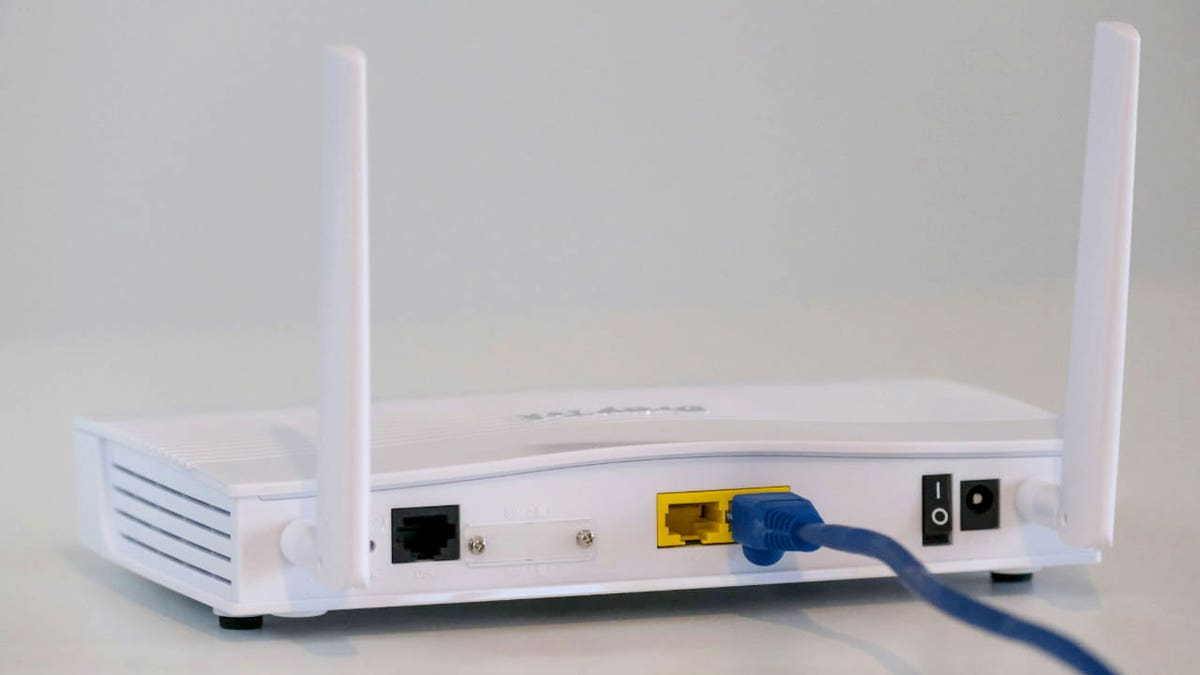
Ethernet provides direct wired security without wireless risks. (Kurt “CyberGuy” Knutsson)
How Ethernet and Wi-Fi differ in security
Both Ethernet and Wi-Fi allow you to connect, but they do it in completely different ways. Ethernet uses a physical cable that connects your computer directly to the router. Since it is a wired connection, data travels directly through this cable, making it much more difficult to intercept. There are no wireless signals to hijack, no radio waves to listen to.
Wi-Fi, on the other hand, is all about convenience. It sends your data over the air to and from your router, making it easy to connect from anywhere in your home. But this convenience comes with more risk. Anyone within range of your signal could attempt to break into the network. If your Wi-Fi network is protected by a weak password or uses outdated encryption, an experienced attacker could gain access without ever entering your home.
At home, this risk is lower than in a cafe or hotel, but it is not zero. Even a poorly secured smart device on your network can allow attackers to break in. Ethernet removes many of these risks simply because it is more difficult to access a connection that requires physical access to a cable. Discover our steps to setting up a home network like a pro here.
DO NOT USE YOUR HOME WI-FI BEFORE REPAIR SOME SECURITY RISKS
Why one connection may be more secure than the other
It’s easy to think that Ethernet is automatically more secure, but that’s not all. Your true security depends on how your entire network is configured. For example, a Wi-Fi network with a strong password, up-to-date router firmware, and WPA3 encryption will be much more secure than a poorly configured Ethernet setup connected to an outdated router.
There is also the question of who else is using your network. If it’s just you and a handful of devices, your risk is low. But if you live in a shared space or use smart home gadgets, that changes the equation. Every device connected to Wi-Fi is a potential entry point. Ethernet reduces the number of devices that can connect, which limits the attack surface.
Ultimately, connection type is only one piece of the puzzle. The most important factors are how your router is configured, how often you update your software, and how much care you take with the devices you connect.

Wi-Fi brings convenience but also potential exposure to hackers. (Kurt “CyberGuy” Knutsson)
6 Ways to Make Your Internet Safer
Whether you stick with Wi-Fi or switch to Ethernet, there are several practical steps you can take to protect your devices and data. Each step adds an additional layer of security to your network.
IS YOUR HOME WI-FI REALLY SECURE? THINK ABOUT YOURSELF
1) Use a strong network password
Choose a long, unique password for your Wi-Fi. Avoid obvious choices like your name, address, or simple sequences. A strong password makes it much more difficult for attackers to guess or hack into your network. A password manager helps you create and store strong, unique passwords for each account, reducing the chances of a hacker gaining access through weak or repeated credentials.
Next, check to see if your email has been exposed in past breaches. Our #1 password manager (see Cyberguy.com/Passwords) Pick includes a built-in breach scanner that checks if your email address or passwords have appeared in known leaks. If you discover a match, immediately change any reused passwords and secure those accounts with new, unique credentials.
Discover the Best Expert-Rated Password Managers of 2025 at Cyberguy.com/Passwords
2) Enable latest encryption on your router
Most modern routers support WPA3, which is much more secure than older standards like WPA2. Check your router settings to enable the latest encryption and make sure your network traffic is harder to intercept.
3) Keep your router firmware up to date
Router manufacturers regularly release updates that fix security vulnerabilities. Log into your router’s admin panel from time to time to check for updates and install them as soon as they become available. This prevents attackers from exploiting known vulnerabilities.
10 WAYS TO SECURE YOUR OLD MAC FROM THREATS AND MALWARE
4) Review connected devices
Regularly check which devices are connected to your network and disconnect anything you no longer use. Every connected device is a potential entry point for attackers, so keeping a limited list reduces your network exposure.
5) Install powerful antivirus software
Even on a secure network, malware can infiltrate through downloads, phishing attacks, or compromised websites. A powerful antivirus program will detect and block malicious activity, protecting your computer before damage occurs.
The best way to protect yourself from malicious links that install malware, potentially accessing your private information, is to install powerful antivirus software on all your devices. This protection can also alert you to phishing emails and ransomware scams, protecting your personal information and digital assets.
Get my picks for the best 2025 antivirus protection winners for your Windows, Mac, Android, and iOS devices at Cyberguy.com/LockUpYourTech
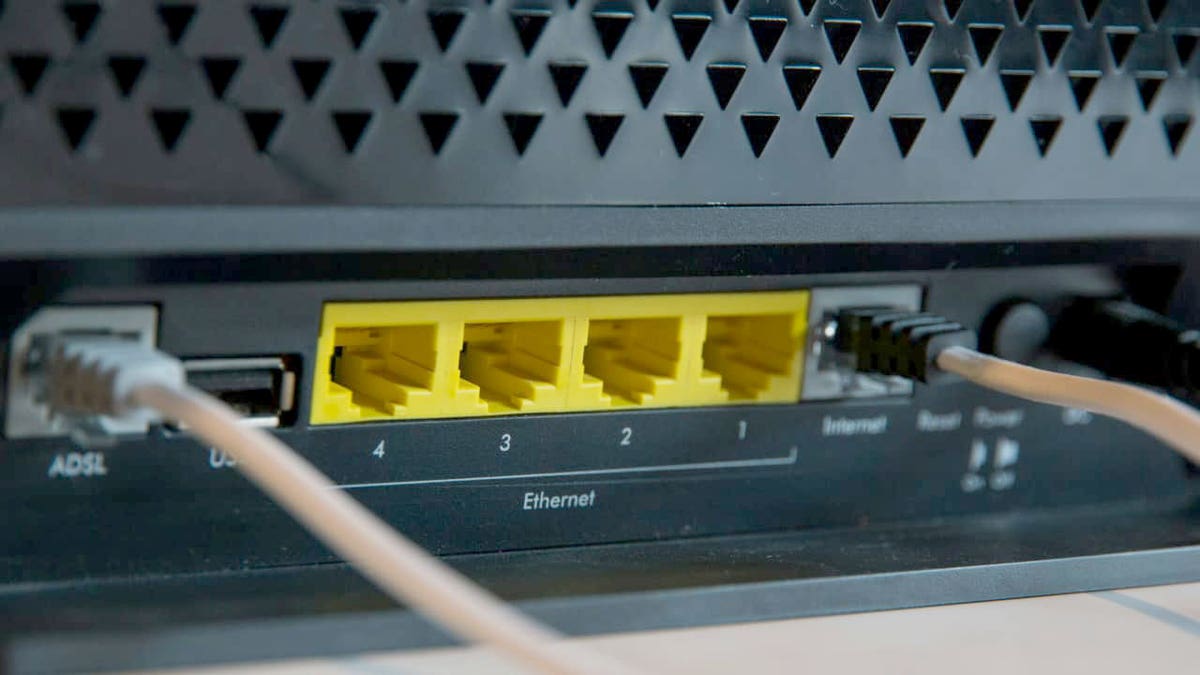
Ethernet cables connect to a router as part of a home networking setup. (Kurt “CyberGuy” Knutsson)
6) Use a VPN for Sensitive Tasks
A virtual private network encrypts your Internet traffic, making it unreadable to outsiders. This is especially useful if you use Wi-Fi in public or need an extra layer of privacy at home. A reliable VPN is essential to protect your online privacy and ensure a secure, high-speed connection.
For the best VPN software, check out my expert review of the best VPNs for browsing the web privately on your computer. Windows, Mac, Android and iOS devices has Cyberguy.com/VPN
Kurt’s key point
So which is more secure, Ethernet or Wi-Fi? Ethernet wins in terms of raw security because it eliminates many of the risks associated with wireless connections. But in a well-secured home network, the difference is often smaller than most people think. What matters most is how you manage your devices, passwords, software, and online habits.
CLICK HERE TO GET THE FOX NEWS APP
Would you trade the flexibility of wireless for the peace of mind of a wired connection? Let us know by writing to us at Cyberguy.com/Contact
Sign up for my FREE CyberGuy Report
Get my best tech tips, urgent security alerts and exclusive offers straight to your inbox. Plus, you’ll get instant access to my Ultimate Scam Survival Guide – free when you join my CYBERGUY.COM/NEWSLETTER
Copyright 2025 CyberGuy.com. All rights reserved.


