If you need a smart home dashboard, you’re doing it wrong


A smart home dashboard running on a wall-mounted tablet can look really impressive, but it’s not necessarily the smartest way to do things. If you have to interact with a dashboard every time you want to control your smart home, you have a manual home with nicer buttons.
The perfect smart home runs on its own
When you approach your home by car, your garage door opens automatically. You arrive, get out of your car and walk to your door, your garage door closing behind you. The front door unlocks as you approach and the entryway lights turn on as you enter.

This is how an ideal smart home should work. You don’t need to search for the garage door remote, manually close the garage door, get your keys and unlock your door, or turn on the light switch. Everything happens automatically, and if you want to do things manually, you always can.
Paulus Schoutsen, the founder of Home Assistant, wrote a blog post in 2016 called “Perfect Home Automation.” The article discusses how with a smart home, people always experience home control first and think their smart home app will be their remote control for the rest of their lives. But as Schoutsen points out, “there are virtually no valid use cases for being able to control lights from your phone except for showing off.”

Smart Home Control Panels Will Be Big This Year (But I Won’t Buy One)
Control panels can be useful, but proprietary panels are not recommended.
A dashboard is just a very expensive button
A smart home dashboard is essentially just an extension of a smart home app. You basically take an app and stick it on your wall. It’s not Schoutsen’s idea of the perfect smart home, and yet it’s an idea that many people spend a lot of time implementing and perfecting.
The problem with smart home dashboards is that they can be even less useful than an app. If you have an app on your smartphone, you will often have your phone with you when you want to use it. With a dashboard, this is not the case.
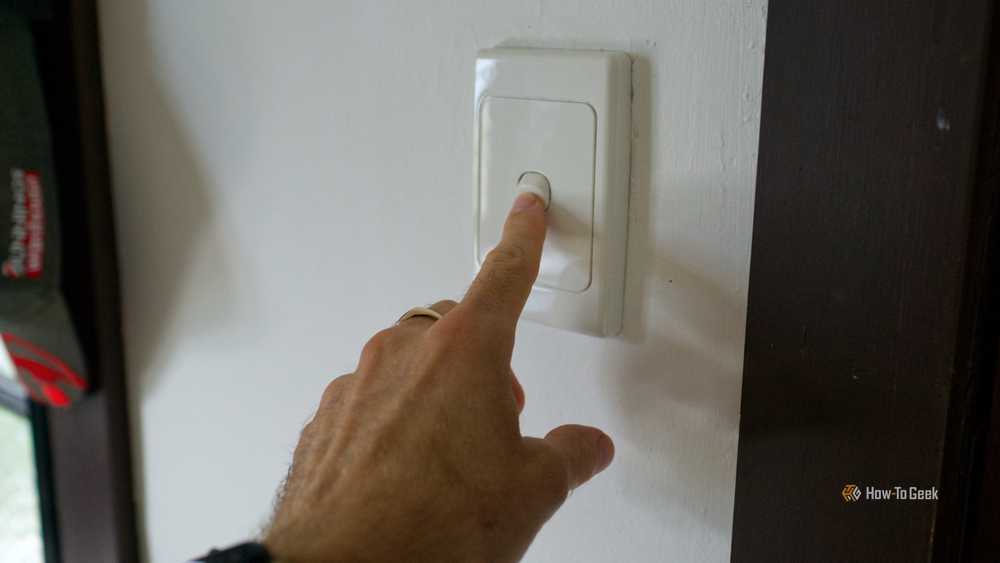
Imagine the scenario above, for example. When you drive home, you can’t use your dashboard to open the garage door. You can’t use your dashboard to unlock your front door, and you can’t use it to turn on the lights in the entryway until you walk through the dark entryway to where the dashboard is.
The reality is that a smart home dashboard is only really useful when you’re standing right in front of it. If you’re sitting in front of the TV and want to dim the lights using your dashboard, you have to get up from your chair, walk over to the dashboard and press the controls, making your dashboard a very expensive wall switch.
Good automations react to context, without touching
The key to getting closer to the ideal smart home is to focus on context rather than controlling everything by pressing buttons. Your smart home devices and sensors can provide you with a huge amount of information. With the right automations, you can leverage all of this context to make your smart home respond without having to press a button or tap a dashboard.

It’s impossible to create a smart home that can automatically anticipate your every need. No sensor or smart home device can determine when you decide to turn off the lights a little. Sometimes manual control is the only option, but as explained above, a dashboard stuck to the wall in one place is a poor option for manual control.
Although it’s not a perfect solution, voice control can work in these types of situations. You can use a voice command to turn off the lights without having to leave your seat or take out your phone. Local and private voice control for smart homes is still a work in progress, but it’s constantly improving.
Dashboards May Have Their Place, But You Shouldn’t Need Them
That’s not to say dashboards can’t be useful. A wall-mounted dashboard can be a useful addition to your smart home in many ways.
For example, a dashboard can be a useful way to monitor your security cameras. You can view multiple cameras at once to give you a complete view of your home at a glance.

A dashboard can also allow you to get a quick visual overview of the status of your smart devices. You can create a 3D diagram of your home that shows which lights and other appliances are on and allows you to turn them off with a simple tap.
You can also use a smart home dashboard as a central information point. For example, you can use it to track tasks, view a calendar, or see how much energy you’re using.
The bottom line is that while a dashboard can be a useful addition to your smart home, you shouldn’t need A. Your smart home should still work without you having to tap anything on your dashboard screen. If your smart home crashes when your dashboard fails, then you’re definitely doing something wrong.
Smart home dashboards aren’t the problem; it depends on them. The best smart homes do their job silently without you having to get involved. While a dashboard has some uses, your goal should be to create a smart home that actually works on its own.


