M5 Pro/Max chips finally enable 3–4 Mac displays over one cable


Summary created by Smart Answers AI
In summary:
- Macworld reports that Apple’s new MacBook M5 Pro and M5 Max significantly expand support for external displays, with the M5 Pro handling three displays and the M5 Max supporting four via single Thunderbolt connections.
- This advancement overcomes previous limitations where M4 Pro/Max and earlier chips only supported two external displays, bringing Mac capabilities closer to Windows machines for multi-monitor workflows.
- The enhanced support benefits developers and creatives by reducing cable clutter and enabling larger workspaces via Thunderbolt 5 docks with DisplayPort tunneling technology.
Apple still doesn’t support Multi-Stream Transport (MST) on macOS, but with the new M5 Pro and M5 Max chips, this limitation is much less significant. For the first time, high-end MacBooks can drive three or even four external displays from a single Thunderbolt connection, up from a long-standing limit of two, bringing them closer to the multi-monitor setups long associated with Windows machines.
This is especially important for power users who rely on multiple displays, such as developers and creatives, especially those who use Thunderbolt docks to simplify their desktop setup. In practice, this means fewer cables, less reliance on DisplayLink and other workarounds, and the ability to run larger multi-monitor workspaces from a single connection.
This article explains what’s changed, how these new display capabilities work in practice, and what this means for anyone using or considering using a Thunderbolt dock or multi-monitor setup with a Mac.
How many displays are supported on a single cable
- M5 Pro: Driver three displays over a Thunderbolt cable
- M5 Max: Driver four displays over a Thunderbolt cable
- M4 Pro and M4 Max and earlier: Drive up to two external displays over a single Thunderbolt port
- M1 and M2 chips And A18 Pro: Only one screen supported
What you need
- Thunderbolt 5 docking station
- Available ports
- Three to four monitors (the fourth will require daisy-chaining)
Mac with a M5 Pro now supports up to three external displays, and M5 Max Macs can run four displays over a single Thunderbolt cable. The previous generation M4 Pro and M4 Max (and earlier chips) only supported up to two external displays on a single Thunderbolt port. (The single M1 and M2 chips, as well as the A18 Pro in the MacBook Neo, can only handle one unless you add DisplayLink software.)
This advancement in Apple’s new MacBooks also means that Thunderbolt 5 certified Mac docks that were previously advertised as only supporting two external displays should now be able to support the same number of monitors as the M5 Pro (three) and M5 Max (four) allow through their single cable connection to the MacBook.
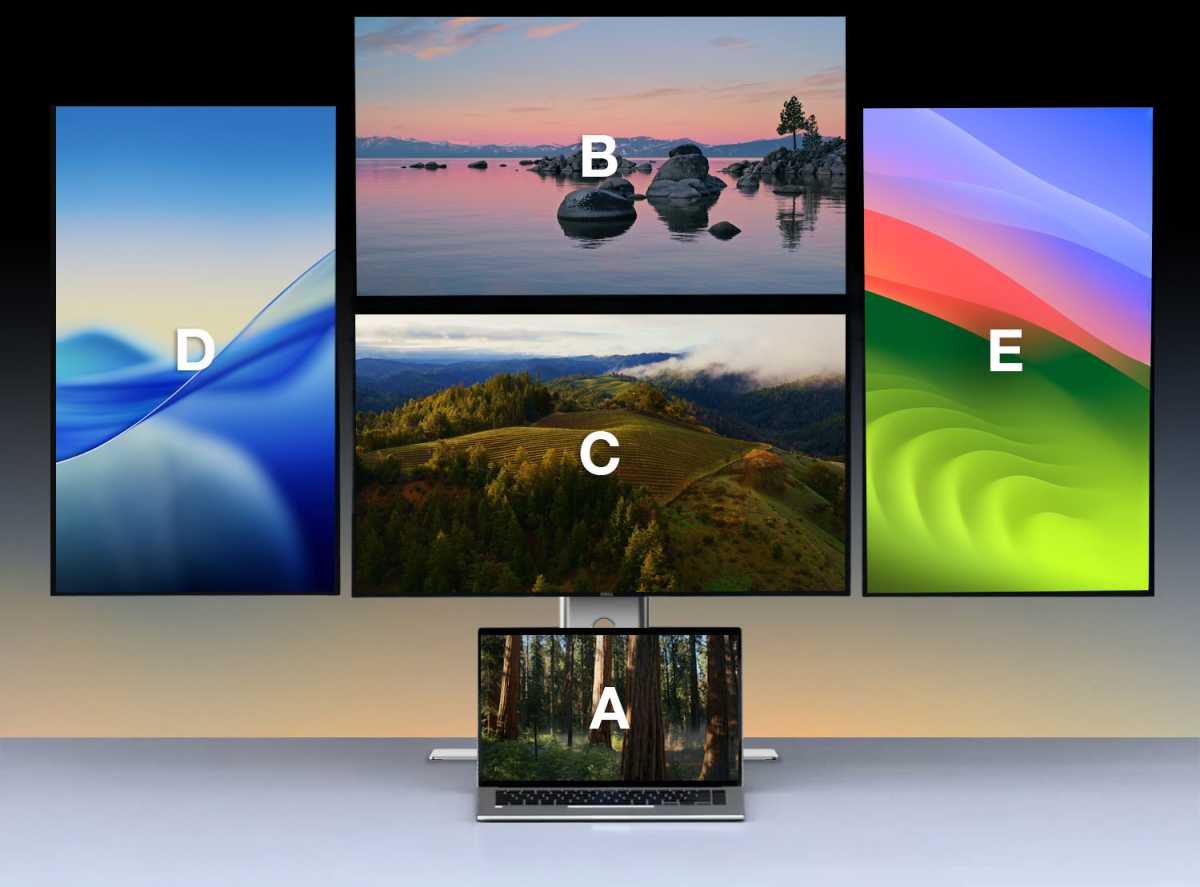
Simon Jarry
Dock display support
Thunderbolt 5 docks are where these new display capabilities become most useful. Most now support up to three external displays when paired with a MacBook M5 Pro, while some can handle four with the M5 Max by daisy-chaining an additional monitor. However, what exactly you can run always depends on the dock’s available ports and whether your monitors support features like USB-C daisy-chaining.
CalDigit has confirmed that its popular TS5 and TS5 Plus docks, as well as the Element 5 hub, now support up to three displays on M5 Pro MacBooks and up to four displays on M5 Max. Since the docks don’t have enough ports for the fourth display, the M5 Max’s additional monitor would have to be daisy-chained to one of the others. The monitors involved should support USB-C daisy-chaining (like the new Studio Display).
On the TS5 Plus, you can add one monitor to the DisplayPort and then two monitors to the downstream Thunderbolt 5 ports. With the M5 Max, you’ll need to daisy chain a fourth monitor to one of those connected to a Thunderbolt port, or you can daisy chain multiple monitors through one port on the TS5 Plus.
On the CalDigit TS5 and Element 5 hubs, you’ll connect three monitors to the Thunderbolt ports, then daisy chain the fourth for the M5 Max. Again, you can daisy chain multiple monitors through a single Thunderbolt port.
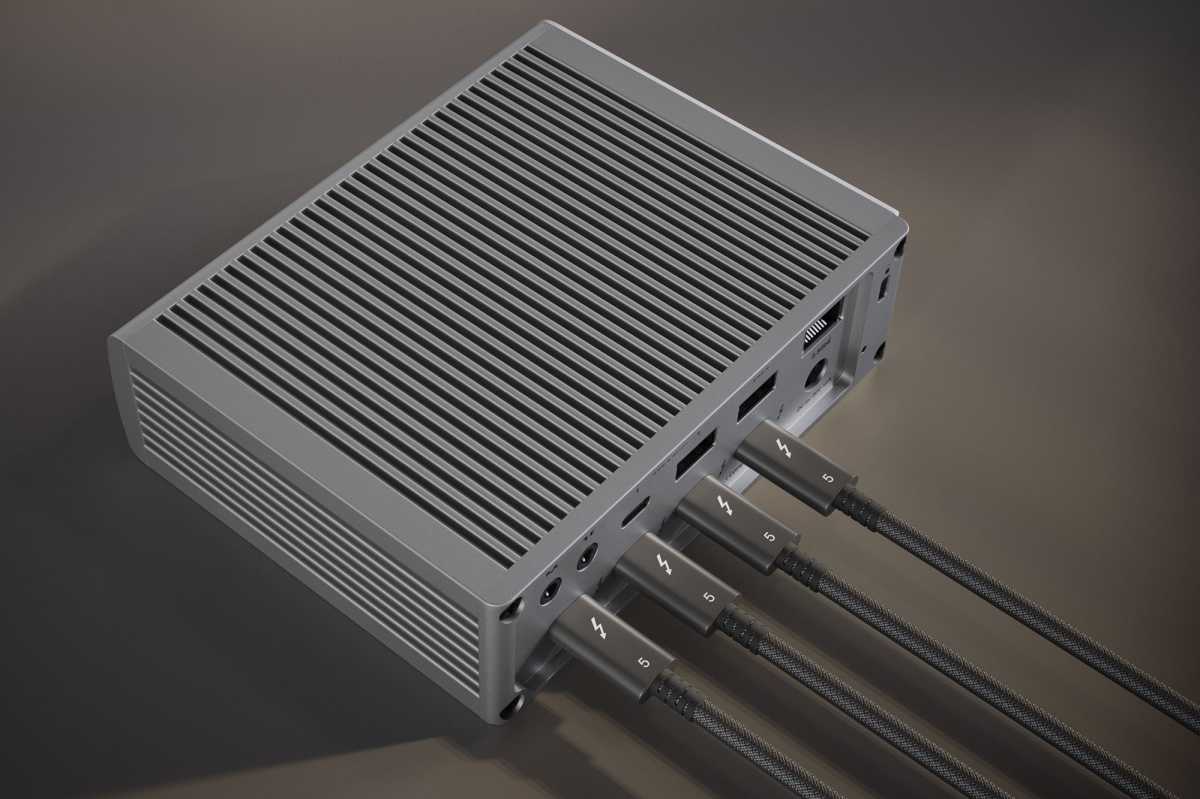
CalDigit
Satechi has been testing its upcoming Thunderbolt 5 CubeDock – currently undergoing testing at Macworld labs – and has confirmed to Macworld that it now supports three external displays on the M5 Pro/Max – it only has the three downstream Thunderbolt ports to play with.
Initial testing by Plugable on its Thunderbolt 5 TBT-UDT3 dock with the new M5 MacBooks has shown positive results. He confirmed that up to three displays work well, but the company is still investigating performance with refresh rates above 60Hz. Until more clarity and additional test results are available, he recommends a maximum of three 4K 60Hz displays when using its Thunderbolt 5 dock.
After testing its upcoming Echo 21 Thunderbolt 5 SuperDock, also tested by Macworld, with a MacBook Pro M5 Pro, Sonnet successfully used the dock to power three 4K 144Hz displays using two downstream Thunderbolt ports and the DisplayPort. He’s currently waiting to test an M5 Max with a quad-screen setup.
Finally, Kensington told Macworld that its Thunderbolt 5 docks all support up to three external displays for M5 Pro and Max, while Thunderbolt 4 docks will continue to be limited to two displays. Again, testing hasn’t been completed with the M5 Max, but a representative reported that “support for four external displays on the M5 Max is theoretically possible from a laptop perspective.”
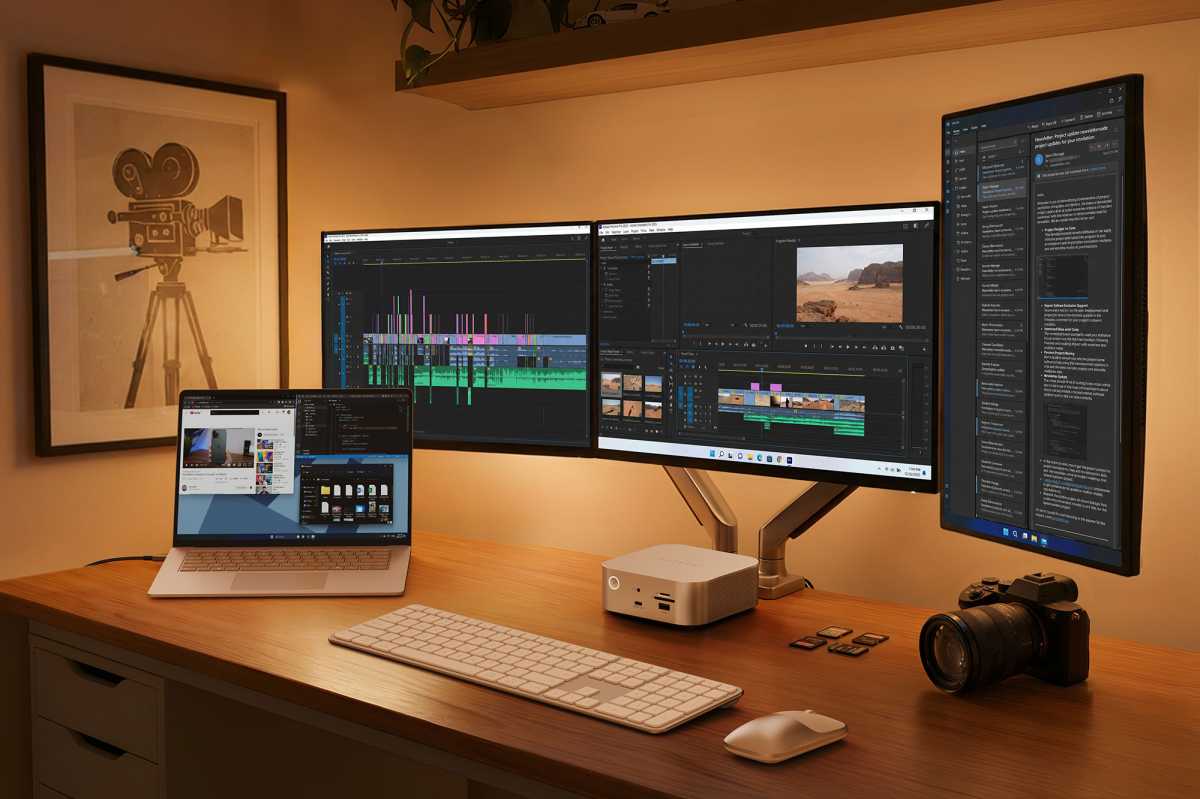
Satechi
Can M5 Macs finally run multiple displays on a single cable?
In its support document for MacBook Pro displays that can be connected to the MacBook Pro, Apple states that “MacBook Pro with M5 Pro the chip supports… three external displays… up to native resolution of 6K (6144 x 3456) at 60 Hz or 4K (3840 x 2160) at 144 Hz over Thunderbolt or HDMI” and the “MacBook Pro with M5 Max the chip supports… four external displays… up to native resolution of 6K (6144 x 3456) at 60 Hz or 4K (3840 x 2160) at 144 Hz over Thunderbolt or HDMI.
(The standard M5, not the Pro or Max versions, remains limited to supporting up to two external displays on a single cable.)
The previous limitation to one or two monitors, which persists for any Mac without at least one M5 Pro or M5 Max, is caused by macOS for daisy-chaining or splitting multiple monitors via a single USB-C/DisplayPort/Thunderbolt cable. Apple limits this functionality at the operating system level (unlike Windows or Linux) by refusing to support Multi-Stream Transport (MST), but has integrated a proprietary solution into its latest chips: the M5 Max can now support up to 4x DisplayPort tunnels per port, and the M5 Pro three.
Thunderbolt docks don’t rely on MST to work, making them the best option for multiple displays on a Mac via a single connection, but until the M5 Pro and M5 Max, docks were still limited to two extended displays unless you used an accessory like the iVanky FusionDock Max 2, which can natively support three displays out of the box. The trade-off with this dock is that you have to use two of the Mac’s Thunderbolt ports to connect to the Max 2.
Otherwise, macOS treats multiple connected monitors as a single mirrored display, limiting it to mirroring rather than extending it to three or more monitors. Instead, Mac users must connect multiple displays directly to individual ports on their Mac or use docks that support third-party DisplayLink software, which compresses video signals to allow for larger displays, but at the cost of image quality. Check out our reviews of the best DisplayLink docks.

Satechi
How can M5 Macs support more displays without MST?
This new capability could be a byproduct of Thunderbolt 5’s daisy-chaining prowess, according to Kensington. If the user has four Thunderbolt displays, they can connect the displays to each other and activate up to four external displays.
Likewise, CalDigit believes that the M5 Pro/Max’s new limitations are byproducts of Thunderbolt’s DisplayPort tunneling, which wraps native DisplayPort video and audio signals in USB4 packets to carry them over a single USB-C cable. It acts as a sort of “repeater” that enables efficient, high-bandwidth transmission of video as well as data and power.
It’s not yet clear how Apple’s latest high-end processors adapt this to their will.
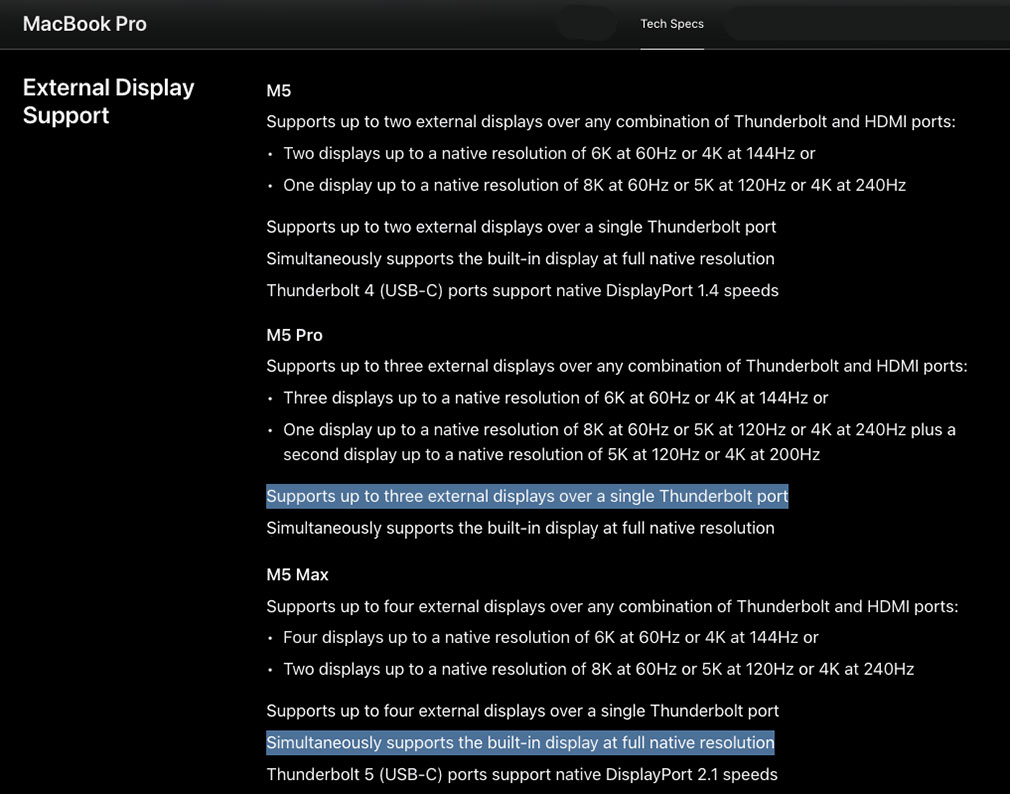
Apple


