7 networking devices that are officially too old for 2025


When was the last time you thought about the devices that manage your home network? Some devices may officially be too old to be used in 2025.
Even though your network equipment may still “work”, that does not mean that you should I still use it. Here are seven network devices you should seriously stop using if they are still running on your network.
Apple AirPort Express and Extreme
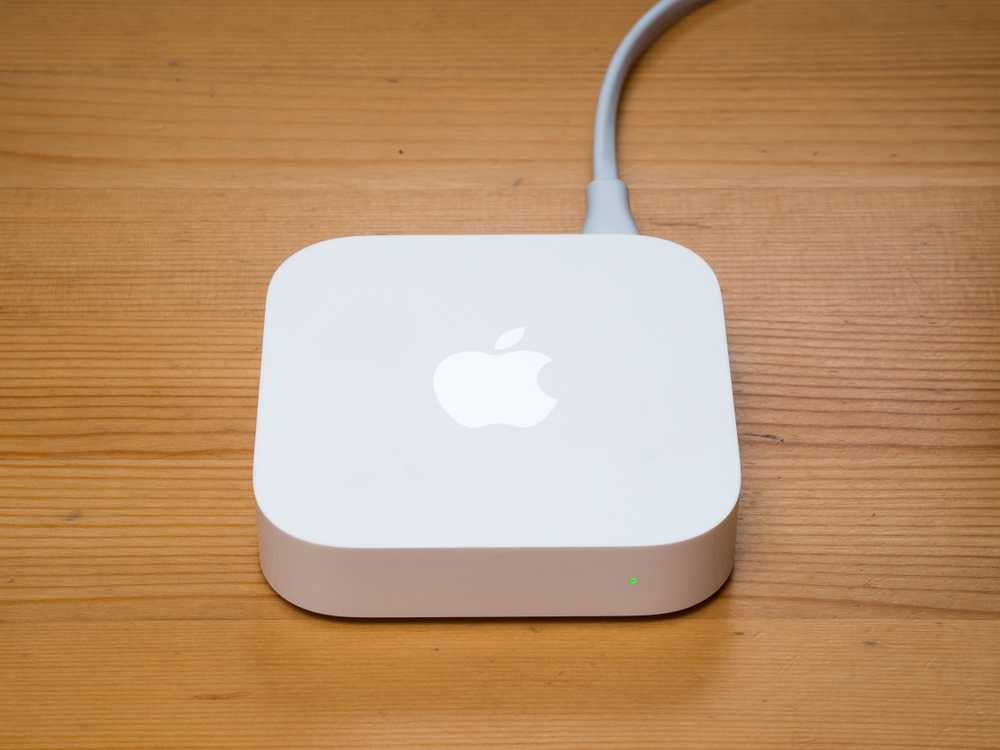
The Apple AirPort Express and Extreme were considered some of the best Wi-Fi routers of their time, but those days are long gone. The AirPort Express was limited to 802.11a/b/g/n (Wi-Fi 4) with only two 10/100 Ethernet ports (meaning no Gigabit networking.) The AirPort Extreme has at least been updated to Wi-Fi 5 and gained Gigabit Ethernet, but it’s still very old and unsupported.
Apple officially retired both devices in 2018, seven years ago. Yes, for over half a decade these devices have been at the end of their life and have not received any updates. If you are still using one of these two Wi-Fi routers, please upgrade to something more modern. You’ll benefit from faster networking and will also get at least seven years of security updates that you’re currently missing.
Apple AirPort Time Capsule
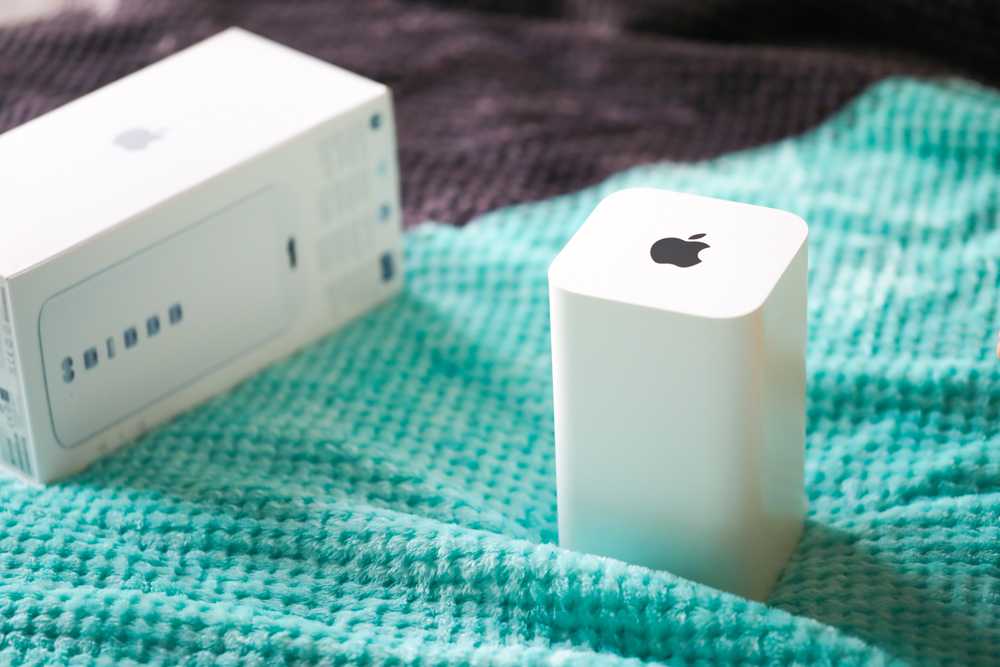
Apple not only created the AirPort Express and Extreme, they also created the AirPort Time Capsule. It was basically an AirPort Extreme with built-in storage for Time Machine backups, which is actually pretty cool. Although the AirPort Time Capsule had Wi-Fi 5 and Gigabit Ethernet, it too was discontinued and received its end-of-life sentence in 2018.
Most modern routers support connecting an external hard drive to their USB port for network attached storage. It’s also easy to create your own NAS (or even just buy one) to use as a Time Machine hub if that’s something you always use. Please stop using the AirPort Time Capsule.
Google Wifi
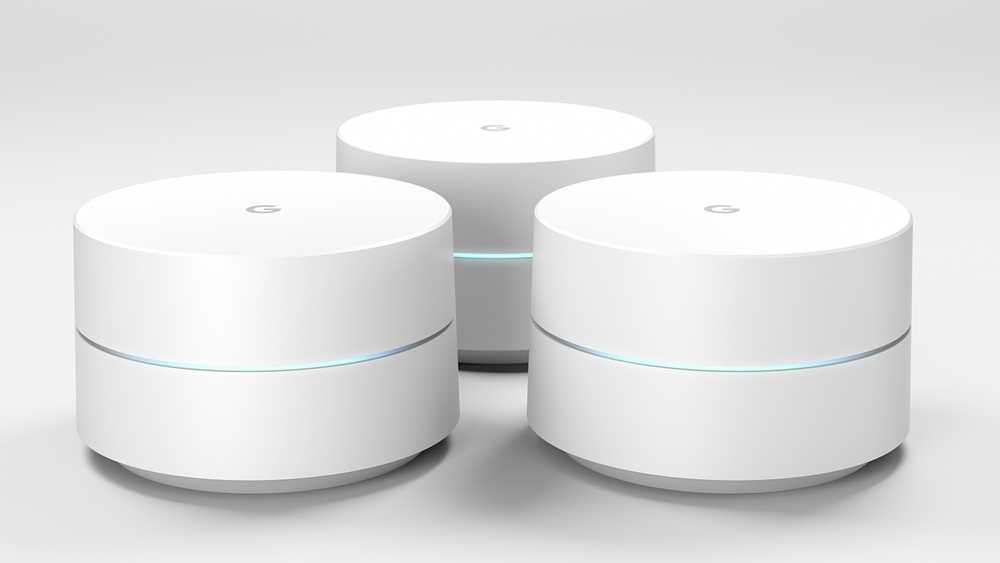
Google Wifi was one of my favorite product releases from…check the glasses—2016?! Yes, Google Wifi is currently almost ten years old. It offered support for Wi-Fi 5, but only at speeds up to AC1200, which is pretty outdated at this point.
Although Google Wifi is still receiving security updates, this will likely stop soon, as Google only promises five years of updates from the release date, and we are now well past that, almost a decade after its release.
In reality, Google Wifi is just plain slow by modern standards. I definitely wouldn’t buy this system in 2025, and if I was still using one, I would retire it for one of the many routers currently available (like eero or Unifi). Google Wifi was great when it came out, but it’s just plain old now and it’s time to retire that aging network setup.
Google On Hub

Google’s OnHub router was a unique offering launched in 2015, making it officially ten years old now. Made by TP-Link or ASUS, both OnHub models offered Wi-Fi 5 with AC1900 speeds and two Gigabit Ethernet ports.
Google no longer officially supports OnHub routers since December 2021, four years ago. If you’re still using an OnHub router, it may work just fine, but you’re putting yourself at pretty significant risk by using a Wi-Fi router that doesn’t have official security updates or software support. It’s time to retire your OnHub router.
First generation Eero

I’m a pretty big fan of eero, although I prefer Unifi when I can deploy it. However, for whole-home networking, it’s hard to beat what eero offers, unless you’re using the first-generation system.
With Wi-Fi speeds and an AC1300 rating, these routers can still get the job done in your home, but official support for these decade-old Wi-Fi routers ended three years ago. Surprisingly, this is the only device that eero has condemned to end of life.
All other eero devices will receive support until at least 2030, which means you could move to any newer eero system and will continue for another half decade.

- Brand
-
eero
- Range
-
1,500 square feet
The eero 6 Mesh Wi-Fi Router lets you upgrade your home network without breaking the bank. Compatible with the broader eero ecosystem, you’ll find that this node can easily start or expand your wireless network.
Anything Wi-Fi 5 or older

Although Wi-Fi 5 and 2.4 GHz connections are still standard in many smart home devices, it’s time to ditch them in terms of your primary wireless router. Wi-Fi 5 has had a good run, being introduced in 2013, when the iPhone 5s and Galaxy S4 were the newest smartphones on the market.

Wi-Fi 5 vs Wi-Fi 6: What’s the difference?
Is it time to upgrade to a Wi-Fi 6 router?
If you’re not using a smartphone from 2013 today, you really shouldn’t be using Wi-Fi technology from back then either. Modern Wi-Fi 6, 6e, or even 7 routers are becoming more and more affordable over time. If you’re trying to get started with a new Wi-Fi standard on a budget, eero 6 starts at $90 and often has deep discounts throughout the year.
Everything without Gigabit Ethernet
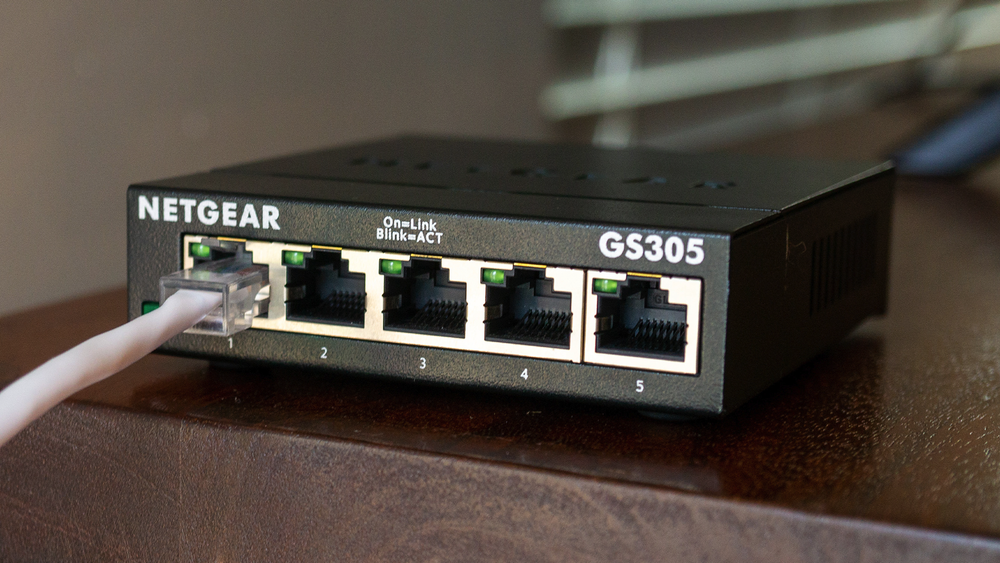
If your network equipment does not have at least Gigabit Ethernet, it’s time for an upgrade. Most major metropolitan areas don’t even offer 100 Mbps network plans anymore. In my area, the slowest plan you can get from any of the major providers is 300 Mbps, which is three times faster than standard 10/100 Ethernet.
It is rare to find networking equipment without Gigabit Ethernet, but it East there, and that do exist – the Apple AirPort Express proves it.
If you’re still using a sub-Gigabit network, it’s time to upgrade your network equipment, period.
Why should you stop using an old network device if it still works?

If you’ve made it this far in the article, you may be shouting at your monitor: “But my 15 year old Wi-Fi router still works, why shouldn’t I use it again?!” » To which I would respond: “Security updates. That’s all.”
Seriously, it seems like exploits hit every area of technology almost every day. Manufacturers are constantly trying to update and fix flaws found in their software. However, once your device reaches the end of its life, the manufacturer stops updating it and any vulnerabilities discovered after this period will no longer be fixed.
Continuing to use a Wi-Fi router after its end of life represents a pretty significant security risk. Especially when it comes to modern, affordable Wi-Fi systems with defined support durations of half a decade or more.
While the above networking equipment should definitely be retired, not all networking equipment dies the same type of death as the items I mentioned. Personally, I’ve moved away from purchasing single-use systems, like a traditional router, and have instead embraced an ecosystem with Unifi.
Unifi is definitely a little more complex when it comes to network setup, but it’s also extremely versatile. You can purchase a central hub device and plug-in Wi-Fi hotspots and swap them out as technology evolves.
Another option is to join an ecosystem like eero. You can mix and match multiple generations of eero devices, meaning you can have an older eero Pro (which is still supported) in the same network configuration as the latest eero Pro 7.
So if you want the most robust home network you can get right now, go with Unifi. If you want a simple system that’s easy to set up and doesn’t have tons of extra features you won’t use, you can’t go wrong with eero.


