New Android malware enables real-time ATM withdrawals using your phone


NEWYou can now listen to Fox News articles!
Smartphone banking has made life easier, but it has also opened up new opportunities for cybercriminals.
Over the past few years, we’ve seen Android malware steal passwords, intercept OTPs, and even remotely take control of phones to drain accounts. Some scams focus on fake banking apps, while others rely on phishing messages that trick you into entering sensitive information.
Security researchers have discovered a new threat that goes even further. Instead of just stealing login information, this malware gives thieves the ability to walk up to an ATM and withdraw your money in real time.
Sign up for my FREE CyberGuy Report
Get my best tech tips, urgent security alerts and exclusive offers straight to your inbox. Plus, you’ll get instant access to my Ultimate Scam Survival Guide — free when you join my CYBERGUY.COM bulletin.
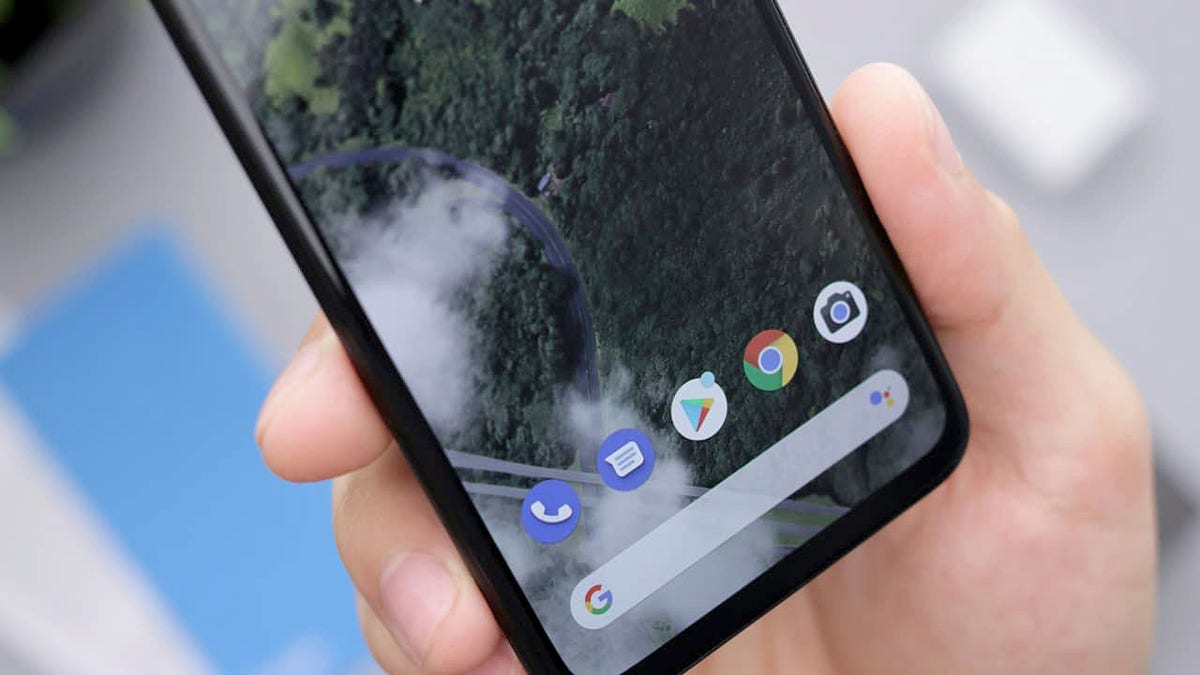
Android malware like NGate tricks users into downloading fake banking apps that steal sensitive data. (Kurt “CyberGuy” Knutsson)
How Ngate Malware Works
The Polish Computer Emergency Response Team (CERT Polska) has discovered a new Android malware called NGate that uses NFC activity to access a victim’s bank account. This malware monitors contactless payment actions on the victim’s phone and transmits all transaction data, including the PIN, directly to a server controlled by the attackers. It doesn’t just copy card details. Instead, it waits for the victim to tap to pay or complete a verification step, then captures new one-time authentication codes generated by modern Visa and Mastercard chips.
To achieve this, attackers must first infect the phone. They usually send phishing messages claiming that there is a security issue with the victim’s bank account. These messages often trick people into downloading a fake banking app from an unofficial source. Once the victim installs it, the app guides them through fake verification prompts and asks for permissions to read NFC activity. As soon as the victim taps their phone or enters their PIN, the malware captures everything the ATM needs to validate a withdrawal.
MANAGE ANDROID APPS WITH THE NEW “UNINSTALL” BUTTON
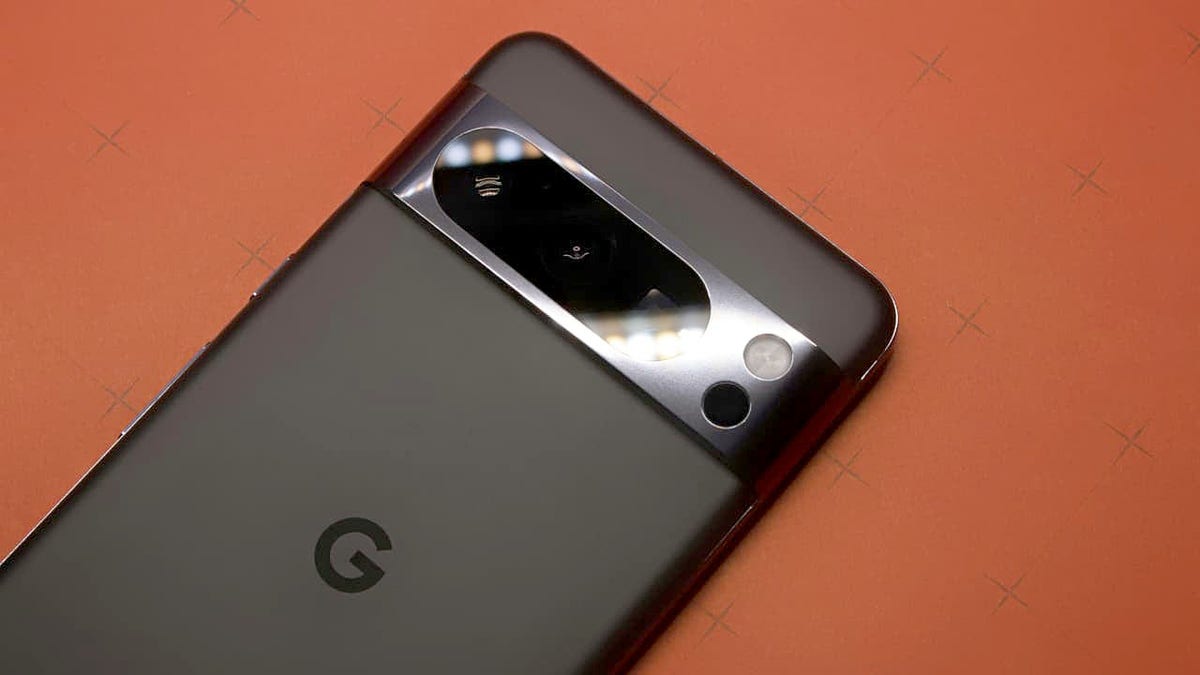
Once installed, the malware captures NFC Tap-to-Pay codes and PIN codes at the moment the victim uses their phone. (Kurt “CyberGuy” Knutsson)
What do attackers do with stolen ATM data
Attackers rely on speed. One-time codes generated during an NFC transaction are only valid for a short period of time. As soon as the infected phone captures the data, the information is uploaded to the attacker’s server. An accomplice waits near an ATM, holding a device capable of emulating a contactless card. This could be another phone, a smart watch, or custom NFC hardware.
When the data arrives, the accomplice presents the card emulation device to the ATM. Since the information contains new valid passcodes and the correct PIN, the machine treats it like a real card. The ATM allows the withdrawal because everything appears to be a legitimate transaction. All of this happens without the criminal touching the victim’s physical card. It all depends on timing, planning, and whether the victim unknowingly makes the transaction on their own phone.
Criminals use stolen time-limited ATM codes to make real withdrawals without the victim’s card. (Kurt “CyberGuy” Knutsson)
7 Steps to Protect Yourself from Android NGate Malware
As attacks like NGate become more sophisticated, staying safe comes down to a mix of good digital habits and a few simple tools that protect your phone and financial data.
1) Download apps only from the Play Store
Most malicious banking apps spread via direct links sent in text messages or emails. These links lead to APK files hosted on random servers. When you install apps only from the Play Store, you benefit from Google’s built-in security controls. Play Protect regularly scans apps for malware and removes harmful ones from your device. However, it’s important to note that Google Play Protect might not be enough. Historically, it is not 100% foolproof at removing all known malware from Android devices. Even if attackers send convincing messages, avoid installing anything outside of the official store. If your bank wants you to update an app, you will always find it on the Play Store.
2) Use powerful antivirus software
A simple click on a fake bank alert can give criminals everything they need. Powerful antivirus software can block most threats before they cause damage. It scans new downloads, blocks dangerous links, and alerts you when an app behaves in a way that could expose your financial data. Many threats like NGate rely on fake banking apps. Enabling real-time scanning therefore quickly alerts you if something suspicious is trying to take hold.
Get my picks for the best 2025 antivirus protection winners for your Windows, Mac, Android, and iOS devices at Cyberguy.com.
WAVE OF CRIME “JACKPOTTING” IN ATMS AFTER THIEVES LEAVE WITH HUNDREDS OF THOUSANDS IN CASH
3) Keep your device and apps up to date
Security patches fix vulnerabilities that attackers use to hijack permission settings or read sensitive data. The updates also improve how Android monitors NFC and payment activity. Enable automatic updates for the operating system and applications, especially banking and payment applications. A fully updated device closes many holes that malware tries to exploit.
4) Use a password manager to avoid phishing traps
Phishing attacks often direct you to fake websites or app login pages that look identical to the real thing. A password manager saves your credentials and fills them only when the website or app is genuine. If it refuses autofill, it is a clear sign that you are on a fake page. Consider using a password manager to generate and store complex passwords.
Next, check to see if your email has been exposed in past breaches. Our #1 choice for password manager includes a built-in breach scanner that checks to see if your email address or passwords have appeared in known leaks. If you discover a match, immediately change any reused passwords and secure those accounts with new, unique credentials.
Discover the Best Expert-Rated Password Managers of 2025 at Cyberguy.com.
5) Enable two-factor authentication for all financial services
Two-factor authentication gives you a second layer of protection, even if your password is compromised. App-based authenticators are more secure than SMS codes because they cannot be intercepted as easily. For banking apps, enabling 2FA adds friction for attackers attempting to perform unauthorized actions. Combined with strong passwords from a password manager, this significantly reduces the risk of account takeovers.
6) Ignore suspicious texts, emails and calls
Attackers rely on urgency to trick you. They often claim that your card is blocked, your account is frozen, or that a payment needs to be verified. These messages pressure you to act quickly and install a fake app. Always take a break and check your bank’s official channels. Contact the bank via verified customer care numbers or the official app. Never click on links or open attachments in unsolicited messages, even if they appear legitimate.
7) Check app permissions
Most people install apps and forget about them. Over time, unused apps pile up with unnecessary permissions that increase risk. Open your phone’s permission settings and check what each app can access. If a simple tool asks for access to NFC, messages, or accessibility features, uninstall it. Attackers exploit these excessive permissions to monitor your activity or capture data without your knowledge.
Kurt’s key point
Cybercriminals now combine social engineering with the secure hardware features of modern payment systems. The malware does not break NFC security. Instead, it tricks you into making an actual transaction and steals one-time codes at that time. This makes the attack difficult to spot and even more difficult to reverse once the takedown is made. The best defense is simple awareness. If a bank prompts you to download an app outside of the Play Store, consider it an immediate warning sign. Keeping your phone clean is now as important as protecting your physical card.
Have you ever downloaded an app outside of the Play Store? Let us know by writing to us at Cyberguy.com.
CLICK HERE TO DOWNLOAD THE FOX NEWS APP
Sign up for my FREE CyberGuy Report
Get my best tech tips, urgent security alerts and exclusive offers straight to your inbox. Plus, you’ll get instant access to my Ultimate Scam Survival Guide — free when you join my CYBERGUY.COM bulletin.
Copyright 2025 CyberGuy.com. All rights reserved.


