Not convinced of macOS Tahoe’s terrible design? Here’s the best (worst) example


First, it was Liquid Glass. Next up are the icons. And then it was the icons again (although it was a different set of icons). Now, there’s something else in the macOS Tahoe redesign that annoys users immensely: curves, especially curves on windows.
In Tahoe, Apple decided to further round the window corner radius. The thing is, as software developer Norbert Heger points out, this affects the interface for resizing a window. When you move the pointer to a corner to make a window larger or smaller, the curved corner actually creates less area that users can instinctively click and drag. In fact, most of the area you can click to resize is now outside the instinctive zone.
For example, in the animation below, you will see that when the pointer moves to the corner of the window, the ability to resize outside of the window activates. Getting out of the window is not an intuitive move.
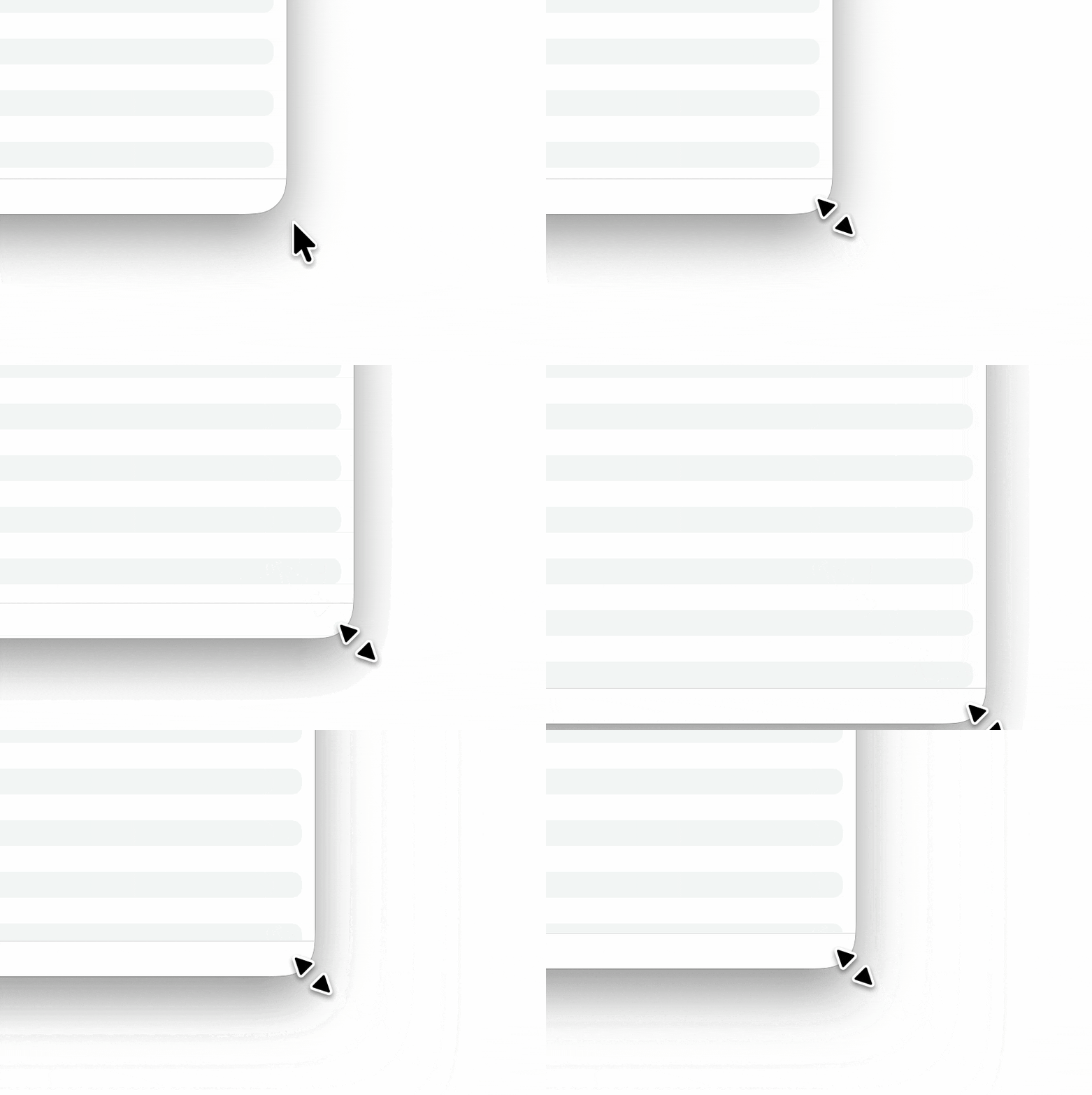
Foundry
In this next animation you can see what happens as you approach the corner from inside the window. Enabling resizing only happens when you’re very close to the border, which makes it feel like you have to be very precise about where you click, unless you know you can click outside of the window.
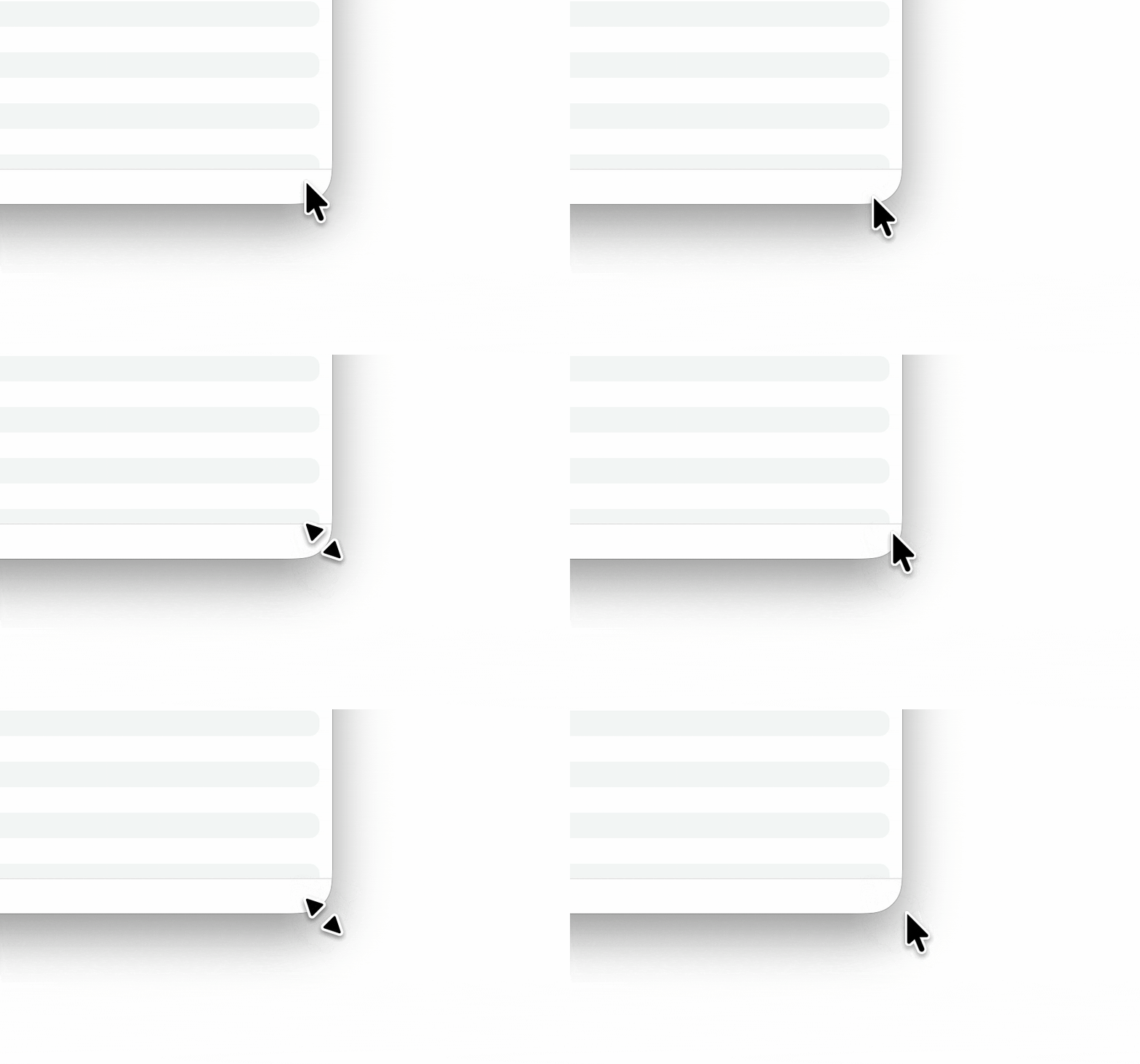
Foundry
Heger calculates that 75 percent of the window corner is outside the activation range. If the corner was not rounded, 62% of this area would be within the clickable range. Indeed, the curved corners have reduced the usability of this basic functionality to a significant extent.
All these UI glitches and bugs must make you wonder, did the people who proposed the Taho UI changes have any idea what they were doing? It’s as if user experience is not taken into account at all. Well, now that Apple’s VP of Human Interface Design is leaving, maybe there’s a chance the company will fix what’s broken.


