
Ethernet has been around for a long time. Invented in the ’70s, commercialized in the early ’80s, and it’s still the fastest and most reliable network technology you can have in your home.
The problem is that, while Ethernet has only been getting better, the actual cables all look the same at first glance–and that’s a big potential problem.

HTG Wrapped 2025: 24 days of tech
24 days of our favorite hardware, gadgets, and tech
Why the wrong Ethernet cable can bottleneck your network
While any Ethernet cables you encounter will use the same RJ45 connector, the wiring of that connector and the structure of the cable itself differs depending on the category of cable it is.
Different classes of Ethernet cable are rated for different maximum speeds, have different maximum lengths to keep those speeds, and have different levels of resistance to interference. So if you have gigabit fiber internet at home, but connect to it with an Ethernet cable rated for 100Mbps, you’ll only get 100Mbps.

Annoyed by constant Wi-Fi drops? Here’s the fix you need
Say goodbye to Wi-Fi frustration with these troubleshooting tips.
What CAT5, Cat5e, Cat6, Cat6a, and CAT7 actually mean

Ethernet ports on routers, networks cards, and other devices are usually listed with specific speed specifications, such as 10Mbps, 100Mbps, 1Gbps, 2.5Gbps, and 10Gbps.
That makes things pretty straightforward, but for the cables themselves there’s a system of rather obscure categories, and these are the ones you’re most likely to encounter today:
- Cat5 is a common type of cable that’s pretty much obsolete now. It caps out at 100Mbps, which you might not notice until you upgrade your internet to a faster speed than that.
- Cat5e is an enhanced version of Cat5 that offers gigabit speeds, and this is probably what most people are using these days.
- Cat6 and Cat6a are both rated for 10Gbps, but Cat6a has better shielding and can maintain that speed over much longer runs. However, regular Cat6 is good for lengths far longer than the typical home needs (typically 37-55m), and is physically easier to install because it’s not so stiff from all the shielding.
- Cat7 is capable of 10Gbps over 100m runs, while Cat8 supports up to 40Gbps over shorter distances (30m). They’re used for interconnections in data centers and other high-end uses.
Categories 1–4 are completely irrelevant and if there’s any of it still out there in the wild, it’s probably in the walls of an abandoned building.
Signs your Ethernet cable is limiting your connection
It’s pretty easy to see if a cable is limiting speed, as long as it’s slower than the network interface. If you plug a Cat5 cable into a Gigabit port (on both ends), then any transfers will happen at much lower speeds than the port is capable of. Likewise, if you see slow speeds over really long Ethernet runs that don’t keep up with what the devices are meant to achieve, you might need to upgrade to a cable with better shielding, in addition to needing the right speed rating.
How to identify the cable you already have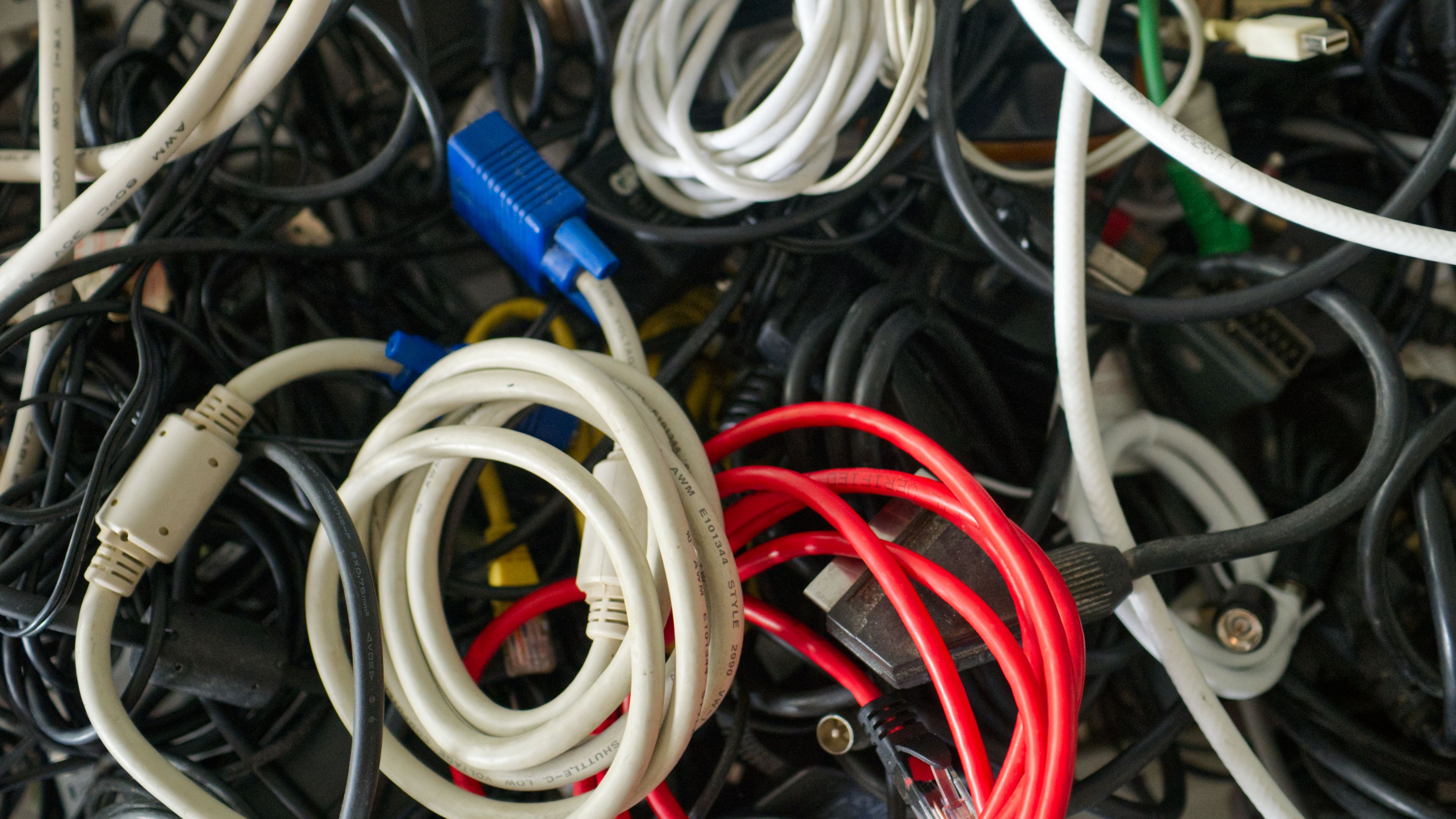
If you’re looking at a bunch of cables and don’t know which are which, there are a few ways to figure it out. If you’re lucky the cables will have the category and perhaps even speed rating printed repeatedly along the length of the cable. I find this is pretty normal for cables that are made to a custom length from a spool, rather than pre-packaged cables, but any type of Ethernet can be marked this way.
The other fast way to do it is to plug it in and check what the negotiated link speed is. How to do this varies from one operating system to the next, but on Windows, under Settings > Network Settings > Advanced network settings, you can see the link speed as in the example below taken from my Plex server.

When to upgrade your Ethernet cabling
There’s nothing wrong with using an older or slower Ethernet cable if it serves your needs. For example, my home mesh network has some pods that only have 100Mbps ports. I still use them to hook up my smart TVs, streaming boxes, and even my one PlayStation 5. 100Mbps of bandwidth is plenty for those use cases, since I don’t want them hogging my entire network connection anyway, and Ethernet still offers superior latency and stability compared to Wi-Fi.

5 Insane Things You Can Do With Your PC’s Thunderbolt Port
It’s greased lightning.
However, for most people, you can safely throw out your Cat5 cables unless you have some need for a 100Mbps or slower connection somewhere. Cat5e is still good enough and will be for quite some time in a home context. So don’t go digging it out of your walls or ceiling just yet. If you’re installing new cabling, however, Cat6 or even Cat6a is the way to go for decent futureproofing when faster internet becomes available or for high-speed local applications that are becoming more common with self-hosting and smart homes.


