3 ways to add more HDMI ports to your TV


Have you used up all the HDMI ports on your TV and don’t have room for another game console, PC or streaming box? Nevermind. You don’t need to look for a new TV with additional HDMI ports; any of the devices listed below will do the job.
An HDMI switch

Buying an HDMI switch is the most affordable and easiest way to get your hands on additional HDMI ports. All you need to do is plug several HDMI ports into it and then plug the switches’ HDMI port into your TV. Then you can switch between different HDMI inputs with the press of a button.
A decent HDMI switcher with two HDMI inputs and one output costs around $15. The main downside to affordable HDMI switches is that they usually don’t include a remote control; you have to press the switch button to cycle through different HDMI inputs, which can be less than ideal if you place the switch behind the TV.
There are more expensive options that contain more HDMI ports and include a remote control. The good news is that even a mid-range HDMI switch won’t burn a big hole in your wallet.
Before you pull the trigger, make sure the switch you’re considering has the features you need. Most support 4k signals at 60Hz, but not all switchers support HDR or surround sound.
I also recommend getting a switch with more HDMI ports than you need at the moment. Chances are you’ll have more HDMI devices in the future, so it’s better to overprovision now rather than having to spend money on a new switch again tomorrow.
If you just need a simple switch with two HDMI inputs, get the GANA 4K@60Hz HDMI Switch. It only costs $15, but doesn’t come with a remote. For $11 more, you can get an Ilano HDMI 2.1 switcher with HDR and VRR support.
The Anker 4K@60Hz Switch, which comes with four HDMI inputs, a remote control, and HDR support, is a great mid-range choice. Another great mid-range option is the UGREEN 4K@60Hz 5-in-1 HDMI Switch. Finally, if you want HDMI 2.1 support, check out the UGREEN 8K@60Hz Switch which packs five HDMI inputs, supports signals up to 4K@240Hz with full functionality, and includes a remote control.
An AV receiver

If a simple HDMI switch isn’t enough, you can get an audio-video receiver. While their primary function is to amplify and route sound signals, AV receivers can also act as an HDMI switcher. A fancy and expensive model, but an HDMI switch nonetheless.
The best way to use an AV receiver as an HDMI switch, without speakers connected, is to get one that supports sleep passthrough. This feature allows the receiver to transmit audio and video signals to the TV in standby mode, without processing the audio.
When turned on, most AV receivers automatically process audio signals, but you can find models that support audio and video relaying even when turned on.
That said, I definitely don’t recommend buying an AV receiver just for the extra HDMI ports. Even budget models with multiple HDMI ports cost 10 times more than a mid-range HDMI switch, with high-end options priced into the four-figure range. If you’re considering purchasing one, at least get a pair of affordable, used bookshelf speakers to use with the receiver.
The good news is that the majority of AV receivers, except for the most affordable ones, come with multiple HDMI inputs. The usual configuration includes four HDMI inputs and one output. The good news doesn’t stop there: Most AV receivers with multiple HDMI inputs also support HDMI 2.1 and HDR. Just make sure the receiver supports the HDR formats you need if you plan to connect an HDR-enabled device to it.
A soundbar with HDMI eARC support
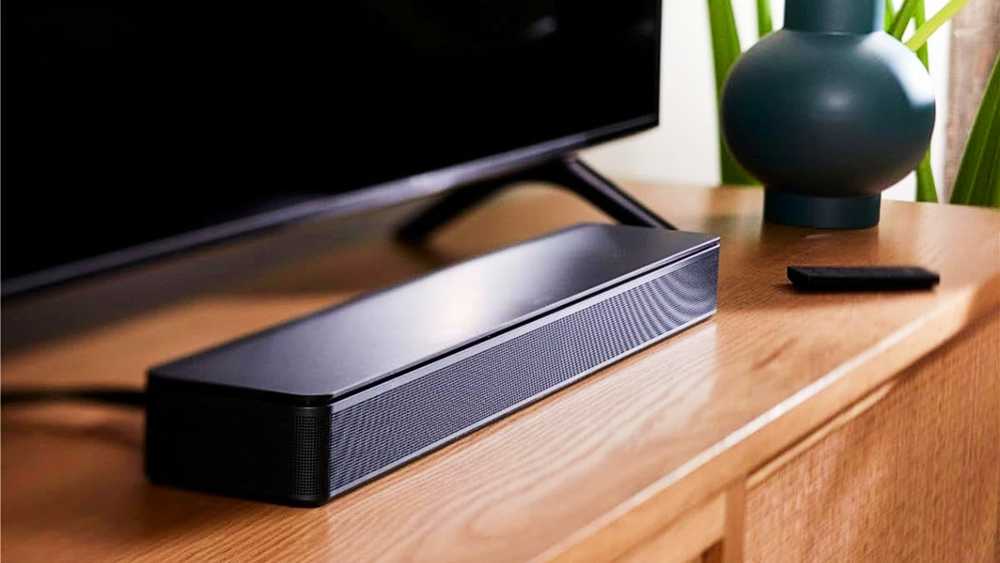
The third option includes purchasing a soundbar with eARC support and multiple HDMI inputs. The problem is that most budget models, even many more expensive options, only have one HDMI input at best.
Another problem is that soundbars generally cannot transmit 4K signals at 120 Hz as well as HDR and/or VRR. If you need to, do your due diligence and make sure the model you’re considering getting supports all the HDMI features you need.
Finally, soundbars with multiple HDMI inputs are generally quite expensive. You’d be better off getting a decent AV receiver and a pair of speakers, which would not only give you more HDMI ports, but also HDMI 2.1 support and (probably) a better audio experience.
If you really want a soundbar, the JBL Bar 1000MK2 is a highly rated option that offers excellent sound quality, eARC support, and three HDMI inputs.
The most affordable and easiest way to add more HDMI ports to your TV is to get an HDMI switcher. They’re cheap, and you don’t have to pay a fortune for a model that supports HDMI 2.1 and HDR and includes four or more HDMI inputs. The next best option is an AV receiver, but I recommend buying one only if you plan to use speakers with it.
While there are soundbars with multiple HDMI inputs, you’ll need to look for one because most soundbars only have one HDMI input. Personally, I would only recommend a soundbar if you have a specific use case that precludes using an HDMI switcher or AV receiver.


