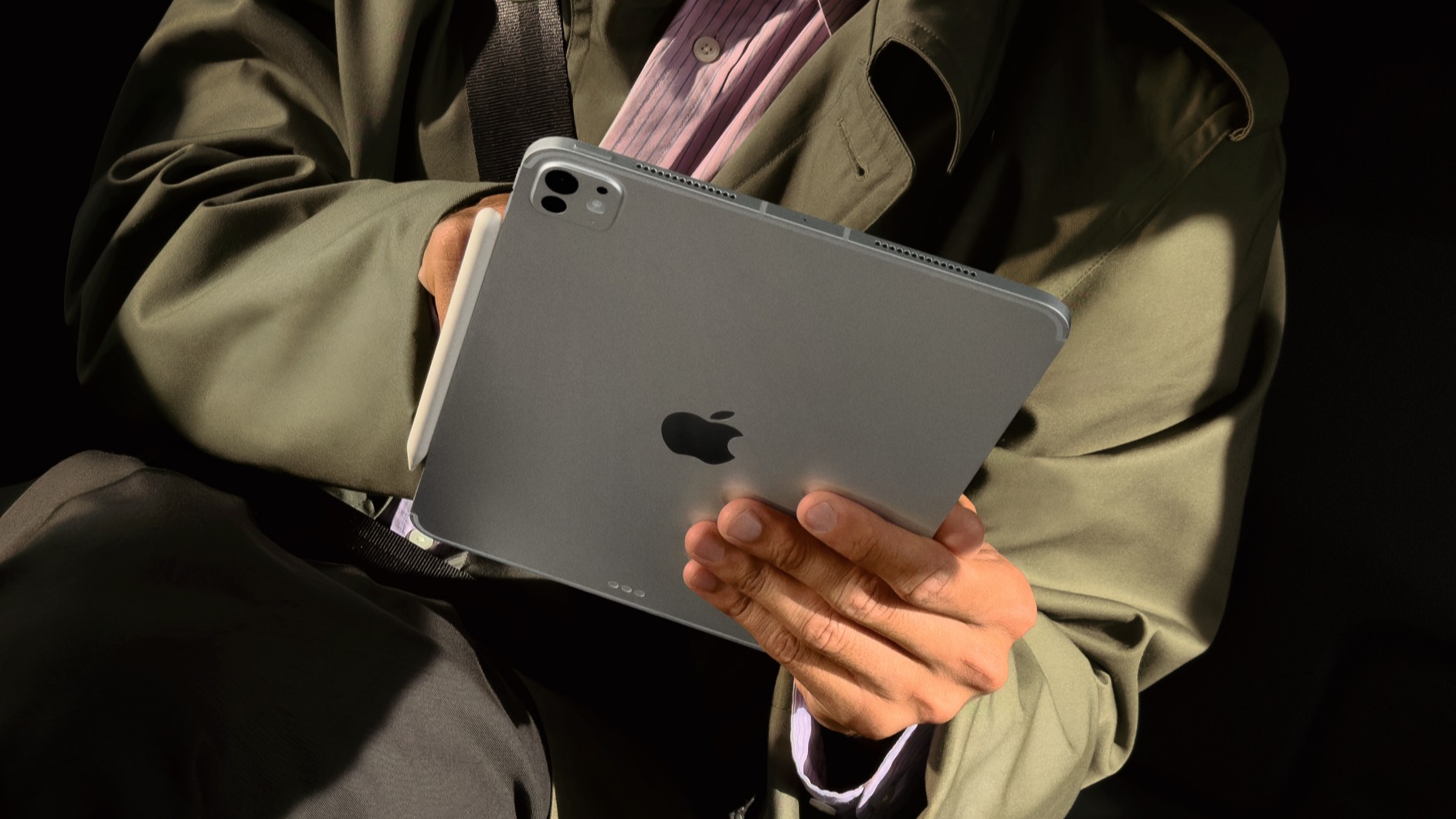
The iPad Pro has finally fulfilled its destiny, with a little help from the M5


It’s not entirely accurate to say that for the first five years of its life, the iPad was an iPhone (or iPod Touch) with a very large screen intended to be a simple consumer device. After all, the very first iPad came with a productivity accessory in the form of the Keyboard Dock.
But ten years ago, Apple got serious. It delivered the very first iPad Pro and started a decade-long conversation about whether the iPad could be used for work and whether or not it was even a computer.
Today, the iPad Pro M5 and iPadOS 26 have settled many old scores. But it’s been a long and strange journey from “Hey Siri” day in San Francisco to today.
A large screen and accessories
What made the original iPad Pro was its size and collection of accessories. Although Apple would later add a smaller model, the first iPad Pro had a 12.9-inch diagonal screen, offering more real estate than ever before on an iOS device.
What can you do with all this space? Shortly before the iPad Pro shipped, Apple shipped iOS 9, which added multitasking to iPad for the first time in the form of Slide Over and Split View. Yes, it would take Apple a decade to completely abandon this approach and start again with iPadOS 26, but the ability to run two iPad apps at once, on that big screen, was a big deal.
The other thing you can do with a larger-than-ever iPad is attach a keyboard to it. Apple therefore introduced the Smart Keyboard alongside the iPad Pro. By today’s standards, it was rudimentary: a thick, multi-pronged case with membrane keys and no trackpad. In fact, at the time, I thought it was better to just use a case and a Bluetooth keyboard when you wanted to write on the iPad!
But the most important thing about the Smart Keyboard is that it existed. Its existence meant that Apple felt that moving around a keyboard and using an iPad as a quasi-laptop was an approved use case. It was important.
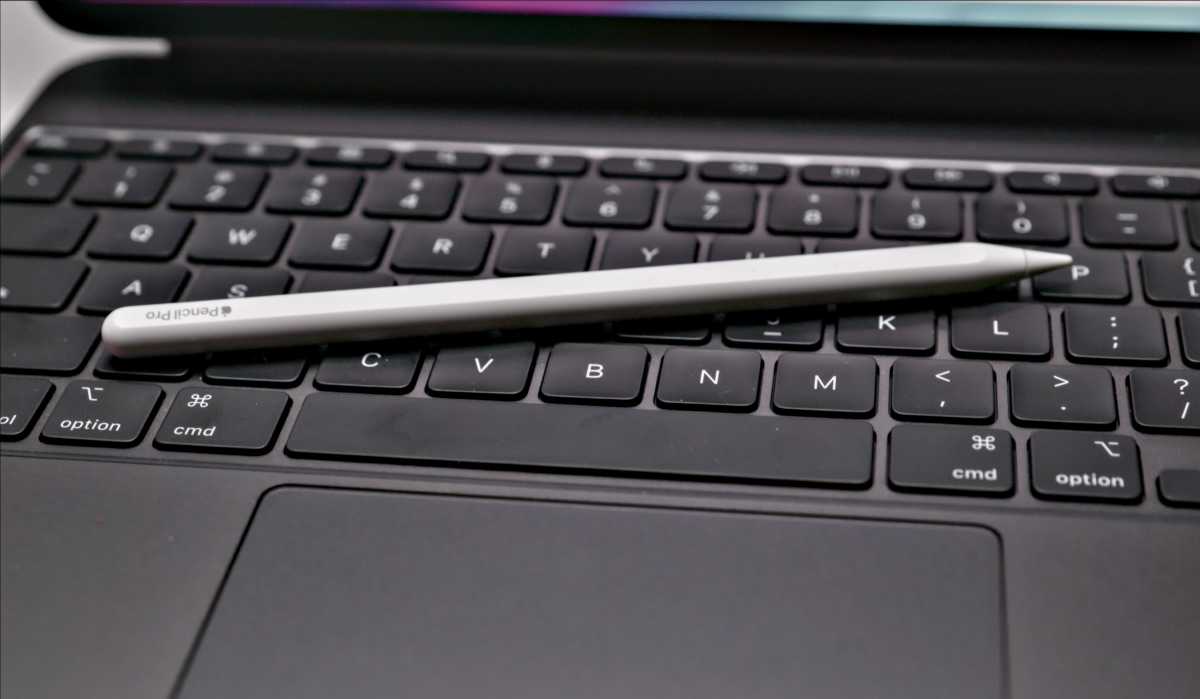
The other iPad Pro accessory introduced ten years ago was the Apple Pencil. Yes, today it’s easy to look at this original model (with its Lightning jack hidden under a cap!) and reflect on how far we’ve come. But the Apple Pencil was a game changer. For years, artists have turned to the iPad as a way to break free from PC graphics tablets and work anywhere, anytime. This led to a cottage industry of styluses that attempted to mimic the iPad’s finger-sensing touchscreen. They worked, to an extent, but it couldn’t be clearer that this was a use case that Apple simply didn’t approve of.
Thiago Trévisan/Foundry
The Apple Pencil changed everything. It enabled precise typing on iPad for the first time, with low latency. Not only were all the artists who had struggled to work on the iPad rewarded with a product designed specifically for them, but it also showed that Apple research the iPad to use as a professional tool for those who make a living holding a pencil (or equivalent).
I’m someone who hates writing by hand, but the Apple Pencil has even changed the way I work. Indeed, the Pencil not only supported drawing, but (after a few software updates) took over management of the entire iPad interface. I discovered that I love use Apple Pencil to edit podcasts. Using thoughtful iPad apps like Ferrite Recording Studio has made even a die-hard stylus hater like me a true believer. The Apple Pencil is a great way to control all kinds of apps. There’s nothing like it on any of Apple’s other platforms, and it all started with the iPad Pro.
New sizes and modifications
Over the years, the iPad Pro and its accessories have evolved in many ways. For the past five years, the Magic Keyboard has provided iPad users with not only a keyboard, but also full mouse pointer support. (It’s hard to remember the mouse wars, but there was a time when saying a pointing device could be useful on an iPad was controversial!) The Apple Pencil has also improved, with magnetic charging on the device and improved precision.
And the iPad Pro itself has never been more impressive. Since the dawn of the Apple silicon era five years ago, it has been powered by the same chips found in Macs. (It could be argued that two special iPad Pro chips, the A12X and A12Z, served as a test bed for the M series.) At this point, there’s no difference in performance between a MacBook Air and an iPad Pro, since they generally use the same chips. And the iPad Pro OLED tandem display introduced in 2024 with the M4 model is legitimately the best display on any iPad, Mac, or iPhone ever created.
Probably the biggest change to the iPad Pro over the past decade has been its place in the iPad product line. The original iPad Pro started at $799! Today’s big iPad Pro starts at $1,299…but there’s another option.
The iPad Air is now essentially what the iPad Pro was. (The large model even starts at the same price, $799.) The iPad Air supports the Apple Pencil Pro and a Magic Keyboard and is very good value…just without that OLED display with ProMotion, Face ID, ProMotion and a few other niceties.
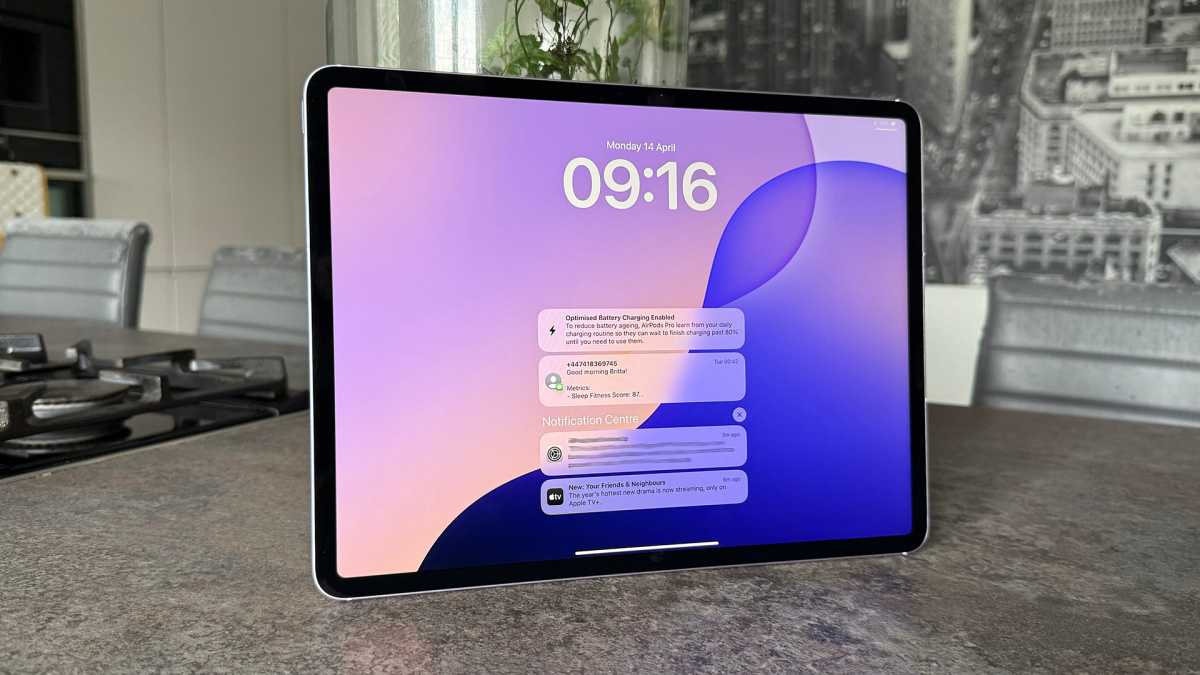
The iPad Air is aimed at a different audience than the iPad Pro, but it supports the Apple Pencil and can do pretty much the same things.
Britta O’Boyle
In a decade, the iPad product line has progressed to the point where the iPad Air can have a host of features that debuted in the iPad Pro in a cheaper “consumer” iPad. Meanwhile, the iPad Pro itself has reached the stratosphere, with cutting-edge processors and an incredibly good screen, not to mention the thinnest body Apple has ever made.
Where the iPad Pro comes next is anyone’s guess, but it’s hard to deny that it’s changed the perception of what iPads are capable of. And thanks to iPadOS 26’s many multitasking upgrades, it seems that the iPad’s software has also embraced all the possibilities offered by the iPad Pro.
It took a little too long, I think. But a decade later, it looks like today’s M5 iPad Pro is fulfilling the original model’s destiny.
Apple iPad Pro 11-inch (M5, 2025)
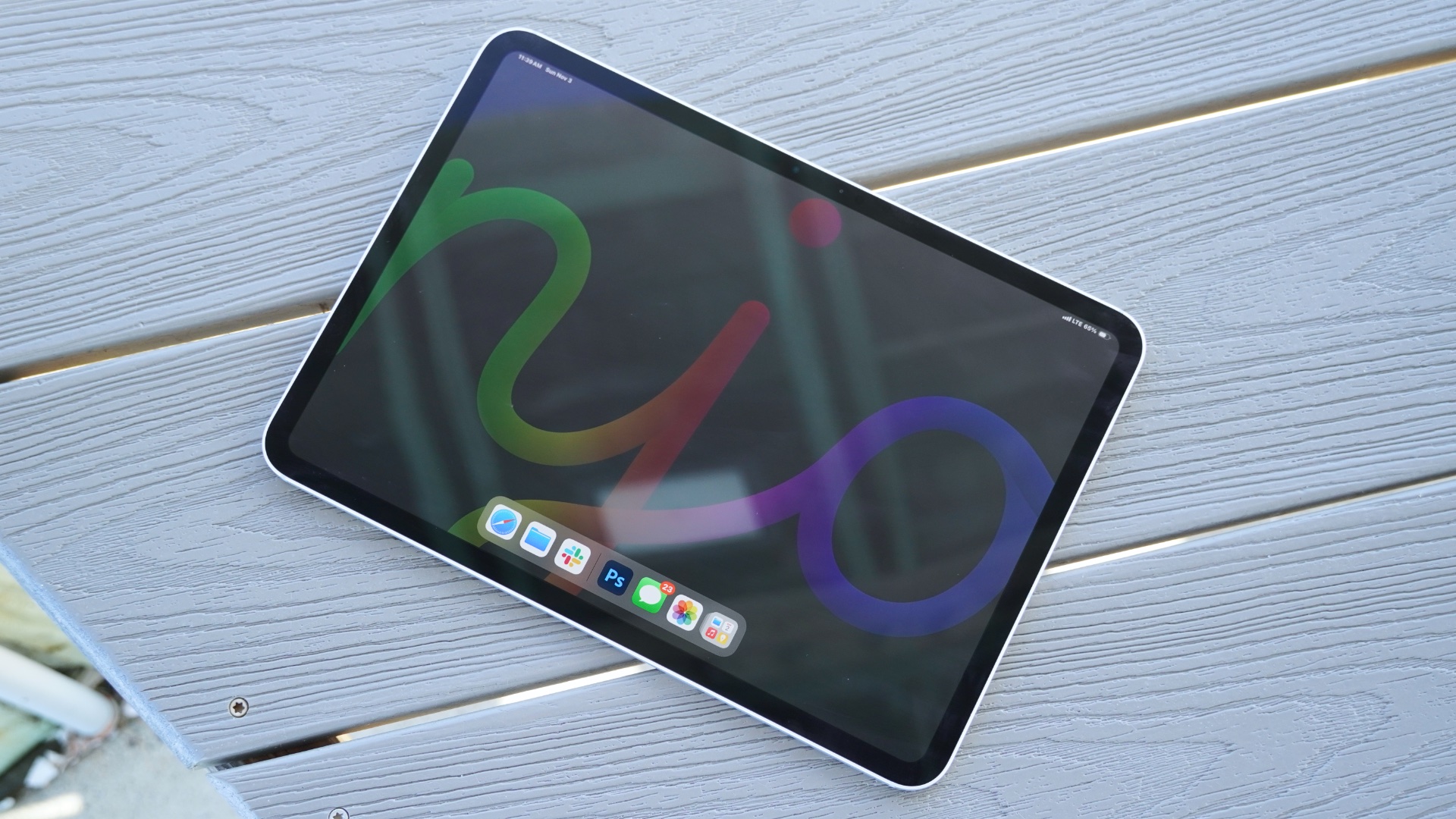
Apple iPad Pro 13-inch (M5, 2025)