This Linux app for cooperative controller gaming just got a big update


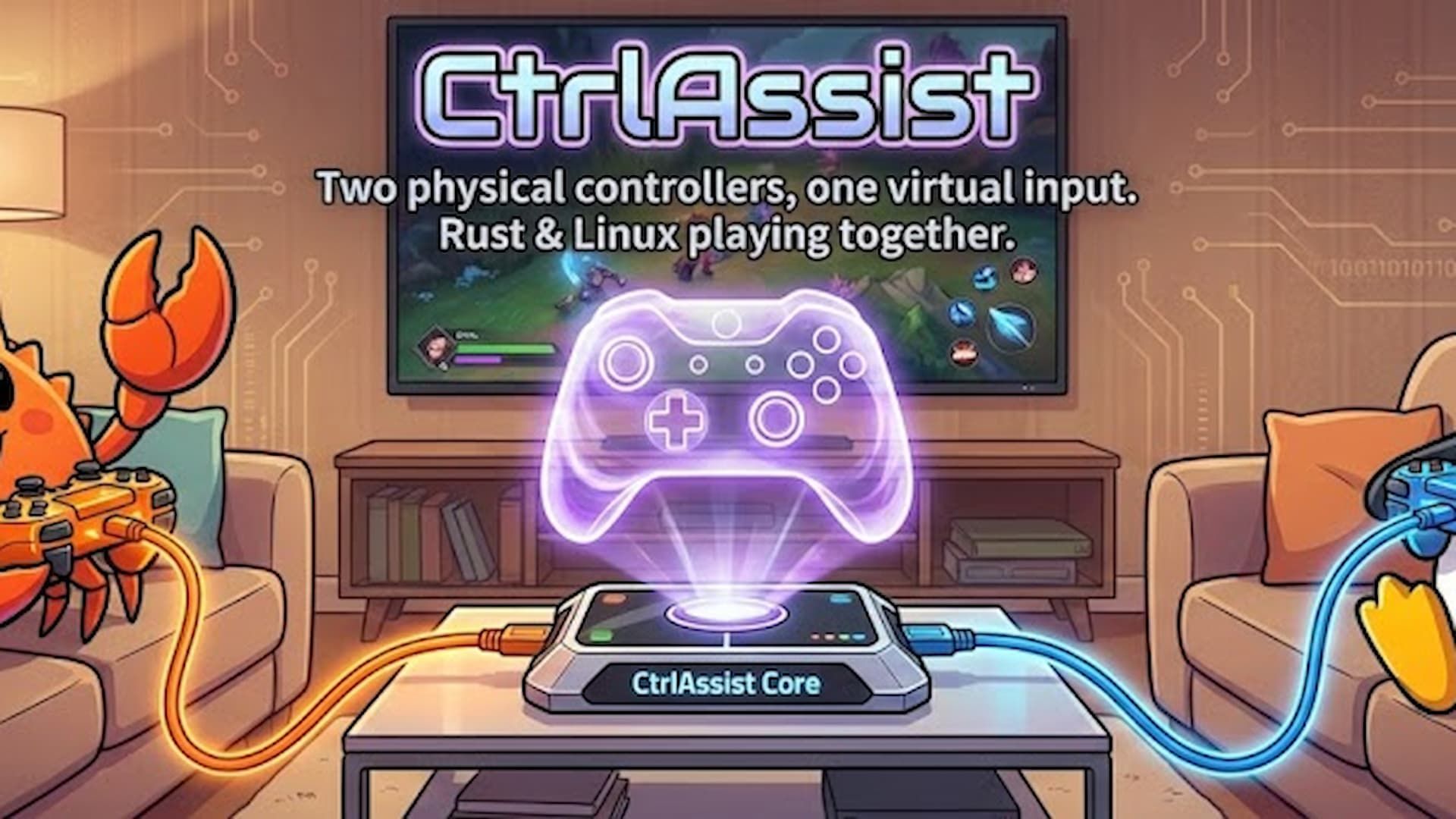
Linux gaming tool CtrlAssist, which allows multiple physical game controllers to act as a single virtual device for cooperative play, has just released a Rumble update. This utility also lets you customize your input configurations so you can use multiple controllers to do different things in-game.
The most important feature added in this release is the long-awaited Rumble Forwarding, also known as Force Feedback Forwarding. You can now configure exactly which physical controller receives the vibration effects from the virtual device. You can choose to route the rumble to the main controller, the assist controller, both, or neither. I think the best part of this update is the ability to share these immersive haptic encounters, whether you’re trying to land a plane or feeling the engine stutter in a racing game, directly with your co-pilot.
The developer also included some serious information about the reliability of the controller. The software is intelligent enough to detect when a controller fails; Once you plug it back in, the vibration functions return immediately without needing to reboot. This is a huge quality of life improvement, as losing a mid boss fight is definitely disruptive.
The developer has apparently focused heavily on making the typing experience much more natural and accurate. All assist modes now feature improved timing, which directly translates to smoother gameplay. Stick movement is now much smoother. The update synchronizes the X and Y axes so that they move in unison, avoiding jerky movements that often occur when changing inputs.
The system now instantly copies the exact position of the active gamepad’s buttons and sticks. This prevents “ghost inputs”, where the game thinks you are holding a button just because the other player was holding it when you switched.
Under the hood, CtrlAssist also enabled better device discovery. The app now better identifies connected hardware, preventing similar controllers from disrupting the system. This improved reliability is also useful when selecting which devices to hide and directing this new rumble transmission feature. The developer overhauled input handling for better consistency across all three control modes, fixed some minor button mapping quirks, and made the shutdown process smoother with robust cleanup when you press Ctrl+C.
If you are a Linux user who relies on this type of utility, you can easily upgrade right now using the cargo install ctrlassist --force order. However, there is still one major hurdle the developer is working to overcome, and it affects arguably the largest audience for Linux gaming: the Steam Deck.
The developer said that although the operating system (SteamOS) can see the virtual device in the terminal, the actual Steam interface completely ignores it. This is really disappointing, because the Steam Deck is a place where many people play Linux games these days.
The likely cause of this compatibility gap is that SteamOS has customized the management of its input devices compared to conventional distributions like NixOS or Ubuntu. Regardless, you can still play on a desktop or laptop, but I’d keep an eye on the Steam Deck in the future. You can download it from the GitHub release page.
Source: ruffsl/Programming.dev


