Mini PC myths busted: 4 things people get wrong


Mini PCs are so small that it’s understandable why some people think they’re an entirely different proposition from their full-sized desktop cousins. I did this for a while after purchasing my mini PC. The reality, however, is that aside from the obvious difference in size, they aren’t that different. Here we look at some of the most common misconceptions people have about mini PCs and why they’re just plain wrong.
If you’re in the market for a mini PC, be sure to bookmark our continually updated guide to the best mini PC deals.
1. Mini PCs are too underpowered to game properly
This is a common myth that you see people perpetuating on forums, but the truth is that mini PCs are comparable to desktops for everyday gaming performance. When it comes to the processor, these mini machines typically sport impressive base clock speeds. I’m talking about speeds up to 5.0 GHz.
The main difference between mini PCs for gaming and standard desktop gaming PCs is the lack of a discrete GPU in some models and the reliance on integrated graphics like AMD Radeon or Intel Iris Xe. There are rare exceptions to this rule, such as with the GPU-equipped Asus ROG NUC 970 mini PC, and these are highly sought after.
While it’s true that models without discrete GPUs are effectively limited to lighter graphics and gaming, it’s also true that some models support eGPUs for connecting a video card externally and can achieve near-desktop frame rates. In such cases, it is not uncommon for mini PCs to reach over 70 frames per second in first-person shooter games. The GMKtec mini gaming PC, for example, supports an eGPU through its Oculink interface.
2. Mini PCs are noisy and hot
Many people think that mini PCs are noisy and suffer from cooling issues due to their compact size. But the truth is that a number of technological advances have made mini PCs both quiet and efficient.
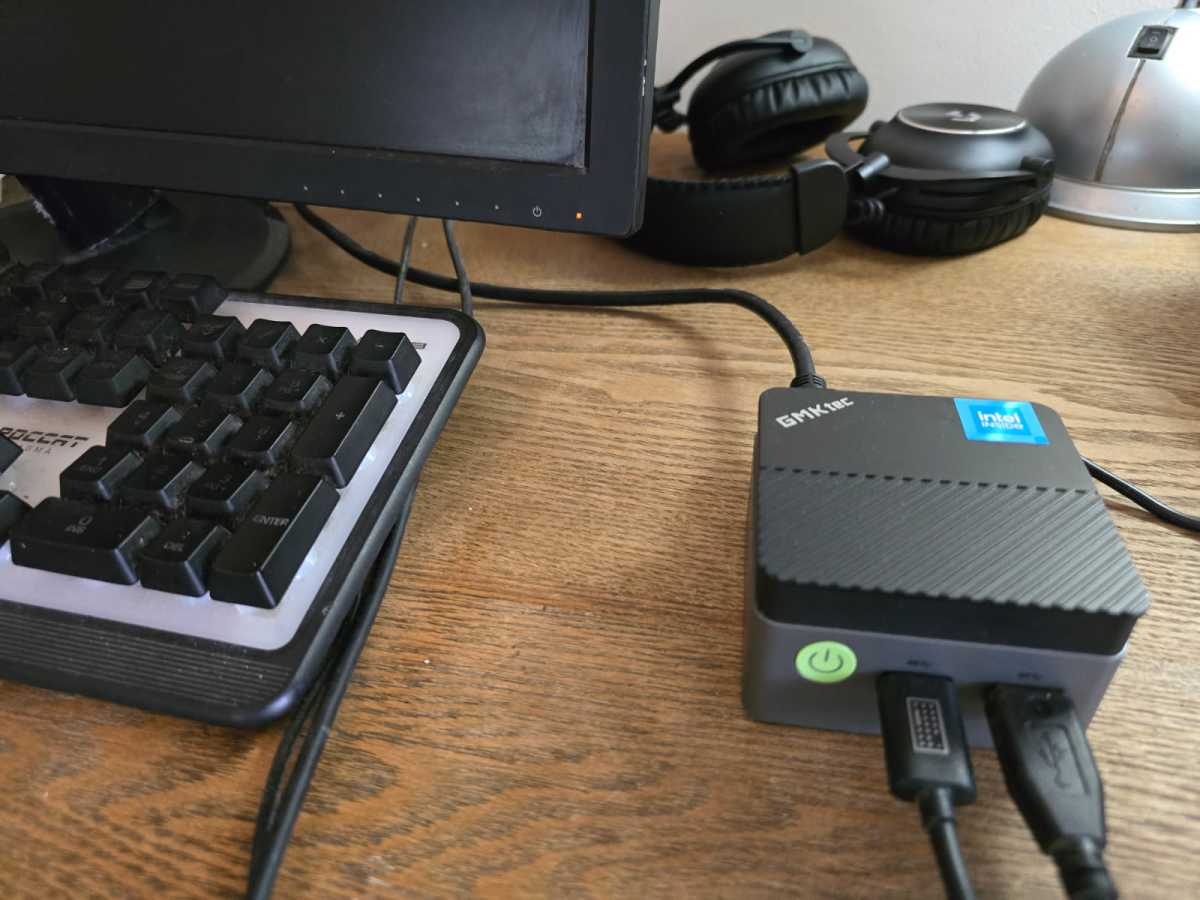
One of the reasons mini PCs can stay cool and quiet is that they use low-power components. These compact devices typically consume much less power than a standard desktop computer, typically between 10 and 30 watts versus 200 watts or more. The GMKtec G5 mini PC, for example, only consumes 12 to 15 watts of power.
When it comes to noise specifically, it differs significantly between different models. While it’s true that under heavy loads some models can activate audible fans, it’s also true that some mini PCs like the MeLe Quieter 4C N150 sport fanless designs, which contradicts the idea that all mini PCs are noisy. It therefore makes sense to read product reviews before purchasing a mini PC and avoid generalizations about noise.
Bonnie Bayley
3. Mini PCs don’t last as long as desktops
Reliability and longevity are high priorities for most people who obviously want to get good value for money from the products they have purchased. But the idea that mini PCs don’t last as long as desktops or laptops carries no weight.
Mini PCs like Intel’s NUCs have proven to be extremely reliable with minimal failure rates over the years. Most mini PCs come with quality components like RAM and SSD pre-installed and also come with manufacturer warranties that protect you in the rare case that something goes wrong with the device. It’s important to note that occasional drive and power failures do occur, but they are not exclusive to mini PCs.
4. Mini PCs have poor connectivity
The connectivity options of any PC play an important role in the functionality of the PC, allowing devices to connect and be used. Modern mini PCs have very good connectivity, with most coming with a variety of ports, including multiple USB-A and/or USB-C ports, HDMI outputs, and Ethernet ports. Asus ROG NUCs, like the Asus ROG NUC 970, even have multiple ports on the back and front. These features allow you to connect vital devices and enjoy high-quality video output without any hassle.
The inclusion of the latest Wi-Fi standards – Wi-Fi 6 or 7 in some models improves their versatility, providing faster Internet speeds and improved reliability for wireless connections. Many mini PCs also support Bluetooth, expanding the user’s options and allowing them to connect a wide range of devices, from keyboards to speakers.
Related content:
- 5 Incredible Benefits of Mini PCs I Wish I Knew Before Switching
- Why you absolutely need a mini PC
- I love my mini PC, but I still want to buy a tower PC. Here’s why


