Why a laptop with a dead screen is the ultimate homelab starter kit


Laptops aren’t as powerful as traditional desktop computers, but they can still be quite capable. If you have a laptop with a broken screen, here are 5 great ways to get it back into service and keep it out of the landfill.
Build a Home Server
You don’t need anything special to start self-hosting
Getting into the world of self-hosting or homelab can seem like a big expense, especially if you start listening to the naysayers. However, an old, broken laptop is a great place to start, and you can often get one for free.
More often than not, if a laptop screen is broken, everything else will work just fine. If you need to, you can also add an external mouse, keyboard, and monitor to get it up and running.
Once you have basic access, all you need to do is install Proxmox, which is a hypervisor operating system that allows you to create new virtual machines (VMs) or containers (like a lightweight VM) with just the press of a few buttons.
A modest laptop could easily transform into a media server, a Minecraft server, an Adguard server, or anything else.

Since it is a laptop, it even comes with a built-in battery backup, which greatly reduces the chances of data corruption or loss due to an unexpected power outage. I recommend using a wired connection if you can, which may involve adding a USB to Ethernet adapter to the setup.

This adds a bit of expense, but if something you’re hosting is latency sensitive (like a gaming server), the added stability is worth it in most cases.
Transform it into a retro gaming console
Revisit your DOS favorites
Retro games, depending on which games you want to play, can be of great use to an old laptop because they generally don’t require particularly powerful hardware to run.
If you want to play DOS games, I recommend trying one of the forks of DOSBox, like DOSBox-Staging. Alternatively, GOG has a growing library of retro games that are now just one click away, even on Windows 11.
Depending on what you want, you can also try something like the Dolphin emulator, which opens up the world of GameCube and Wii games.
Assuming the USB ports still work, you can even connect an era-appropriate controller or keyboard to your retro gaming setup.

Use it as a network monitor
Knowing what’s going on with your network is invaluable
If you are a self-hosting enthusiast or a smart home enthusiast, you will eventually find yourself in situations where detecting a network problem becomes a headache.
That’s where network monitoring comes in. Network monitoring software can do everything from simple speed tests (which can be useful if you’re getting ripped off by your ISP) to analyzing your traffic at the packet level.
If your laptop runs Linux (and it should be for a network monitor), I recommend starting with three applications:
-
Internet Monitor: Analyzes your speed, records uptime and downtime
-
nmap: a utility you can run over SSH to map your network, test open ports, and identify running services
-
ntopng: a complete network monitor capable of monitoring all traffic on a network
Add a hard drive and create a NAS
Why pay for a storage system when you can build a better one?
A NAS is a fantastic addition to any home network, as it can be a convenient way to share files with others in your household or act as a backup server for important files, photos or videos.
To turn an old laptop into a NAS, you first need to purchase an external hard drive and connect it to your PC via USB. I would recommend buying two large mechanical hard drives and sticking them in an external USB enclosure.

Then all you need to do is install TrueNAS on your laptop, plug in the drives, and follow the installation guide. It will guide you through setting up data redundancy and network access.
Maybe you can save money by canceling your streaming subscriptions
Over the past year, I’ve started buying old CDs from garage sales, flea markets, and other used sources and then ripping them onto my PC.
In this way, I have largely replaced Spotify and other streaming services with my own self-hosted music streaming service. I even turned a Raspberry Pi into a music streaming server for my car.
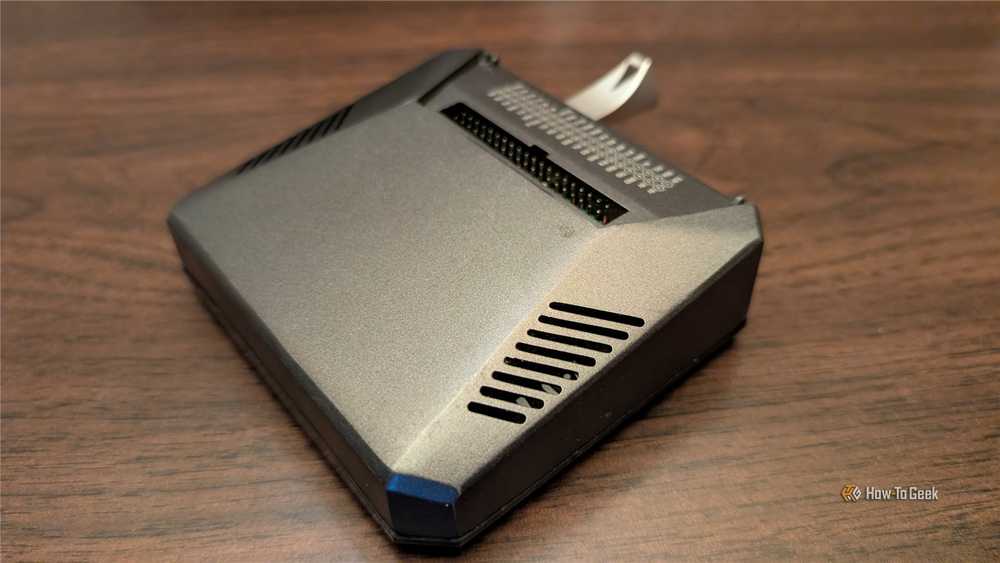
An old laptop with an external drive, or even a USB stick, could make a great media server. I would recommend a lightweight OS like Ubuntu server and then the Navidrome app for the music server.
Then, just tell Navidrome where to find your music files and install the appropriate app on your phone or PC to listen to them.
In the worst case scenario, and the laptop cannot be reused, you can often remove some parts that will prove useful.
The SSD or hard drive can almost always be reused and placed in another PC.
If you have another laptop that can take it, you should remove the RAM from the old laptop and keep it on hand for an upgrade to another laptop, especially since the RAM price crisis is likely to persist for at least several years.
You may also be able to remove a Wi-Fi card, although getting it to work in a different configuration can sometimes be difficult.


