YouTube Premium Lite: Is it worth the $7.99/month?


If you ask YouTube users the most annoying part of their viewing experience, the majority will likely answer ads. Ads appear at the beginning, during and after videos on the Google-owned platform.
Still, these data servers have to be paid for somehow, and YouTube hosts an awful lot of videos. On average, 20 million videos are uploaded to YouTube every day, and someone has to foot the bill.
There is an easy way to remove ads on YouTube: sign up for a subscription. This is something you may have never considered since everything on the site and in the apps can be loaded for free. But in return, you get back a significant portion of the time you would otherwise spend watching ads.
There are actually two subscription plans available for YouTube, and the most affordable, YouTube Premium Lite, just received some useful upgrades that make it even more attractive. Here’s what you can now get for your money.
YouTube Premium Lite: prices and features
You’ll probably want to know the price first. YouTube Premium Lite will cost you $7.99 per month. Of course, that’s more than nothing at all, and you may have been using YouTube for free for years. But it’s not a huge amount compared to other streaming services like HBO Max or Netflix.
As soon as you pay, most ads will disappear from YouTube and you might be surprised what a difference it makes. However, you will still see advertising in some places, including on music videos, YouTube Shorts, and when you browse the platform or search for videos.
In February 2026, YouTube Premium Lite added two additional features, still for the same $7.99 per month fee. The first is background play on mobile: This means you can set a video to play in the YouTube app on Android or iOS, then switch to another app and keep the audio of the video in the background.
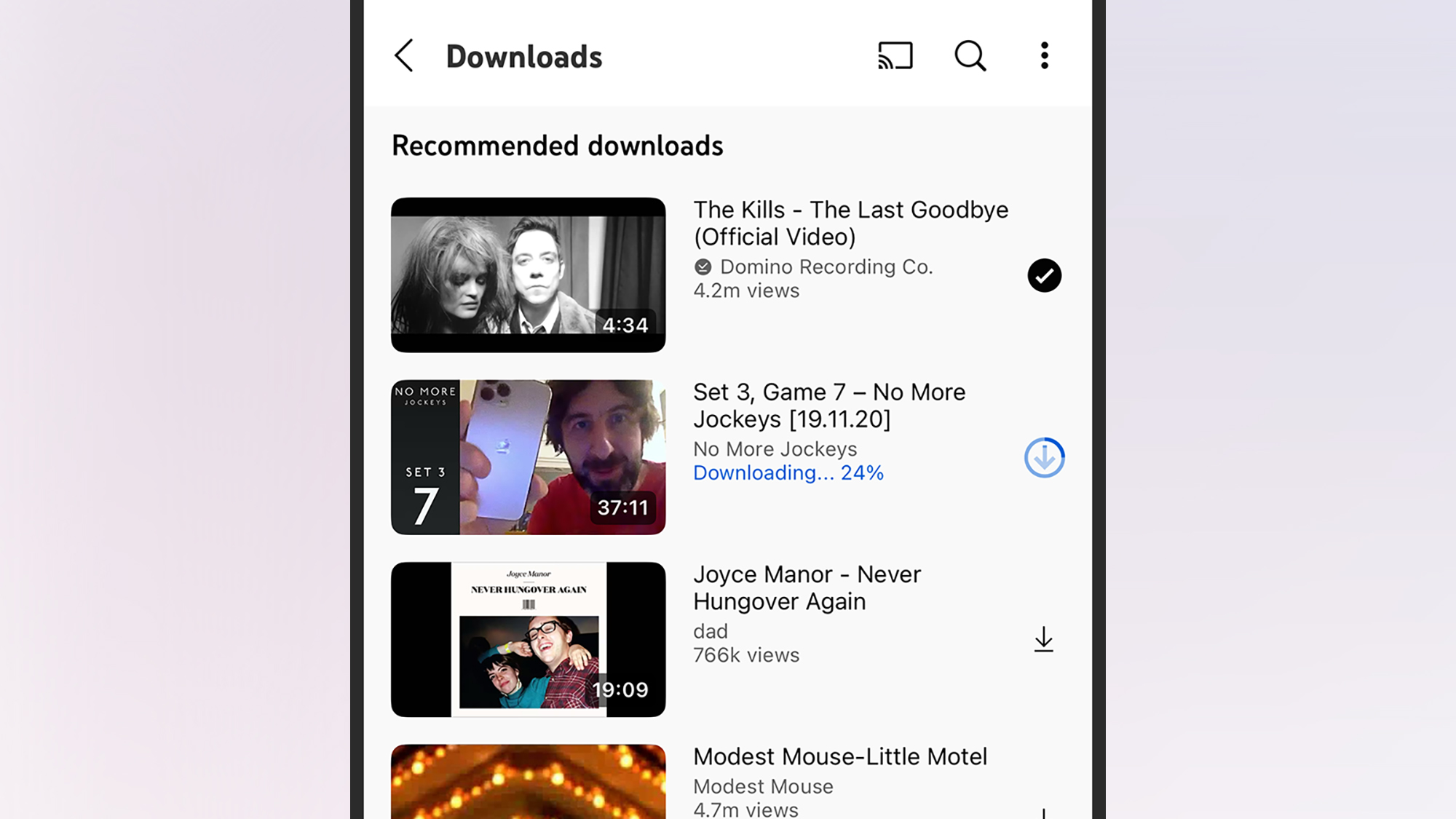
The second new feature concerns downloading, to watch videos offline on mobile and on the web. You can download any videos you want, but keep in mind that it’s not the same as getting a video file that you can then copy anywhere: offline playback must be done through the YouTube app or website.
However, the same caveats apply here regarding ad-free viewing. Background playback and offline downloads do not apply to music videos or YouTube Shorts content, which may change the value proposition for you.
Full YouTube Premium: What’s the difference?
At this point, you might be wondering why you would pay $13.99 per month for full YouTube Premium when you can get the Lite edition for just $7.99 per month, a savings of $72 over the year. Well, you might get some extras as part of a more expensive YouTube Premium subscription.
For starters, ads are removed everywhere: you won’t see them on YouTube Shorts or in music videos. If you spend a lot of time on these types of videos, again, the time savings can really add up. The same restrictions on downloads and background playback also disappear, so these benefits apply to every video on YouTube.
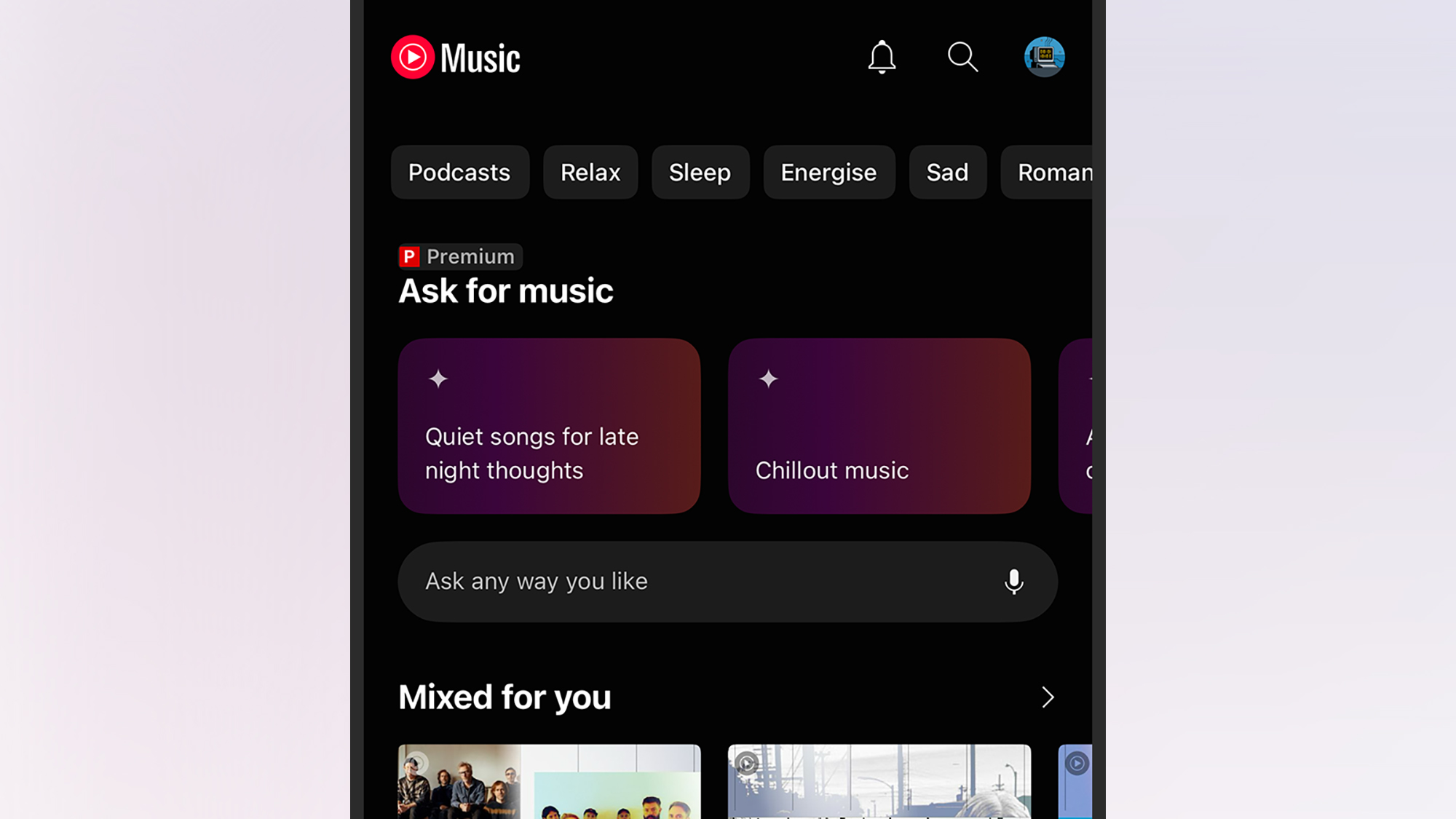
YouTube Premium also comes with YouTube Music Premium, with all the benefits that comes with it (like full control over offline downloads of your songs and no ads). If you can use YouTube Music Premium and cancel your Spotify or Apple Music subscription, the difference between YouTube Premium and the Lite plan really pays for itself.
On top of that, there are a bunch of little perks and tricks that remain exclusive to full YouTube Premium. For example, they include the skip forward feature, which allows you to quickly jump to the most viewed part of a video (which is usually the most interesting part). YouTube Premium also syncs your viewing across multiple devices, so you can start a video on your phone and finish it on your TV, for example.
Full Premium members can access higher video and audio quality, better control over playback speeds, and access more desktop features on mobile, including faster playback speeds and the ability to queue videos on a phone or tablet. It’s the complete package for YouTube enthusiasts.
So… is it worth it?
There are really two key questions when it comes to whether these plans are worth it: how much money you have set aside each month and how much time you spend watching videos on YouTube. If you can afford a subscription and use YouTube a lot, you could save hours each week without having to watch ads.
On the other hand, if you only use YouTube and don’t go outside and don’t use a lot of features like offline downloads and YouTube Music Premium, paying for another digital subscription probably seems less appealing. YouTube Premium Lite, as it is today, is a good compromise between getting the full Premium membership and not paying.
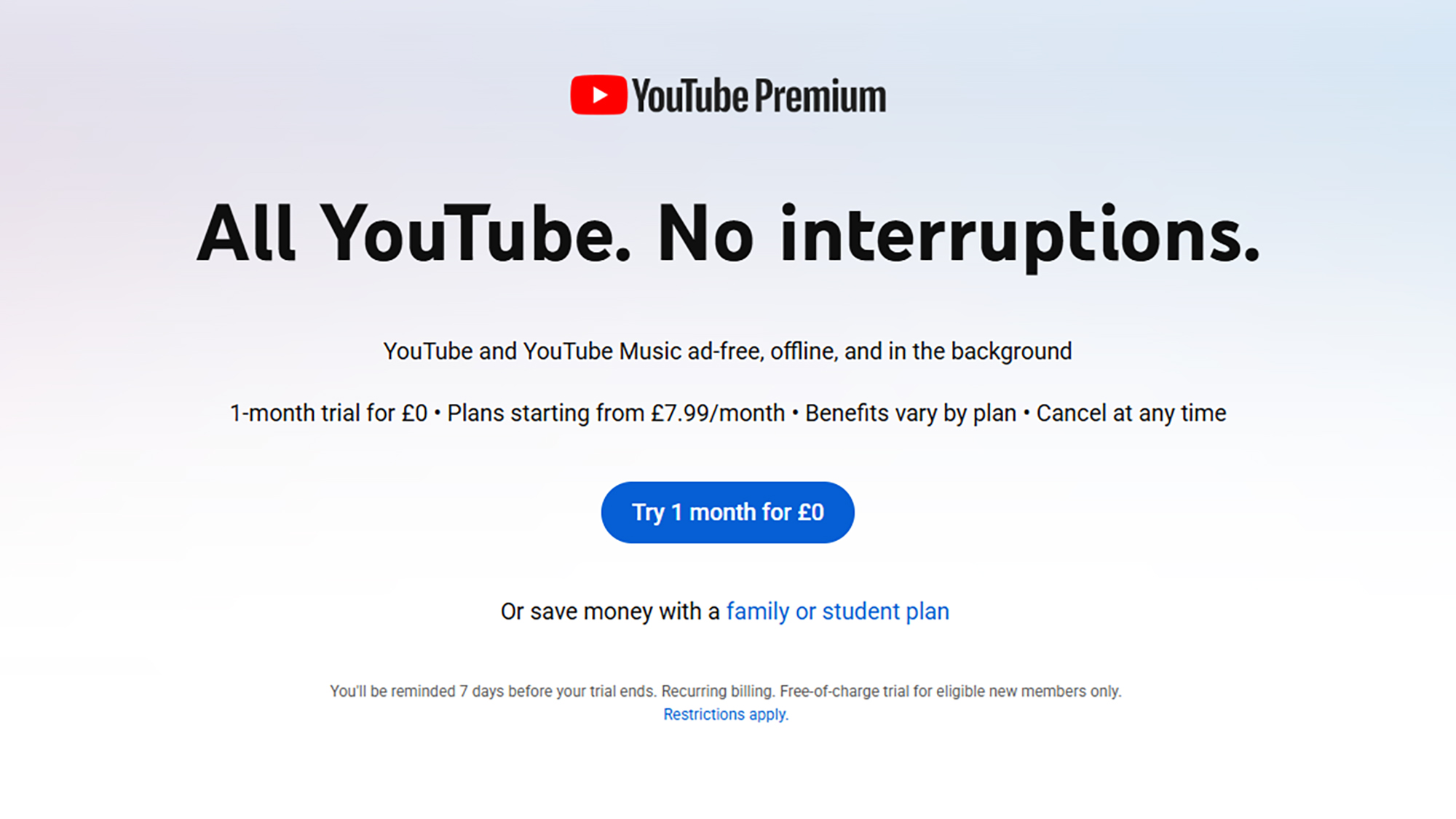
Probably the best bet is to sign up for a one-month free trial of YouTube Premium or YouTube Premium Lite and see how you find it. At the end of the month, you should be able to make an informed decision about whether one of these subscription plans is worth paying for.

The best new PopSci 2025 releases


