Two SSDs are better than one in your PC. Here’s why


Summary created by Smart Answers AI
In summary:
- PCWorld explains how using two SSDs in your PC can significantly improve performance by separating the operating system from applications and data on different drives.
- This configuration prevents bandwidth competition during demanding tasks and provides greater data protection with individual disk encryption capabilities.
- With NVMe SSD prices falling and most modern motherboards supporting two M.2 SSDs, this affordable upgrade especially benefits video editing professionals.
If you’re looking to speed up your PC, you should consider using two SSDs instead of one.
One way to do this is to configure both drives in a RAID 0 array. This allows the read and write speeds of both SSDs to be combined, resulting in impressive benchmark results. Another way is to use one SSD for the operating system and the other for applications and games. In this guide, we’ll explain how to effectively use two SSDs to free up bandwidth.
Further reading: Supercharged RAID Storage Arrays Explained
Separate the operating system and applications
A RAID 0 configuration is not necessarily recommended to improve the speed of your PC. This is because flash drives are already fast, so you’ll only see speed increases in benchmark results and not in everyday use unless you’re transferring large files or browsing 8K video. A much more effective method of improving performance with two SSDs is to separate the operating system and applications or data.
If you use one SSD for your operating system and a second for applications and games, these processes won’t compete for bandwidth on the same drive. This is especially true for professionals involved in video editing or 3D modeling.
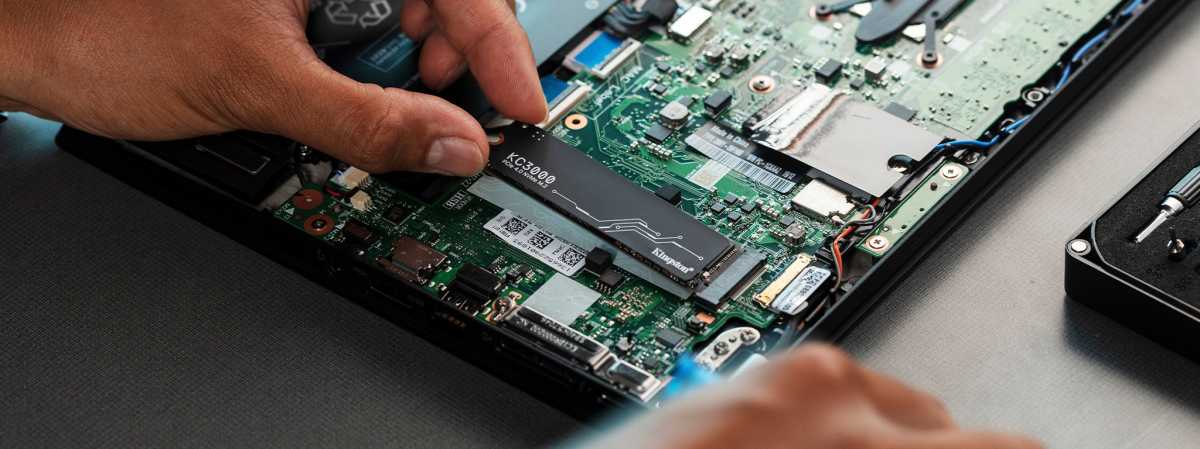
A hardware upgrade with many advantages: Because thanks to a second SSD in the computer, you can store the operating system and data on separate disks or exchange programs, but also encrypt each disk individually.
Kingston
You can store the operating system and programs on one disk and scratch disks and project files on a second SSD, avoiding competition for bandwidth.
Durability of SSDs
Two SSDs provide better reliability than just one. There is a lot of debate about the durability of SSDs. First there is the concern of wear and tear. Second, SSDs are considered more durable than conventional hard drives due to the lack of mechanical parts.
The truth lies somewhere in between. Using two SSDs in a RAID 1 array is a great way to ensure you don’t lose critical data or experience downtime when you’re doing important work.
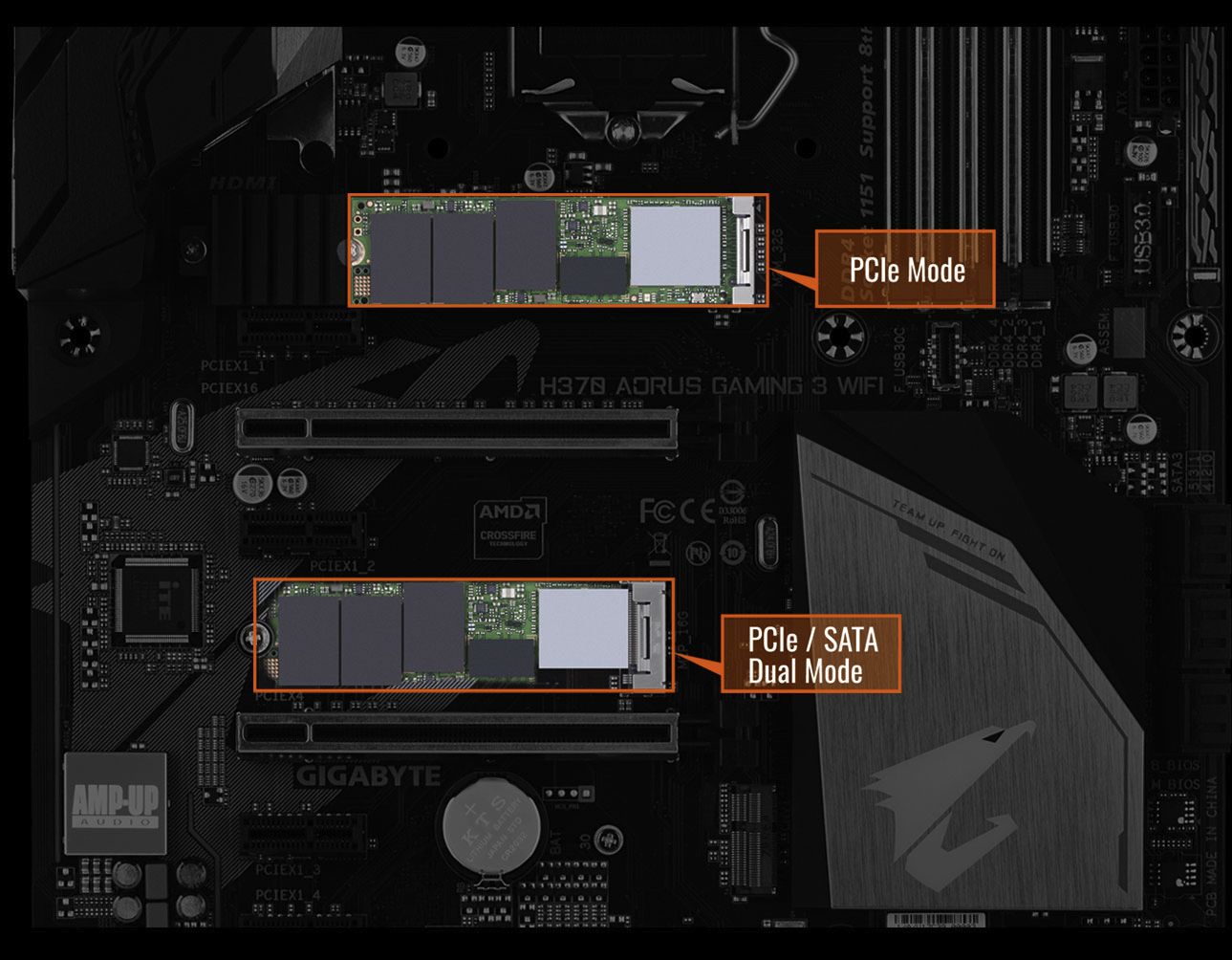
Two SSDs in M.2 plug-in card format can now be installed on almost all current motherboards. With the price of NVMe SSDs dropping, upgrading is now affordable and offers more than just increased storage capacity.
IDG
Separate write-intensive applications and encrypt your drives
Another way to improve reliability with two SSDs is to separate applications and data so that write-intensive applications run on the primary SSD. Media, video games, documents, and project files are stored on the secondary hard drive.
Finally, two SSDs provide better protection of your data. By physically separating the data, you can encrypt each disk separately.
If there is a problem with the primary disk due to a faulty update or other operating system problem, you can delete the data from the primary disk with peace of mind, provided you have the key for the second disk.
Further reading: Best SSDs: reviews and buying advice
This article was originally published on our sister publication PC-WELT and has been translated and localized from German.