Apple still doesn’t get iPad pros


Summary created by Smart Answers AI
In summary:
- Macworld analyzes how iPadOS limitations continue to restrict professional apps like Final Cut Pro and Pixelmator Pro despite the powerful M-series chips in modern iPads.
- Major restrictions include limited background processing, poor external display support, inconsistent keyboard shortcuts, and file management issues that hamper professional workflows compared to Mac versions.
- Apple’s “pro” iPad apps remain significantly limited after two years, with Final Cut Pro feeling more like a companion app than a full-featured professional tool for serious creative work.
When Apple released Final Cut Pro for iPad almost two years ago, I really wanted it to work. The macOS version already serves me well, but it would be pretty nice to be able to start projects on my iPad and finish them on my Mac if necessary. I tried it back then, encountered its limitations and moved on.
Now with Apple Creator Studio, I decided to try Final Cut for iPad again. Two years later, I realize that the problem isn’t just that Final Cut for iPad hasn’t improved. The problem is that Apple still hasn’t figured out how to make proper “pro” apps for the iPad.
“Pro” applications limited by iPadOS
Even after its Creator Studio updates, Final Cut Pro for iPad still feels like a secondary companion experience compared to the Mac app. Many basic features are still missing, others are simplified, and some workflows are limited by iPadOS itself.
If you’re hoping for a full Mac experience on iPad, you’ll probably be as frustrated as I was. Keyboard shortcuts, essential for speeding up editing, are inconsistent on iPad. Some work, some don’t, which ruins muscle memory for those already familiar with the Mac version.
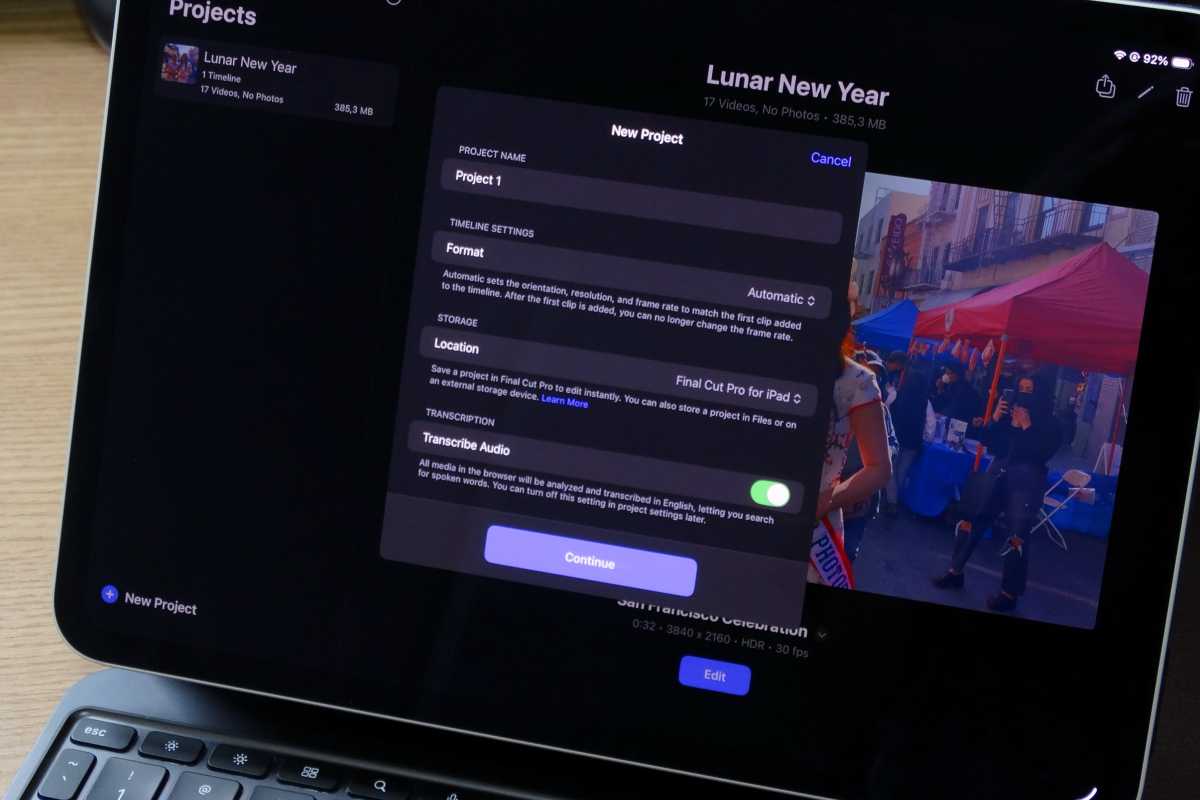
Working with the Final Cut Pro library on iPad is not as easy as on Mac.
Foundry
Then there’s file management, which exposes one of iPadOS’ biggest limitations. On Mac, users can freely rearrange, move, or back up their Final Cut library. You can even create multiple libraries for different projects if you want.
But iPadOS handles file management very differently than macOS. All applications run in a sandbox, so they can’t really access other parts of the system. While this is good for privacy and security, it’s terrible for Final Cut and other professional applications.
For example, if I add a clip from the Photos app to Final Cut on iPad, the file is duplicated because it needs to be added to the sandboxed Final Cut library. On Mac, Final Cut can use and edit files in their original location.
What if you need to back up your library? On iPad you can’t. Again, since everything is sandboxed, you can’t really access the apps’ data. Instead, you must export each project manually. But if something goes wrong or corrupted and you need to reinstall the app, you might lose all your data.
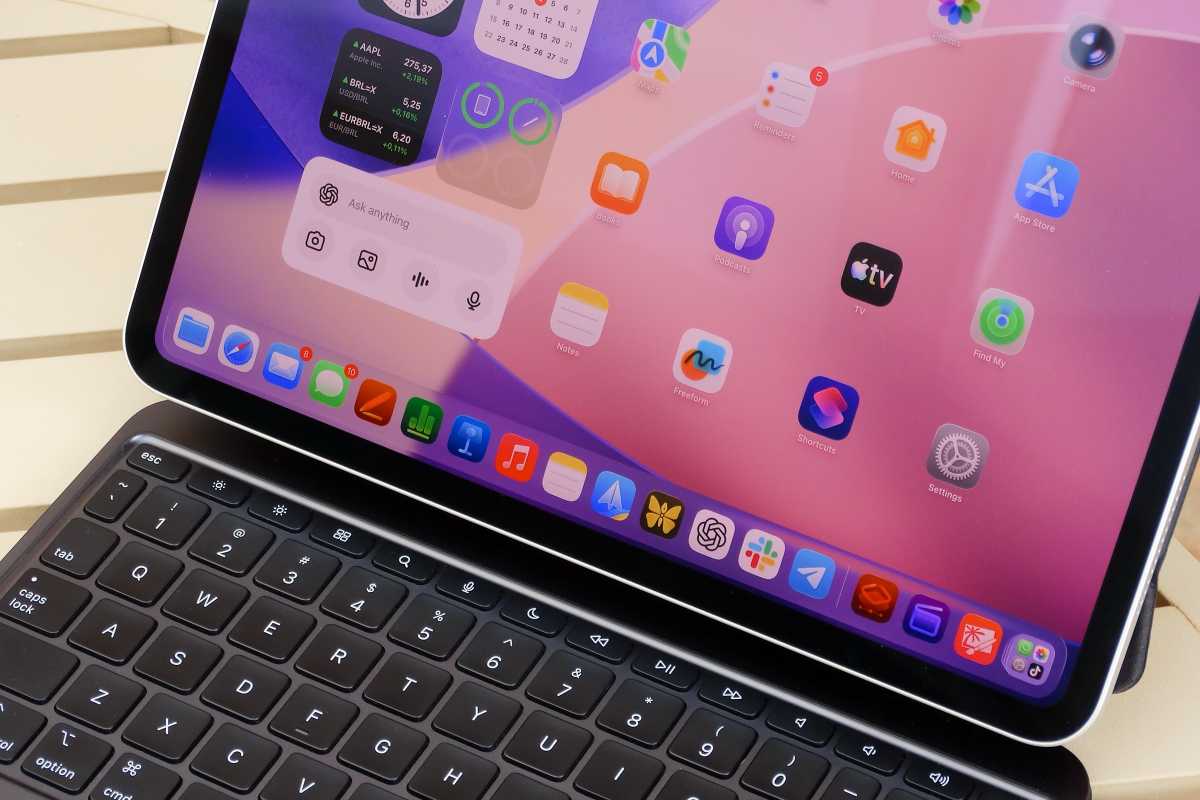
The iPad’s hardware is not the problem, nor are the constraints of iPadOS.
Foundry
Powerful hardware, restrictive software
This isn’t just a Final Cut Pro problem or even an iPad problem. The latest iPads are powered by the same chips found in Macs. However, they are far from having the same capabilities. These issues are the result of all the structural limitations of iPadOS.
Another example is Pixelmator Pro, which was exclusive to the Mac and is now on iPad for the first time with Creator Studio. The app looks a lot like the Mac version, but because of the way iPadOS handles RAM management, it has a lot more limitations.
For example, the iPad version struggles to handle large files with multiple layers. While working on a document, I received a warning message informing me that I could no longer add layers to my project, which doesn’t happen on my Mac.
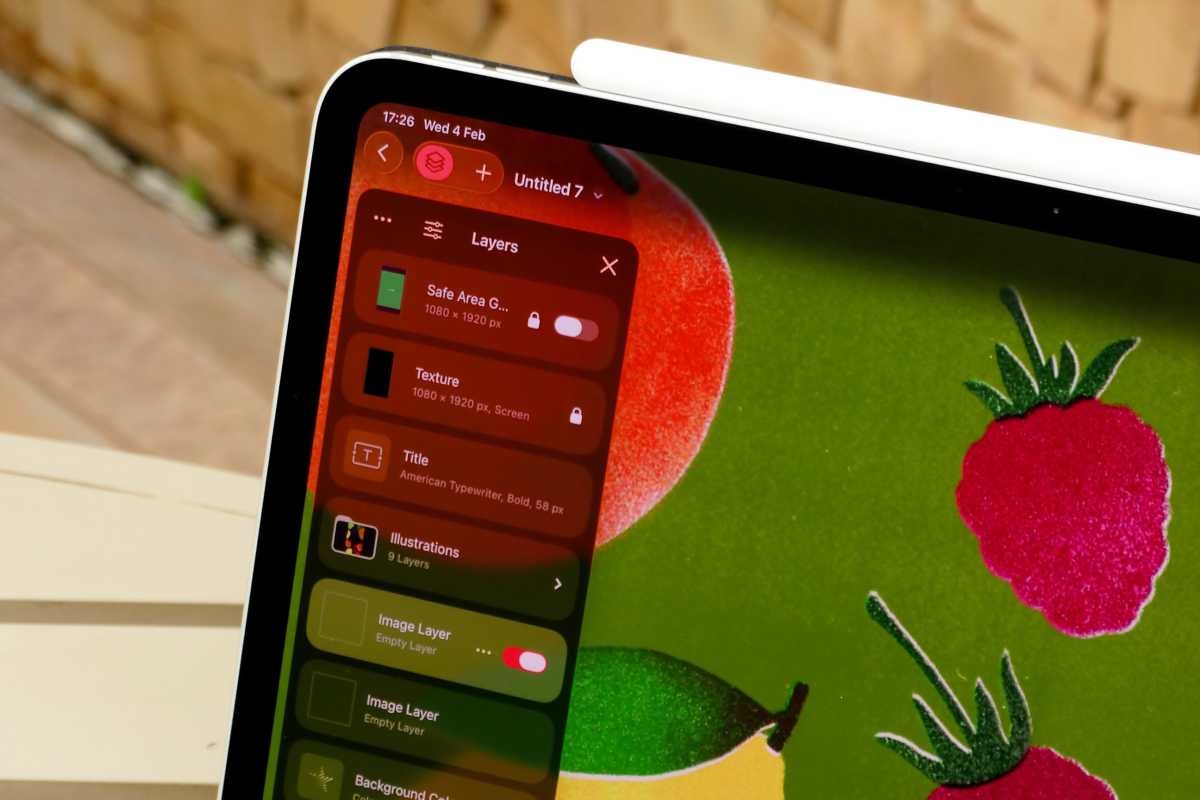
Pixelmator Pro on iPad is nothing compared to the Mac version.
Foundry
On the iPad, core features take much longer to arrive, and when they do arrive, they’re often limited or clumsily implemented. Although iPadOS has been multitasking for years, the ability to run apps in the background while they download a file or export a large project was just added with iPadOS 26.
Yet for some reason, the ability to export videos in the background with Final Cut is only available for iPads with the M3 chip or later (iPad Air and iPad Pro). Even an old Intel Mac lets you export videos in the background.
Mac-like features still limited
As iPadOS evolves, Apple has tried new ways to make it more “pro” and Mac-like. However, the iPad still behaves very differently from a Mac, and in a way that is not very intuitive.
Back to Final Cut, the iPad version now supports external displays, but it doesn’t work nearly as well as it does on the Mac. You can’t rearrange the interface and choose what you’ll see on the external display. The only thing the app does is preview the video on the big screen.
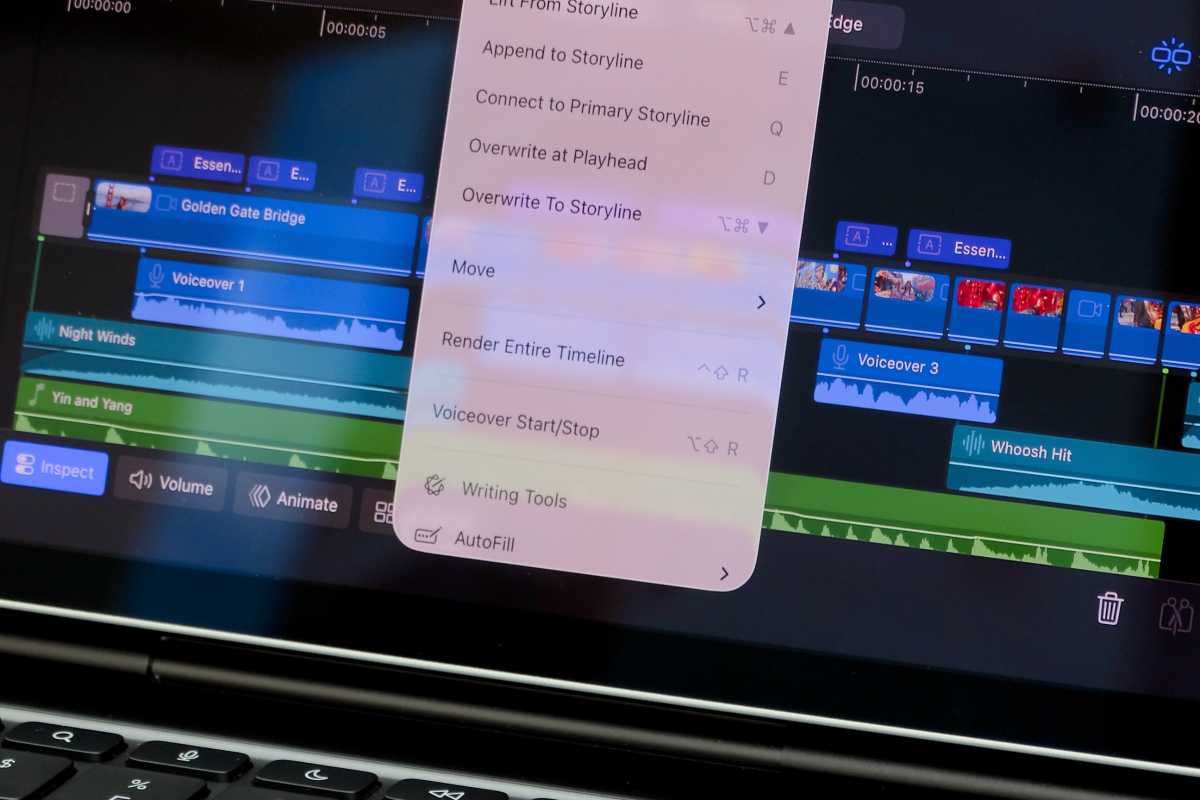
Even with the latest improvements, iPadOS continues to hold the iPad back.
Foundry
Indeed, support for external displays on the iPad is still quite limited. As an example, although iPadOS 26 added a menu bar like on Mac, there is no way to keep it always visible on the screen, even on a large monitor. You also can’t do something as basic as resize the Dock.
And although iPadOS has an API allowing apps to have multiple windows like on a desktop operating system, Apple’s Pixelmator Pro for iPad is still limited to opening one project at a time.
The Mac remains the obvious choice for professionals
These are just a few examples of how Apple itself still limits the iPad to the point where using it as a professional tool isn’t that appealing.
With Creator Studio, I was really tempted to try to integrate the iPad more into my workflow. But unfortunately, all these restrictions make the Mac easier and simpler to use.
I really hope things change for the better in the future. I understand that the iPad needs to be different from the Mac, but it would be great to have more consistency and professional overlap between the two platforms. Until then, if you really have a professional workflow, you should probably stick to the Mac.


