FBI warns of data risks from foreign-developed apps


NEWYou can now listen to Fox News articles!
You download an app, tap “allow” and continue. It seems routine. But according to the Federal Bureau of Investigation, this simple step could open the door to much more data collection than most people realize.
In a recent alert from the Internet Crime Complaint Center, officials warned that many popular apps used in the United States are developed by foreign companies, including those based in China. This is important because some of these apps operate under laws that may require companies to share user data with the government. Simply put, your phone may transmit more information than intended, and not always just when you’re using the app.
Sign up for my FREE CyberGuy Report
Get my best tech tips, urgent security alerts and exclusive offers straight to your inbox. To learn simple, actionable ways to quickly spot scams and stay protected, visit CyberGuy.com – trusted by the millions of people who watch CyberGuy on TV every day. Plus, you’ll get instant, free access to my Ultimate Scam Survival Guide when you sign up.
HOW TO OPT OUT OF AI DATA COLLECTION IN POPULAR APPLICATIONS

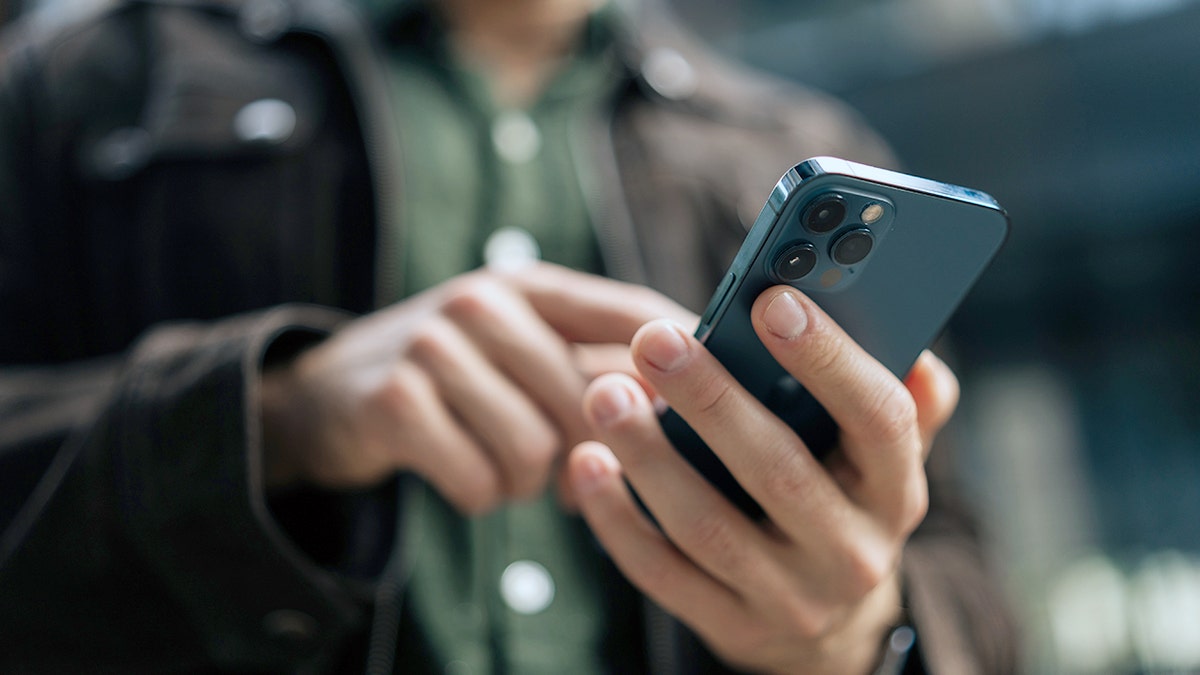
The FBI warns that some apps developed overseas may collect a lot of user data, even after the app is closed. (Yasin Ozturk/Anadolu via Getty Images)
What the FBI says these apps do with your data
The FBI did not name specific apps in its warning. Instead, it focused on how some foreign-developed apps collect and store data, which can apply to a wide range of popular platforms. The warning focuses on how these apps collect and store data. And the details are revealing.
First, some apps may continue to collect information even after they are closed. This includes data across your entire device, not just in the app itself.
Second, default permissions can expose more than just your own data. If you allow access to contacts, the app can collect names, phone numbers, email addresses, and even physical addresses from your contact list. This means your friends and family may also be affected.
Third, many privacy policies confirm that user data may be stored on foreign servers, including in China, where local laws may allow government access, sometimes for as long as the developer wants.
And finally, some apps may include hidden risks like malware. In the worst case, malicious code can exploit weaknesses in your phone, create backdoor access, and extract even more data without your knowledge.
Why the FBI’s warning about foreign apps matters now
This alert did not come out of nowhere. This follows years of growing concern over data privacy, particularly related to global technology companies. A major example is TikTok, which has faced pressure in the United States on national security grounds. In early 2026, control of its US operations was transferred to a new joint venture involving Oracle, Silver Lake and MGX to avoid a possible ban. This helped to highlight a larger problem. It’s not just one app. It’s about how data moves across borders and who can access it.
FBI warns that some foreign apps could collect Americans’ data – even if you never download them
Officials say some apps may collect data from overseas contacts, devices and servers, raising privacy concerns. (dikouchine/Getty Images)
How to Spot Apps That May Put Your Data at Risk
You don’t need technical training to spot red flags. Start with these:
The app requests more access than it needs
A flashlight app shouldn’t need your contacts or microphone.
Privacy policy mentions data storage abroad
Find out where your data is stored and how long it is kept.
You cannot use the application without agreeing to broad data sharing
If there is no way to limit access, this is a warning sign.
The app comes from an unknown developer or third-party site
Stick to official app stores whenever possible.
How your data can spread even if you never download the app
Here’s the part that most people miss. You might think you’re safe if you avoid certain apps. But this is not always true. If someone else downloads their contacts and your information is on their phone, your data may still be collected and stored. This creates a ripple effect. One person’s permissions can impact dozens or even hundreds of other people. That’s why privacy settings are more important than ever. They’re not just about your phone. They affect your entire digital footprint.
ANDROID Flaw Allows HACKERS TO UNLOCK PHONES IN LESS THAN A MINUTE
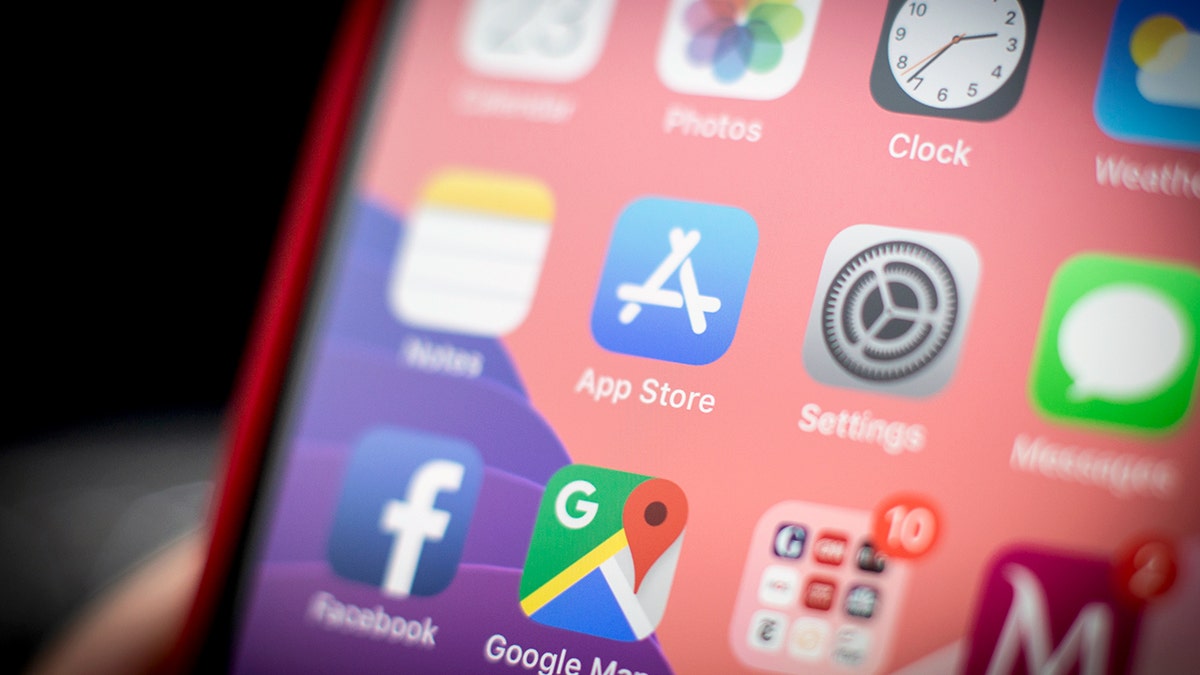
Data collected by some apps could extend beyond users, affecting contacts and others through shared permissions. (Jaap Arriens/NurPhoto via Getty Images)
How to protect your data from risky apps
You don’t need to delete all apps from your phone. But you need to take control of what these apps can access.
1) Disable access to contacts when possible
If an app doesn’t really need your contacts, remove this permission. This is one of the biggest data exposure risks.
2) Limit permissions to what is necessary
Together location at “during use,“Restrict access to photos and keep your microphone and camera turned off unless necessary.
3) Turn off tracking features
On iPhones, turn off application tracking. On Android, reset or delete your advertising ID. This reduces the amount of data shared between applications.
4) Update your phone and apps regularly
Security updates address known vulnerabilities. Skipping them leaves the door open.
5) Stick to official app stores
Trust store applications are subject to security controls. Third-party downloads carry a higher risk of malware.
6) Add a powerful antivirus for an extra layer of protection
Even if you’re careful about what you download, some apps can still escape or exploit vulnerabilities. Powerful antivirus software can help you detect malware, report suspicious behavior, and protect your data in real time. Get my picks for the best 2026 antivirus protection winners for your Windows, Mac, Android, and iOS devices at Cyberguy.com.
7) Use a password manager instead of frequent changes
A password manager can help you create strong, unique passwords without relying on memory. Discover the Best Expert-Rated Password Managers of 2026 at Cyberguy.com.
8) Delete apps you no longer use
Every unused app is another potential data source. If you haven’t opened it in months, take it out.
On iPhonego to Settings > General > iPhone Storagepress any application you don’t need it, then press Delete the app and confirm by pressing DELETE. You can also long press the app icon on your home screen, tap Delete the appthen select Delete the app.
On Samsunggo to Settings > Apps > See all appspress the application you want to delete, then tap Uninstall, then validate by pressing ALL RIGHT. You can also long press and drag the app icon to Uninstallor press Application information > Uninstall, depending on your device. Settings may vary by manufacturer.
9) Consider deleting your data from broker sites
Even if apps collect your data, data brokers often amplify the risk. Using a data removal service to reduce your exposure may limit the level of detail in your profile. Check out my top picks for data deletion services and get a free scan to find out if your personal information is already available on the web by visiting Cyberguy.com.
10) What to do if something goes wrong
If you notice unusual activity after installing an app, don’t ignore it. This might include strange pop-ups, battery drain, or unexpected connections. The FBI encourages people to report suspicious behavior through the IC3 platform at complaint.ic3.gov/. Reports help investigators track trends and warn others more quickly.
Kurt’s Key Takeaways
Apps make life easier. They help you navigate cities, stay in touch, and manage your daily tasks. But convenience often comes with a trade-off, and that trade-off involves your data. The good news is that you are not helpless. A few small changes can significantly reduce the amount of information your phone shares.
How much of your personal data are you willing to exchange for convenience? Let us know by writing to us at Cyberguy.com.
CLICK HERE TO DOWNLOAD THE FOX NEWS APP
Sign up for my FREE CyberGuy Report
Get my best tech tips, urgent security alerts and exclusive offers straight to your inbox. For simple, actionable ways to quickly detect scams and stay protected, visit CyberGuy.com – trusted by the millions of people who watch CyberGuy on TV every day. Plus, you’ll get instant, free access to my Ultimate Scam Survival Guide when you sign up.
Copyright 2026 CyberGuy.com. All rights reserved.


