
I love Gemini in Android Auto; there are so many times it is better than the old Assistant. However, there are too many issues Google did not solve before putting it in cars. It’s as if the company wanted to put it in cars before making sure everything worked. Some things make me really wish I could go back to Google Assistant, especially when I need a true assistant, and not just a conversation partner. I handle most things from my phone before driving off, so I don’t need the extra help on the road.
Slow Response Times
I don’t want to keep waiting
When you’re driving and ask it to do a simple task, you expect an immediate reaction. With Gemini in Android Auto, you get a noticeable lag that makes the system feel very slow and could cause you to drive past whatever you need, which is frustrating and annoying. It takes several seconds to process a voice command, the dashboard animation is slow, and it typically times out on weak signals.
You say a command to skip a song or get directions, and the assistant tells you to wait while it thinks. If you’re on the highway, a delay can easily lead to missing an important exit. Instead of a quick action, you’re left sitting in silence, wondering if the microphone even picked up your voice. This delay happens because the system sends your request to the cloud, where it’s analyzed by complex models before a response is sent back to your car.
These extra steps are not always needed and can be a huge waste of time. It’s not even a connection issue because Assistant works on the same signal without a delay. The older Google Assistant was built to handle basic commands with very little cloud processing, which made it fast and reliable.
Why can’t it do basic things?
Gemini struggles significantly with basic contact recognition when you’re driving. If you tell your car to call a common nickname like Mom or Dad, Gemini draws a blank. There are far too many times when Gemini would tell me that it can’t find the person in my contact list.
It asks for clarification or tries to match the request with public business listings instead of reading my personal address book. You might assume it has trouble parsing complex names, but it misreads synced data for very basic entries. I don’t like being forced to pull out my phone or look away from the road to tap the correct name on the screen.
This completely defeats the purpose of hands-free driving software, and it’s dangerous. The problem gets worse when you try to reach someone who has more than one phone number saved. Gemini gets confused by contacts with multiple numbers and regularly dials the wrong one.
It ignores which number you set as the default on your phone. It will even show the correct contact name on your dashboard display, but silently dial a different person with a similar first name. I have even seen it hallucinate fake phone numbers.
It doesn’t always know where it is going
If only they made it specifically for driving

When you’re behind the wheel, getting accurate directions is a matter of basic safety. Gemini has issues with directions and navigation logic sometimes. This can be dangerous for drivers who rely on it. It gets street numbers wrong, confuses cities with similar names, and lists incorrect business hours.
You could claim it’s pulling from live data. However, inaccuracies are dangerous when driving, and Assistant is more reliable. With the older system, you could trust that a quick voice command would start the correct route immediately. Now, Gemini misinterprets spoken locations and sends drivers far off course regularly. These navigation errors force you to take your eyes off the road to manually correct the map.
I’ve been led to an Albertson’s that closed at 9 pm when Gemini said it was open until midnight. It is so very annoying and forces me to get back onto a freeway just to try and get the correct address. It’s almost as if Google replaced a driving assistant with a chatbot that is only good for conversations. That’s not what you want when you drive.
The App Integration is still bad
We deserve better than this
When you ask Google’s new AI to manage third-party applications in Android Auto, it usually falls flat. It describes what it’s doing instead of just doing it; it fails to hand off to Waze properly, and it needs extra voice confirmation. For example, if you tell it to report a pothole on Waze, it will announce that it’s connecting to the application and reporting the issue, but the hazard never actually gets reported.
If you try to play a song on Spotify, it might freeze the application entirely or launch into a lengthy explanation about the track instead of just playing the music. It will even choose YouTube Music despite being told to use Spotify.
When you’re behind the wheel, you don’t want to deal with a co-pilot who forgets which applications are installed on your phone. It can’t even fast-forward or rewind the media you’re currently listening to. I’d love to tell it which word or minute to skip to, like an advanced assistant, but it can barely do what Google Assistant did.
It talks way too much
It yaps all day
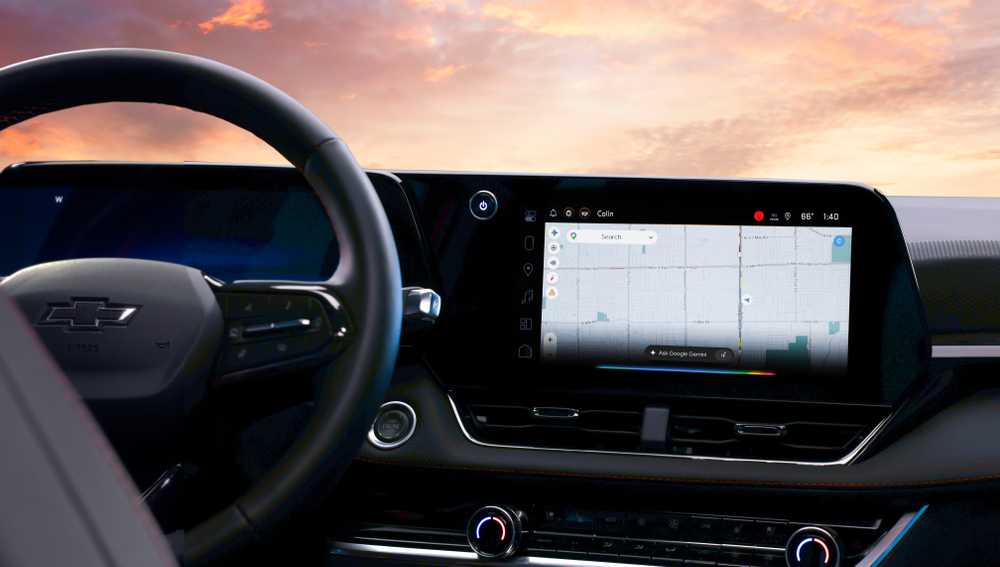
Gemini talks way too much when you’re trying to use it in your car. When you’re driving and ask your car to do something, you usually want a quick acknowledgment. Google’s new system has a bad habit of giving long explanations for very simple tasks. If you ask it to navigate to a restaurant, it might give you a long speech about the history of the restaurant or the menu options instead of just starting the route.
You get a similar experience when asking for basic information. For example, asking for the current temperature leads to Gemini reading out a full weather report, complete with the wind chill and the expected forecast for the rest of the day, instead of just giving you the actual temperature number. It takes a task that should last two seconds and turns it into a long monologue.
It’s even worse when you’re trying to listen to music. Gemini talks over the audio for too long when you make a request, which completely ruins the experience.
Stop distracting me on the road
It’s a good idea to keep distractions to an absolute minimum while operating a moving vehicle. Having an artificial intelligence program drone on or make mistakes forces you to split your attention. Gemini tries to treat every interaction like a human conversation, which is actively harmful in an environment where safety relies on quick reactions. This chatbot often feels like a massive step backward, and Google should’ve focused on a hybrid instead of putting Gemini in your car without thinking it through.

- Display
-
7 inches
- Apple CarPlay
-
Yes
- Android Auto
-
Yes


