Razer Ornata V3 X keyboard review: Surprisingly good for $40


At a glance
Expert rating
Benefits
- Very quiet membrane switches
- Ultra slim and ergonomic design
- Splash-resistant construction
- Attractive price
- Supports modern features like “Snap Tap”
- Previous ghosting issues fixed in new firmware batches/releases
Disadvantages
- 1-zone RGB lighting only
- No N key toggle (hardware limitation)
- Simple hard plastic palm rest without padding or magnetic attachment
- No internal memory for profiles; the software must run constantly in the background
- Membrane key feel is spongy compared to mechanical switches
Our Verdict
The Razer Ornata V3
Price at time of review
This value will display geotagged pricing text for the undefined product
Best price today
Best prices today: Razer Ornata V3

In the world of gaming peripherals, the name Razer is often synonymous with high-end equipment and prices beyond the budget of casual gamers. However, with the Razer Ornata V3 X, the manufacturer takes a different approach and offers you an affordable entry into the world of thin gaming keyboards.
In this review, I evaluate whether this model strikes the right balance between gaming performance and typing comfort, or whether technical compromises detract from the gaming experience.
Strategic reorientation: The return to the pure membrane
While the standard version of the Razer Ornata V3 relies on hybrid mechanical membrane technology, the Razer Ornata V3 X marks a deliberate return to classic membrane switch architecture. For you, this means one thing above all: a significant reduction in background noise.
Razer markets these keys as “quiet membrane switches,” which are cushioned by a continuous rubber mat. Technically speaking, it’s a full-size keyboard with a 105-key layout, which remains surprisingly resistant to twisting despite its plastic construction.
The chassis is made of sturdy ABS plastic and, including the palm rest, weighs about 1.7 pounds.
Design and ergonomics: A stealthy look for your office
The most striking feature of the Razer Ornata V3 X is its ultra-thin form factor. With a body height of approximately 1.22 inches, it sits significantly flatter on your desk than typical mechanical keyboards.
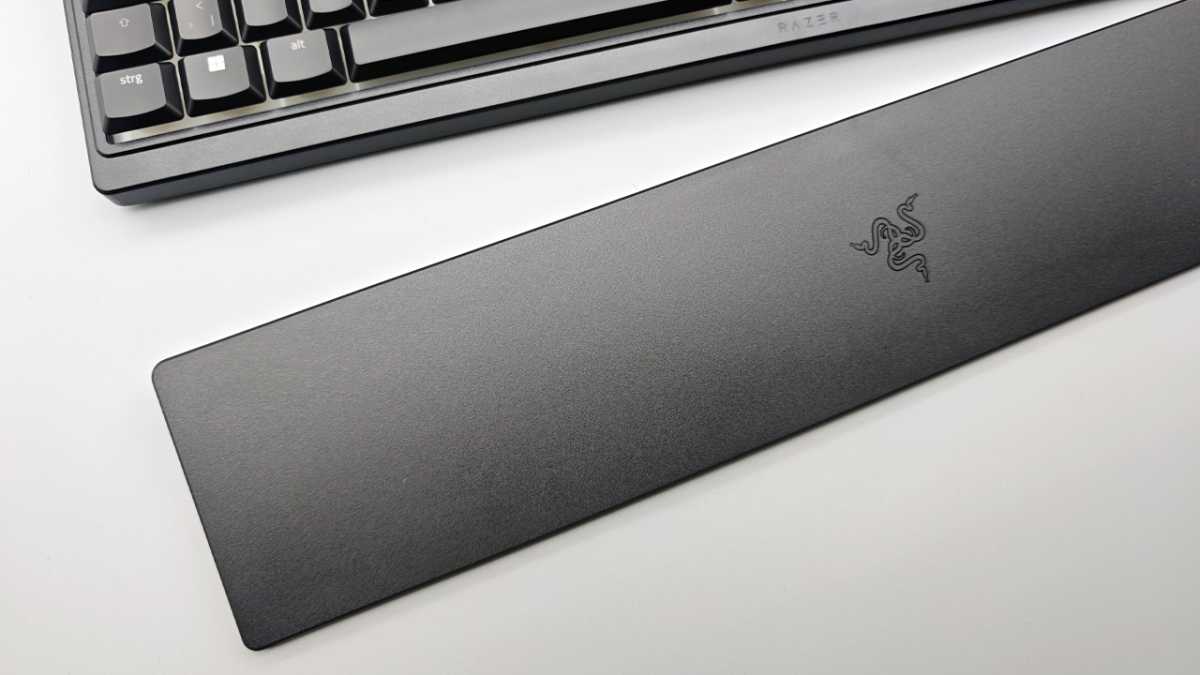
This allows for a more natural hand position that’s gentler on the wrists, even during long work or gaming sessions. Razer includes an ergonomic palm rest with the keyboard; However, unlike more expensive models, it’s made from a simple hard plastic and isn’t magnetically attached, but simply slides in front of the keyboard.
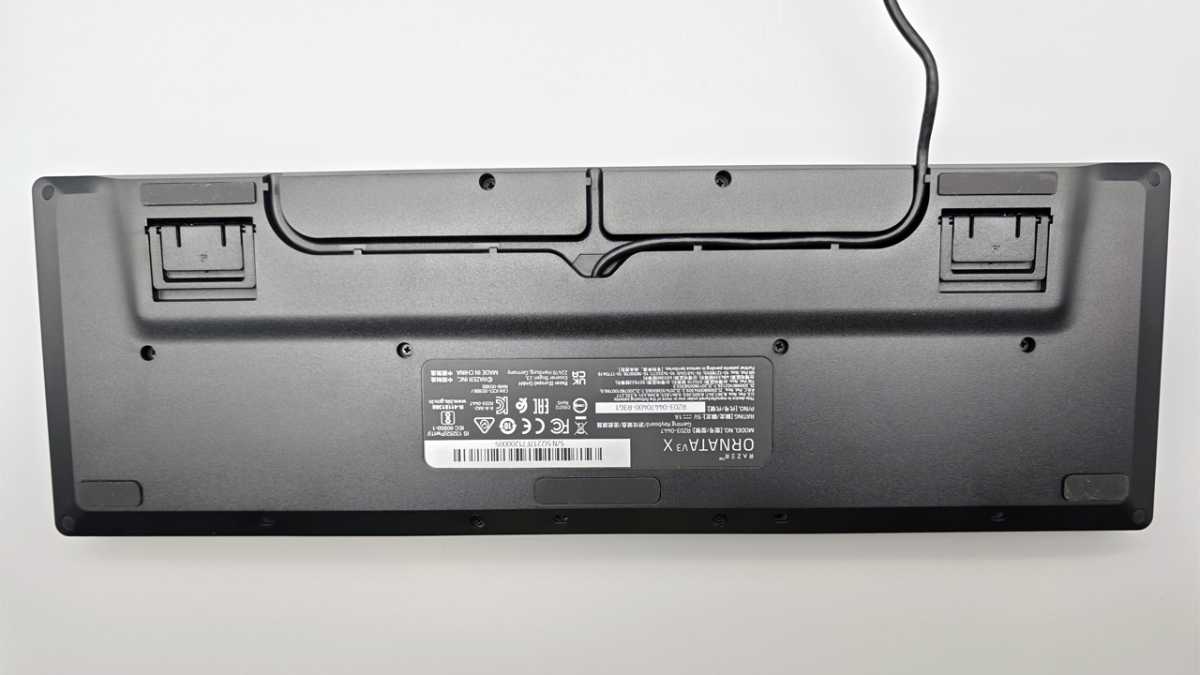
A clever detail is the integrated cable management on the underside: you can route the USB cable out of the case in the center, left or right, to avoid cable clutter in your installation.
Friedrich Stiemer
Focus on typing feel and durability
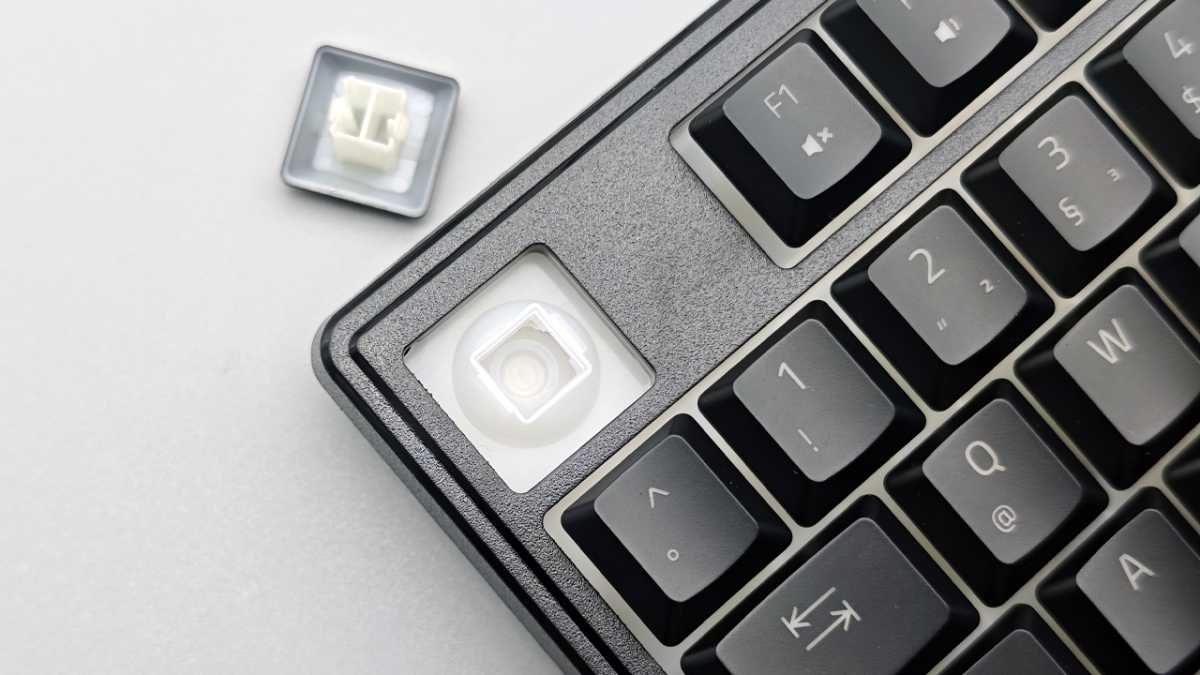
When typing, the Razer Ornata V3 X reveals its membrane nature. I find the feel quite soft, which is typical of rubber dome switches. Nevertheless, the flat keys score points for their short travel distance, which subjectively speeds up the response time.
To counteract wear, the keys are covered with a special UV coating. This is designed to prevent the keycaps from becoming shiny too quickly due to finger abrasion and grease, or letter fading – a common criticism of budget ABS keycaps.
Additionally, the gaming keyboard is designed to be spill-resistant, so small beverage-related mishaps don’t immediately result in a total technical failure.
Friedrich Stiemer
Gaming performance and ghosting issues
In practical use, the Razer Ornata V3 X offers a surprisingly agile gaming experience, facilitated mainly by its flat design. We find that “strafe” (lateral movements) in shooters seems noticeably faster, as the shorter actuation distances of the low-profile keys suggest almost lag-free typing.
Despite its membrane-based design, feedback in fast-paced FPS or MOBA titles is remarkably accurate for a budget model. A real technical highlight is the new support for “Razer Snap Tap” via the latest Synapse 4 software.
This technology allows the most recent keystroke to be prioritized when changing direction without having to release the previous key: a benefit that was previously reserved almost exclusively for expensive models like the Huntsman in-house series.
As for the famous problem of ghosting, which sparked strong criticism at launch, the situation has fundamentally changed. While early batches actually had trouble simultaneously registering combinations like “Shift+W+Q” or “A+W+E”, our testing and user reports show that Razer has mastered the problem since late 2025.
Thanks to firmware updates and adjustments to production of newer batches, critical 3-key combinations (such as pressing “Q+W+E” simultaneously) are now reliably recognized. However, it should be noted:
As a membrane keyboard, it does not offer unlimited N-key rollover due to its design. However, for the vast majority of gaming scenarios, the matrix has now been optimized to the point that you should no longer experience any hangups during everyday gaming.
Feedback in fast-paced FPS or MOBA titles is remarkably accurate for a budget model.
Friedrich Stiemer
Software integration and lighting options
Visual customization is handled through Razer Synapse software. Here you can control “Razer Chroma” RGB lighting, although the Razer Ornata V3 X only has one lighting zone.
This means that you cannot assign a different color to each key individually: the entire keyboard always lights up the same color or performs the same effect. You can choose from effects such as “Breathing”, “Static” or “Wave”.
You can also use the software to record macros and freely remap almost any key. Be careful though, the keyboard does not have internal memory. Your profiles are therefore only active when the Synapse software is running in the background.
This article was originally published on our sister publication PC-WELT and has been translated and localized from German.


