Why you should put your 3D printing “waste” back into new models


3D printing can sometimes seem pointless. Failed prints and the purging process that happens during filament swaps both create plastic waste that you might be tempted to just throw in the trash.
While there are a few great ways to use these scraps, one of the simplest is to use them to create new designs.
Why the new models might be the best option
Don’t waste, don’t want
You’d be forgiven for thinking that recycling is the best thing you can do with 3D printing waste, and in theory, you’d be right. Unfortunately, turning an old filament into a new filament is easier said than done.
While there are many companies offering recycled PLA for sale, finding one that will dispose of your old filament (like Printerior Designs) can be a challenge. The process is expensive and logistically complex, and the filament degrades each time it is heated to the point of melting.
Recycling at home seems to be the solution, but the necessary materials are expensive. You have to have a lot of waste to justify the purchase. Since “printer droppings” tend to be quite lightweight compared to tightly wound spools, you’ll need to dedicate a lot of space to storing this waste before you can use it again.
Even recycling your waste using conventional methods can be difficult. Your city’s recycling program may not accept PLA and other common filament types, or require you to physically bring them to a collection point (which not everyone can do).
Placing your waste in new patterns avoids many of these problems, although there are limitations depending on the route you choose.
Option 1: Melt and flow
Transform trash into new items

Arguably the most obvious use for old 3D printer filament, melting it and re-forming it into any shape you want continues to be a popular choice. This works great with all kinds of waste, from small amounts of purged waste that occurs during filament changes to larger failed prints that you don’t even need to chop up first.
To do this, you will need something that you can use to melt your filament. A good choice is an inexpensive used or new toaster oven, which can maintain a high enough melting temperature of around 150ºC (300ºF) to turn solid waste into molten filament.
Use a dedicated oven for this and make sure you only melt the filament in a well-ventilated space. Do not cook food in the oven after using it to melt plastic, and do not hang around to breathe in the fumes.
Silicone molds are ideal and you don’t even have to worry about separating different colors since the marbled effect can be beautiful. Other options include pressed dice, spinning tops, and even keys.
Are these the most useful or decorative objects? Probably not. Is it better than a trash bag? Certainly.
Option 2: Grind and fill
Hide trash inside other 3D prints
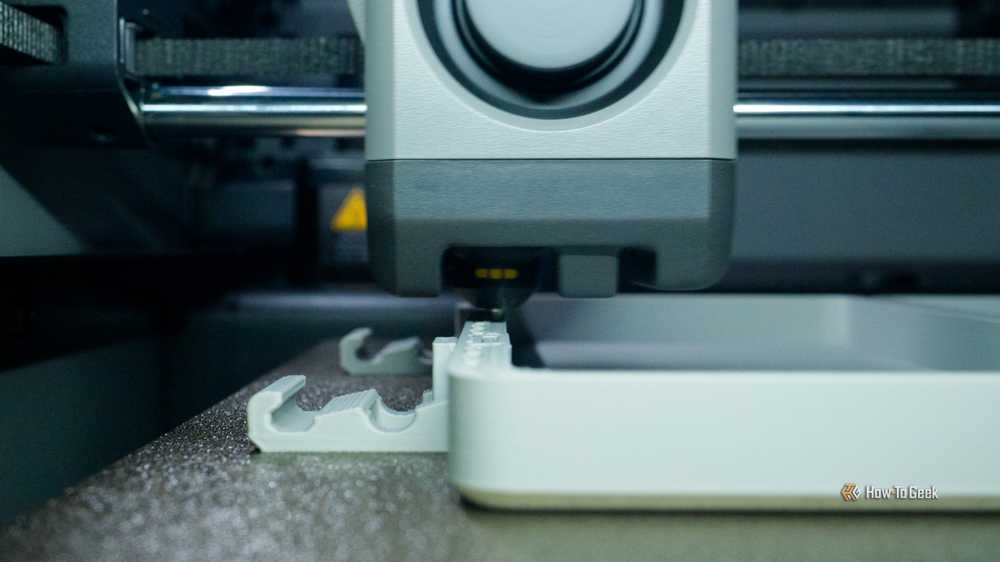
The second option is to grind your waste into smaller pellets and use them in existing hollow models. The main reason to do this is to add weight to an item while reducing the amount of fresh filament you will need to extrude as filler. For best results, you should grind your filament using a cheap blender (which you will then never use to prepare food or drinks).
This will work best with “printer poop” filament purges, as larger objects are unlikely to fit in a small blender. Some makerspaces have machines that will crush larger pieces of plastic into smaller pieces, if you’re lucky.
For this to work, you’ll need to use hollow models and set up your slicer properly. Choose a fill pattern like “grid” and a density low enough that you can fit your crushed filament into it. Finally, be sure to add a break point in your print so you can remove the build plate (but leave the model attached) and fill in your model before resuming printing and sealing everything.
Two things to note: you will not add tonne of weight, and that your model could shake due to the loose filling inside. Depending on the model, this could be an improvement.
Option 3: Embrace the poop
It’s not a waste if it’s art

The last option is to create new templates that “showcase” your printer waste. Upcycling your “printer poop” means embracing its shapeless nature and all the rainbow of colors you have available.
My favorite model that uses waste in this form is the Filament Purge Shadow Box by Catherine Doucet. This model includes swappable faceplates to completely change the look, with the option to create your own. Similar designs include the Poop Atlas and the Filament Purge Clock, which deliberately separate purge waste to maintain a color palette.
For simpler designs, try creating Christmas decorations or cat toys. Another option is to use your filament waste in a 3D printed maraca.
Try to minimize printer waste
Waste is an unfortunate reality of 3D printing, and minimizing it means less cleanup and more money saved. To do this, remember to avoid multi-colored prints as much as possible, prepare your print bed properly to avoid print failures, dry your filament, and stay on top of printer maintenance.


