For most of the time I’ve been using Windows, voice dictation has been pretty fairly clunky. It worked as an accessibility feature or an interesting experiment, but it made for a difficult replacement compared to a mouse and keyboard. However, with the rise of AI, that has changed significantly.
It is increasingly a useful tool for anyone in almost any situation. The big question I’ve been asking myself is: “Do I need to actually pay for voice typing, or is Windows good enough by itself?” This is what I found when I put Windows against a premium app.
Windows 11 voice typing is pretty good
Windows voice typing is great for quick notes
I decided to try and draft an article with the built-in voice typing in Windows 11. After a few hundred words down, I had some surprisingly positive impressions.
If you need to handle quick notes, messages, or rough drafts, Windows 11 Voice Typing is more than capable. You don’t have to deal with another account, a heavy background process eating resources, or a monthly bill. The biggest draw is the simplicity; you just press the shortcut (Windows+H) say what you want, and do a bit of cleanup afterward.
The accuracy isn’t perfect, but I’ve found it’s good enough that an occasional correction doesn’t ruin the flow. It handles normal speech well and provides usable punctuation across browsers, chat apps, and Joplin, which is what I use to write and take notes.

- Pattern
-
Unidirectional
- Connector
-
USB
The Amazon Basics USB Condenser Microphone delivers clear, low-noise sound thanks to its cardioid pickup pattern and large 14mm diaphragm. It features a 360° adjustable stand and a one-tap mute button.
I just needed good enough
I don’t use dictation to try and replace my keyboard or to write entire articles from start to finish—for that, I’m still more proficient with a mouse and keyboard. Instead, I use it to capture an idea—rambling and all—the moment it occurs to me, so I don’t have to bother typing it out.
I don’t need a sophisticated AI layer to rework my rambling thoughts into something publish-worthy. I just need a fast way to get the thought out of my head before it disappears. The text will need to be cleaned up later, but that is completely fine.
The built-in option doesn’t have to be the most advanced tool on the market with all the bells and whistles—it just has to be convenient, reasonably reliable, and easy to access.

If you need to do more sophisticated editing using your voice on Windows with the default options, Windows Voice Access is much more capable than basic Voice Typing. Voice Access allows you to interact with the user interface, edit, delete, and rework text. If I were trying to edit an article from start to finish using only my voice, I’d definitely be able to do it.
Wispr Flow is a premium app for power users
Of course, Windows Voice Access isn’t a premium app, and that shows when you use it side by side with something like Wispr Flow.
Premium apps are much better at turning rambling speech into polished writing. In the times I rambled at Wispr Flow, it was able to automatically rework that rambling into something coherent. If you use voice dictation constantly or want AI rewriting built directly into the workflow, an app like Wispr Flow is absolutely worth the cost.

I tried 7 voice typing apps on Windows, and Speechify stood out for an important reason
Stop correcting the same typos, here is why Speechify’s learning engine beats every other Windows dictation app.
The premium features would be especially important if your daily work involved long-form writing.
There is a privacy tradeoff
Microsoft already has my data
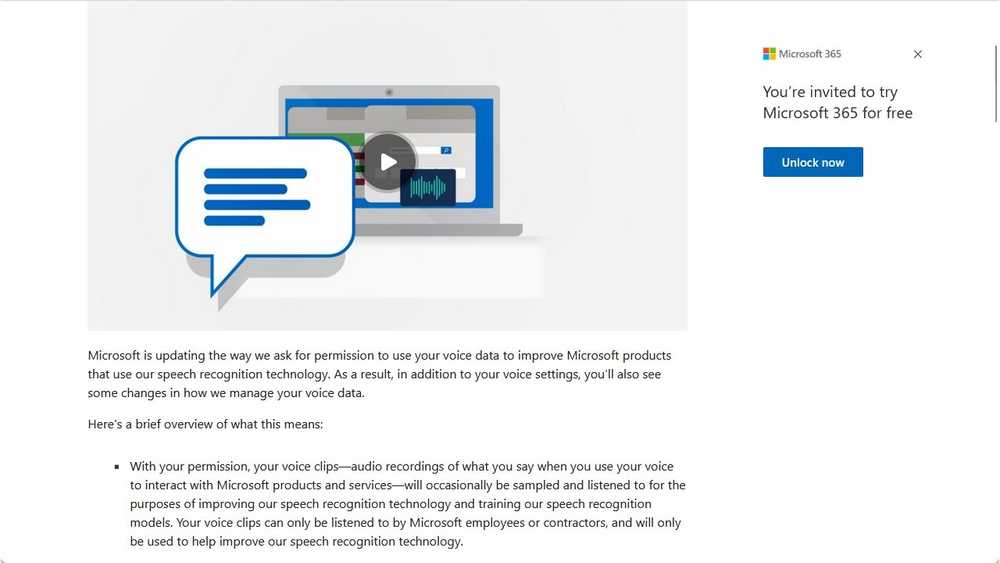
Regardless of which service you use, you may have to accept a privacy tradeoff with any dictation tool because your voice input has to be processed somewhere. Sometimes that is local-only, if your PC is powerful enough; often times, it is on the cloud. That privacy concern exists with Microsoft, Wispr Flow, or any other third-party program.
If you’re going to use these tools, you should check the privacy policies to decide which level of data sharing you’re comfortable with.
In my case, I’m already a Windows 11 user and I have a Microsoft account associated with a dozen other services. In practical terms, Microsoft is already a huge part of my digital life, and they already have access to a ton of data about me.
Adding another premium service wouldn’t solve the privacy consideration at all, it just spreads my data across one more company. That is one more database to leak my personal details, and one more place where my credit card could be compromised.
That doesn’t mean the Windows version is automatically “better” for privacy, but it is something to consider if you’re privacy-conscious.
Simple is good enough for me
For my own needs, however, Windows 11 voice typing was “good enough.” It doesn’t make the premium apps irrelevant, but it does make them feel unnecessary. I started out looking for the best possible experience, but I quickly found that it wasn’t really necessary. Windows’s native tools give me all the speed and reliability without an extra subscription.