FBI warns of North Korean QR code quishing attacks targeting users


NEWYou can now listen to Fox News articles!
The Federal Bureau of Investigation has issued a warning about a growing cyber threat that is turning everyday QR codes into spying tools.
A North Korean government-sponsored hacking group is using a tactic known as quishing to target people in the United States, according to the bureau.
The goal is simple. Trick you into scanning a QR code that sends you to a malicious website. From there, attackers can steal login credentials, install malware, or discreetly collect device data.
Sign up for my FREE CyberGuy Report
Get my best tech tips, urgent security alerts and exclusive offers straight to your inbox. Plus, you’ll get instant access to my Ultimate Scam Survival Guide – free when you join my CYBERGUY.COM bulletin.
WHATSAPP WEB MALWARE AUTOMATICALLY SPREAD BANKING TROJAN
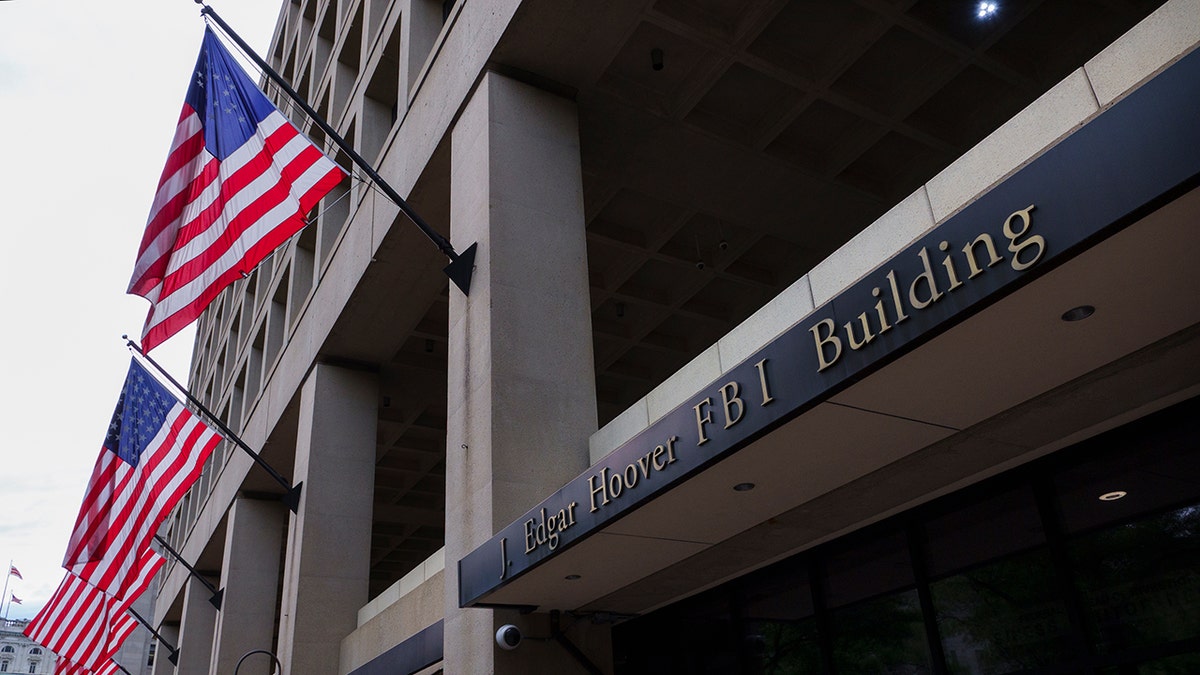
The FBI is warning Americans about a growing cyber threat that uses QR codes to steal data and spy on victims, linking the attacks to a North Korean hacking group. (Photo by Kevin Carter/Getty Images)
What is quishing and why it works
Quishing is short for QR code phishing. Instead of clicking on a suspicious link in an email, the victim scans a QR code that hides the real destination. QR codes themselves are harmless. The danger lies in the link they contain. Once scanned, the link may redirect users to fake login pages, malware downloads or tracking sites. Because QR codes seem familiar and quick, many people scan them without thinking twice. That split second of confidence is exactly what attackers rely on.
Who is behind the attacks
The FBI says this activity is linked to a hacking group known as Kimsuky. The group has operated for years as a cyberespionage arm for North Korea. What is new is the delivery method. According to the FBI, attacks based on QR codes began in May 2025. In one example, attackers posed as a foreign policy advisor and emailed the leader of a think tank a QR code linked to a fake questionnaire. The code analysis sent the victim to a malicious site designed to harvest information.
What happens after scanning the QR code
Once a victim lands on one of these sites, several things can happen. Some pages invite users to download files containing malware. Others mimic mobile login portals for popular services like Okta, Microsoft 365, or VPN services. Even if no form is filled out, the site can still collect device details. This includes IP address, operating system, browser type and approximate location. Over time, this data helps attackers create intelligence profiles about their targets.
Why QR code phishing attacks are highly targeted
The FBI describes these campaigns as spear phishing rather than mass spam. This means that emails are designed for specific people. The linguistic context and sender details are tailored to appear relevant and credible. When an email feels personal, people are more likely to trust it. This is why these attacks are particularly dangerous for professionals, researchers, managers and anyone working in politics or technology.
Why QR code phishing threats are increasing
QR codes are now everywhere. Restaurants, parking meters, event tickets, and advertisements all depend on it. As their use increases, so do the opportunities for abuse. Attackers know that people are conditioned to scan without hesitation. This makes caution more important than ever.
How to protect yourself from QR code phishing
The FBI says one of the best defenses against quishing is to slow down. QR codes remove the visual cues that people rely on, so a few extra checks can make a big difference.
1) Be careful with unexpected QR codes
Treat QR codes like links in emails. If you weren’t expecting it, don’t scan it. QR codes sent via email, SMS, or messaging apps are a common entry point for neutralizing attacks. Criminals rely on curiosity and urgency to get you to scan without thinking.
2) Check the source before scanning
Always confirm who sent the QR code. If a message claims to be from a colleague, vendor, or organization, contact them through a separate channel before scanning it. A quick call or direct message can stop a phishing attempt cold.
INCREASE IN SCAMS IN JANUARY: WHY FRAUD INCREASED AT THE BEGINNING OF THE YEAR
Federal investigators say hackers are using “quishing,” or QR code phishing, to lure victims to malicious websites that steal device credentials and data. (Jens Schlüter/Getty Images)
3) Never enter your credentials after scanning a QR code
QR code phishing often leads to fake mobile login pages. Attackers imitate login screens for emails, VPNs and cloud services to steal usernames and passwords. If a QR code takes you to a login page, close it and visit the site manually.
4) Inspect the Website URL Carefully
Once a QR code opens a page, check the address bar. Look for spelling mistakes, extra words, or unknown domain extensions. A strange URL is often the only warning sign that the site is malicious.
5) Use powerful antivirus software for QR-based threats
Powerful antivirus software adds an extra layer of protection against overwriting. Security tools can block known phishing sites, stop malicious downloads, and warn you before harmful pages load. This is especially important on mobile devices, where QR codes are most often scanned.
The best way to protect yourself from malicious links that install malware, potentially accessing your private information, is to install powerful antivirus software on all your devices. This protection can also alert you to phishing emails and ransomware scams, protecting your personal information and digital assets.
Get my picks for the best Antivirus protection 2026 winners for your Windows, Mac, Android and iOS devices on Cyberguy.com.
6) Use a data deletion service to limit exposure
Some quishing sites collect device and location data even if you do nothing. A data deletion service helps reduce the amount of personal information publicly available online. This makes it harder for attackers to target you with convincing spear phishing emails containing QR codes.
Although no service can guarantee the complete removal of your data from the Internet, a data deletion service is definitely a wise choice. They’re not cheap, and neither is your privacy. These services do all the work for you by actively monitoring and systematically deleting your personal information across hundreds of websites. This is what gives me peace of mind and has proven to be the most effective way to erase your personal data from the Internet. By limiting the information available, you reduce the risk of fraudsters cross-referencing data from breaches with information they might find on the dark web, making it harder for them to target you.
Check out my top picks for data deletion services and get a free analysis to find out if your personal information is already available on the web by visiting Cyberguy.com.
Get a free analysis to find out if your personal information is already available on the web: Cyberguy.com.
7) Avoid QR Code Downloads Completely
Do not download files from QR code links unless you are absolutely sure they are safe. Malware distributed via QR codes can quietly install spyware or remote access tools without obvious warning signs.
INSTAGRAM PASSWORD RESET SURGE: PROTECT YOUR ACCOUNT
A North Korea-linked cyber group is targeting U.S. professionals by embedding harmful links in seemingly innocuous QR codes, according to the FBI. (Jaap Arriens/NurPhoto via Getty Images)
Kurt’s Key Takeaways
QR codes are convenient, but convenience can lower defenses. As this FBI warning shows, attackers are evolving and using familiar tools in dangerous ways. A moment of verification can prevent weeks or months of damage.
When was the last time you stopped to query a QR code before scanning it? Let us know by writing to us at Cyberguy.com.
CLICK HERE TO DOWNLOAD THE FOX NEWS APP
Sign up for my FREE CyberGuy Report
Get my best tech tips, urgent security alerts and exclusive offers straight to your inbox. Plus, you’ll get instant access to my Ultimate Scam Survival Guide – free when you join my CYBERGUY.COM bulletin.
Copyright 2026 CyberGuy.com. All rights reserved.


